
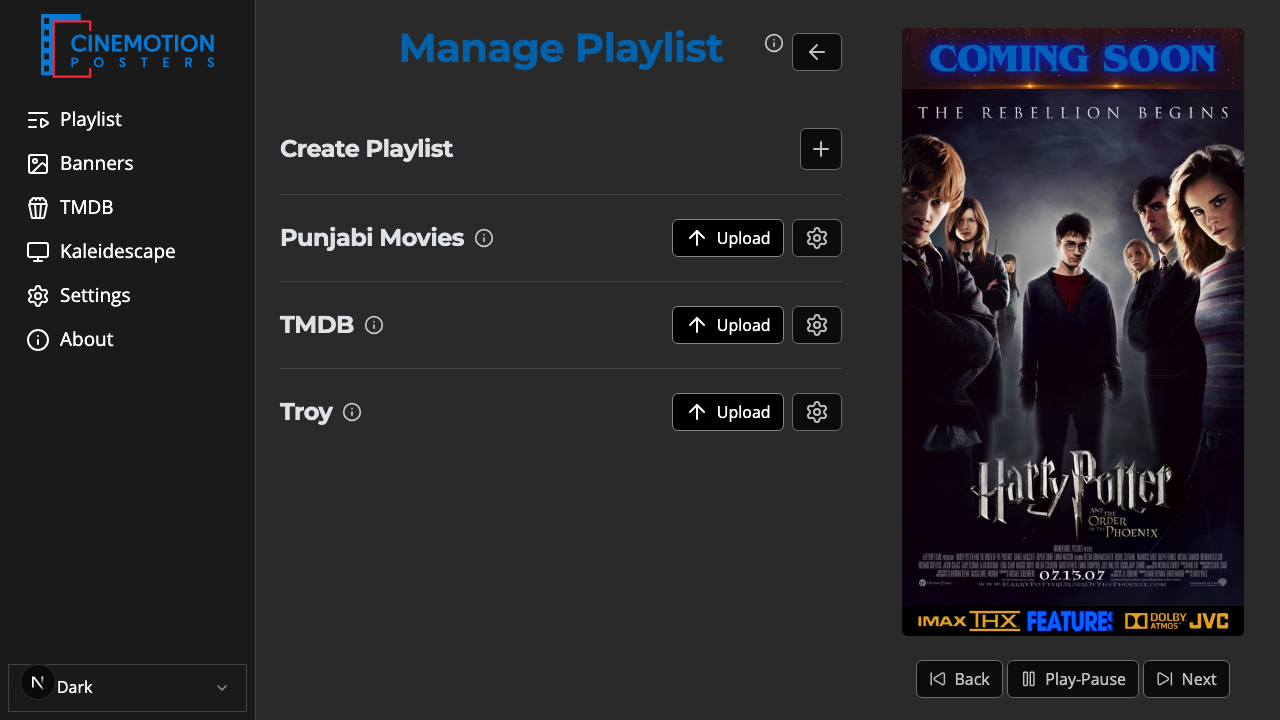
Appearance
Upload Posters
Add still or motion posters to a playlist from your phone or computer.
Quick use
Open Manage Playlist from the menu.
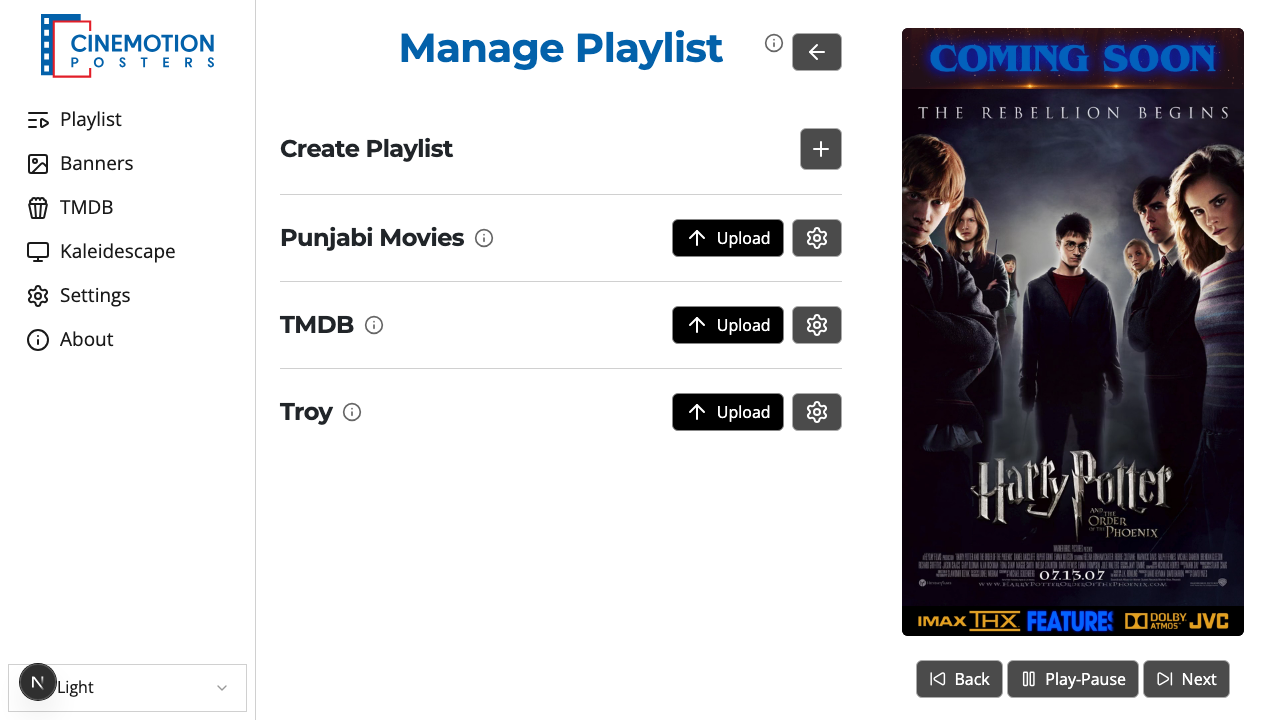
Find the playlist you want to add to.
Click on the upload button next to it.
Choose the poster files from your device.
Within a few seconds they are added to the playlist.
You can select and add many posters at once, on a computer or a phone.
TIP
Supported formats are PNG, JPG, JPEG, GIF, SVG, and MP4. Aim for 2:3 if you use banners, or 9:16 if you don't.
Related
- Manage Playlist — create and manage playlists