
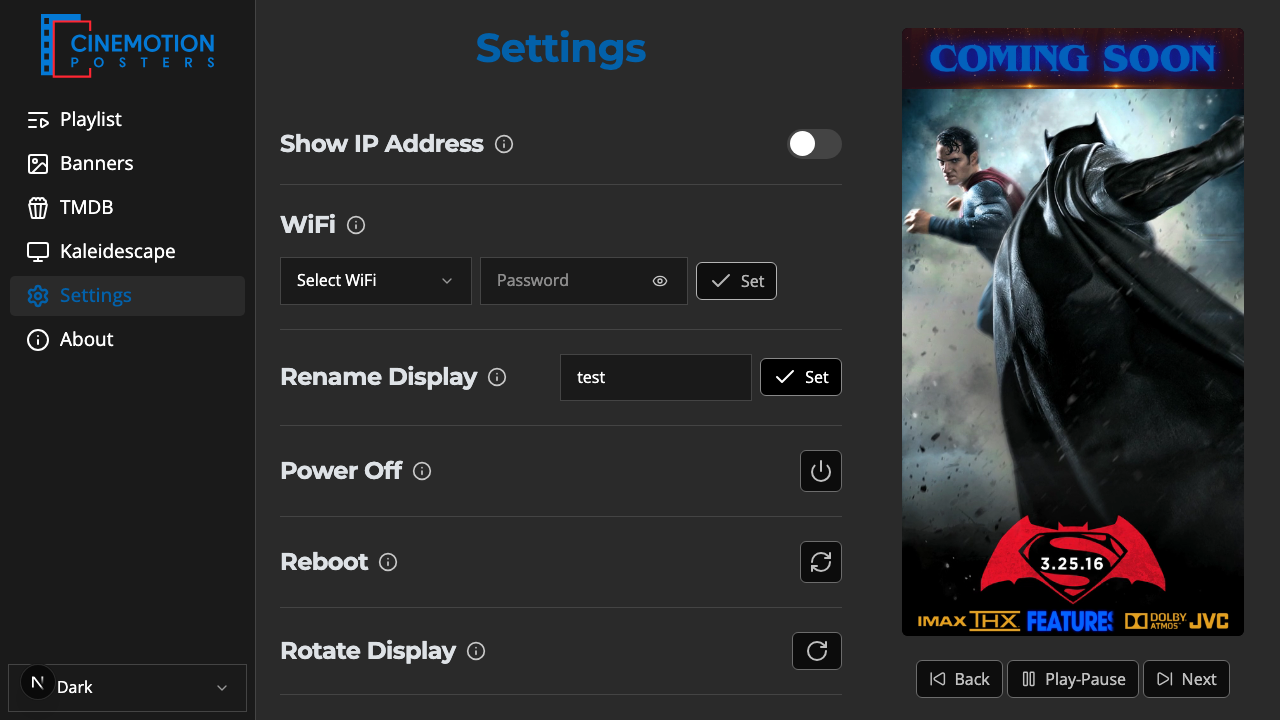
Appearance
Rename Display
Gives the player a name so you can tell it apart — useful when you have more than one, and so you can open it as name.local in a browser.
Quick use
Open Settings from the menu.
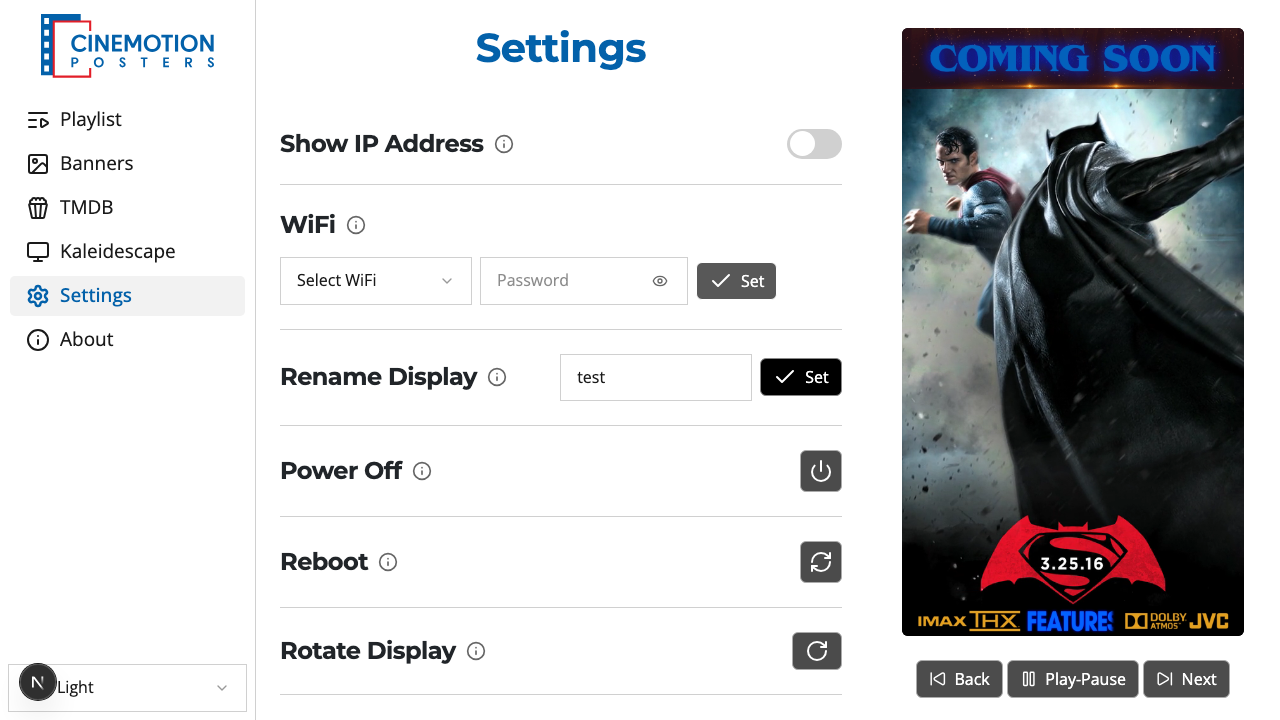
Find the Rename Display row.


Type a name in the field — for example Poster Left or Poster Right if you have two players.
Click on the

 button.
The player takes the new name. It shows up under that name in your router's device list, and you can reach it in a browser as name.local.
Related
- Wi-Fi — connect the player to a wireless network