
Appearance
Download Posters
After a search, pick the posters you want and add them to the playlist you chose.
Quick use
Open TMDB from the menu.
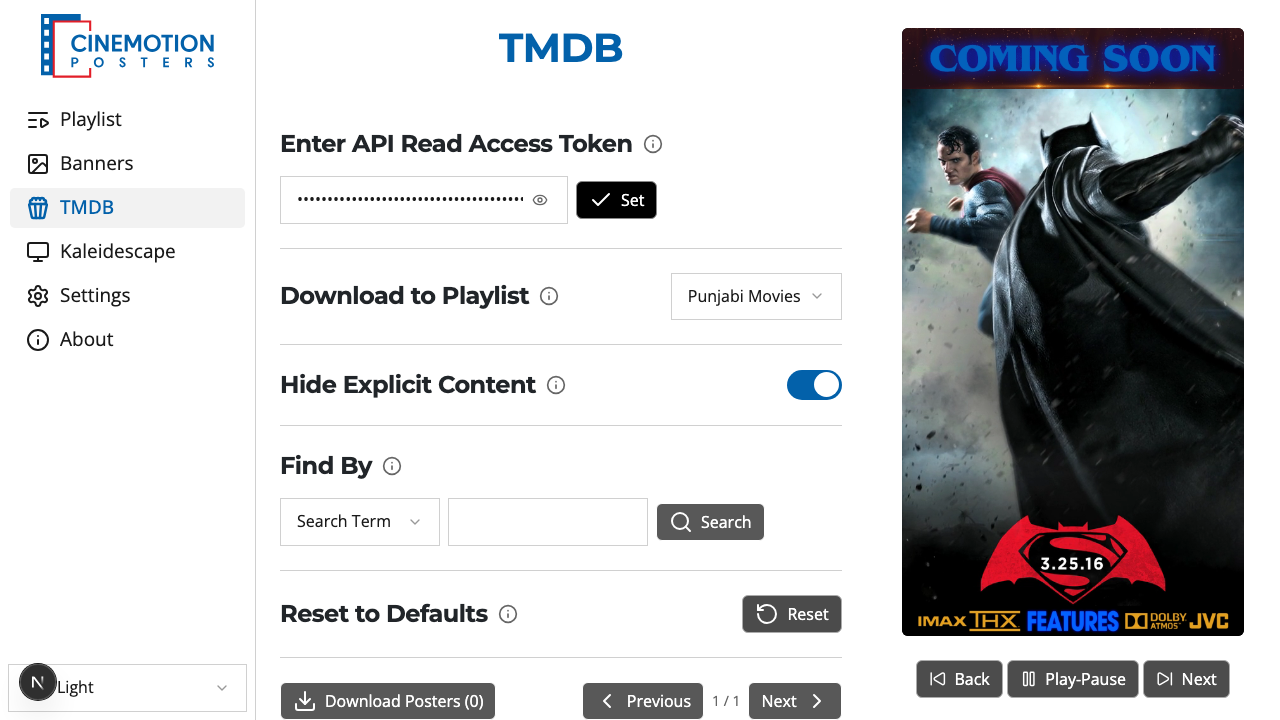
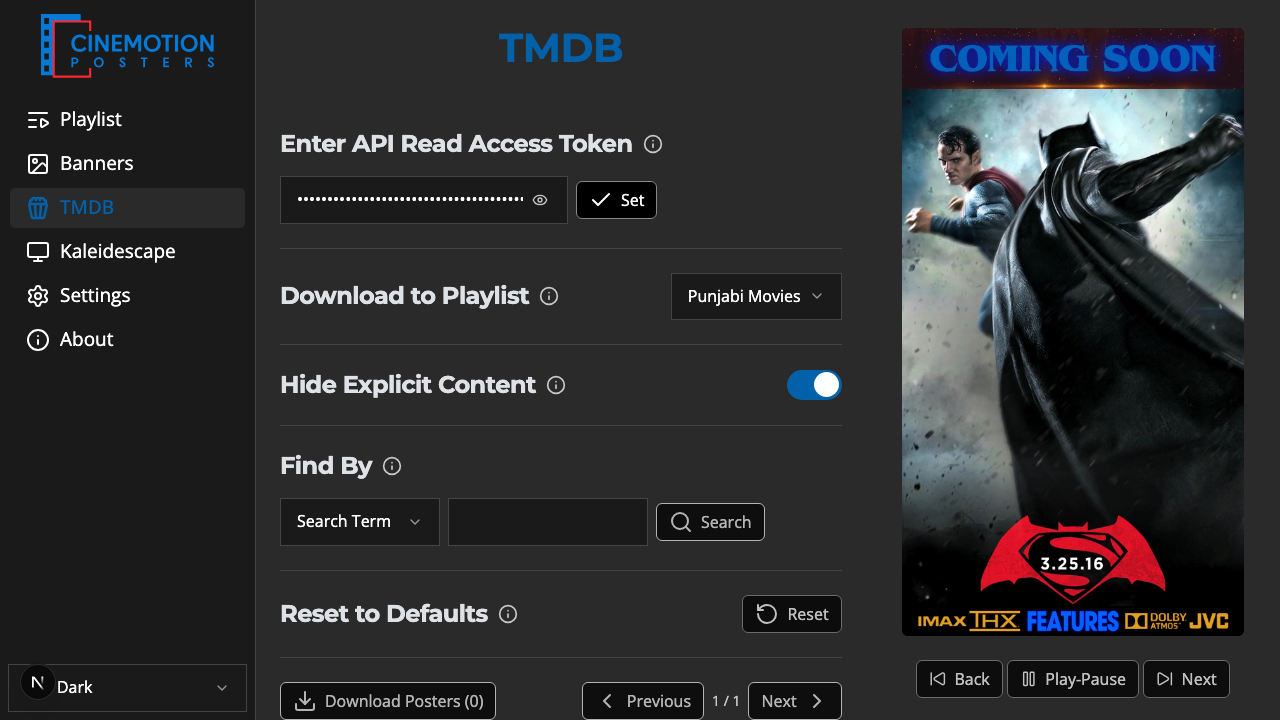
After you search, the matching posters appear below.
Click each poster you want — selected ones are highlighted.
Click Save Posters. The number in parentheses shows how many you have selected.
Within a few seconds the selected posters are added to the playlist.
TIP
Choose a playlist and run a search first. The download button stays inactive until a playlist is chosen and at least one poster is selected.
Related
- Find By — search by term, genre, or upcoming
- Add to Playlist — choose where posters go