
Appearance
Hide Explicit Content
Controls whether TMDB search leaves out explicit titles. On (default) excludes them; off allows them.
Quick use
Open TMDB from the menu.
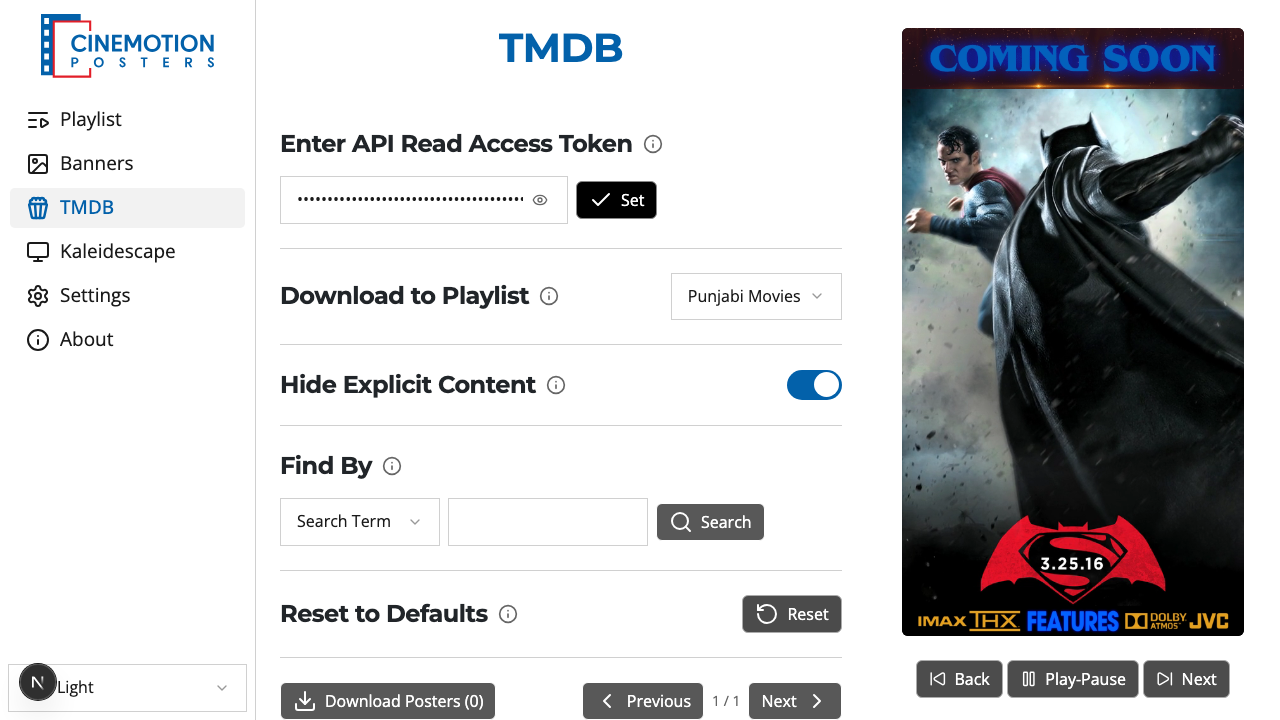
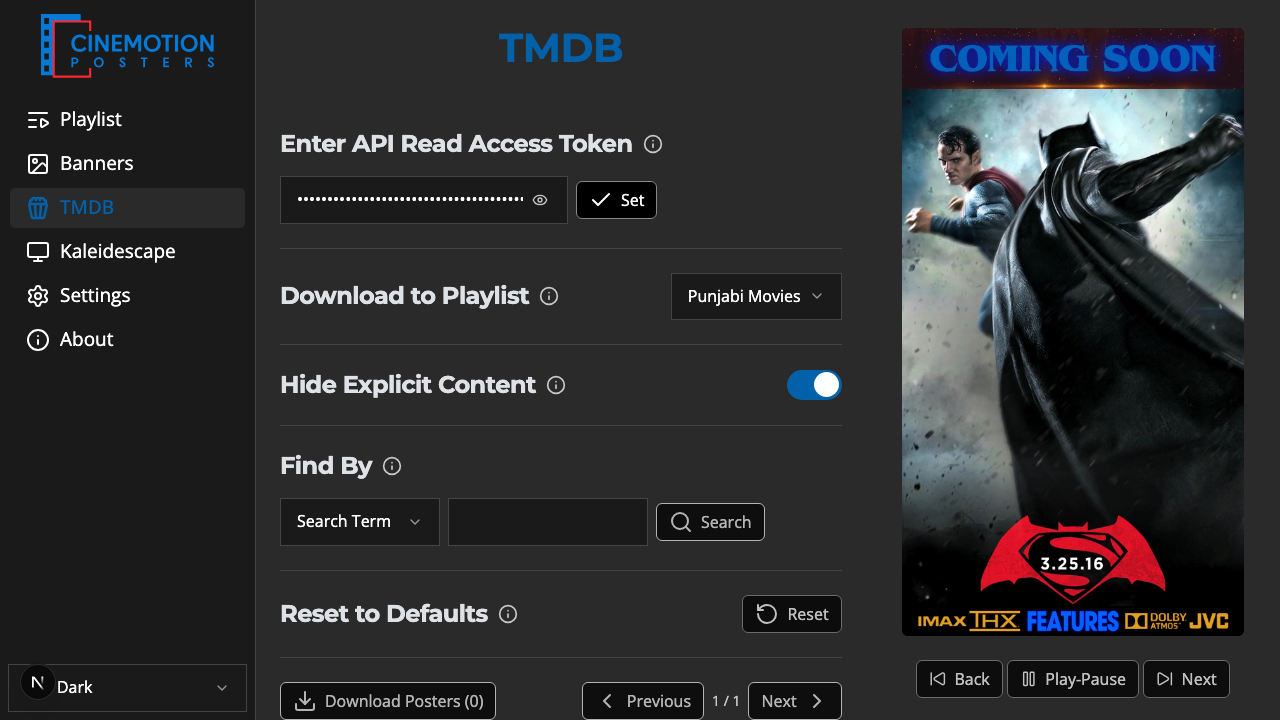
Find the Hide Explicit Content row.


Toggle the switch on or off. A confirmation message should appear instantly.
TIP
You need a Read Access Token saved first, or search will not work. This setting is separate from the Kaleidescape Bing filter.
Related
- Find By — search for posters
- Download Posters — save selected posters
- API Read Access Token — set up TMDB access