
Appearance
Time Format
Chooses how the clock on the Settings page is written — 24-hour or AM/PM. Display only; it does not change the player's actual time.
Quick use
Open Settings from the menu.
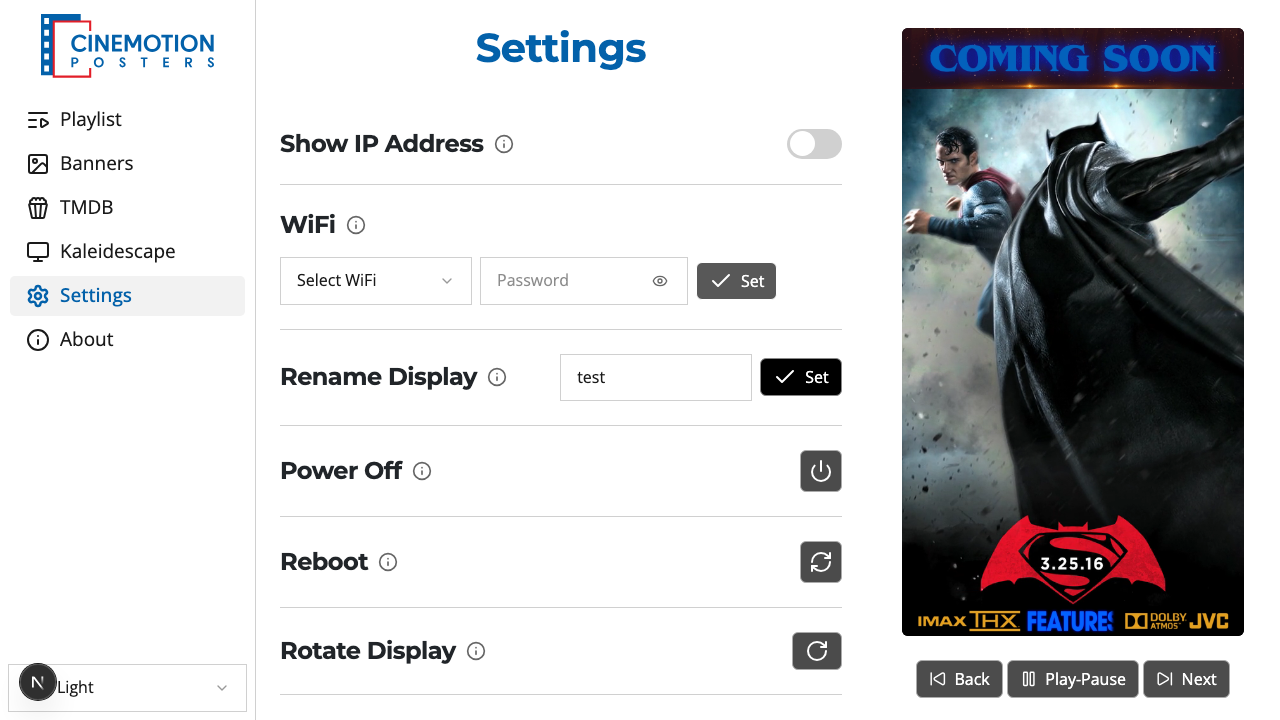
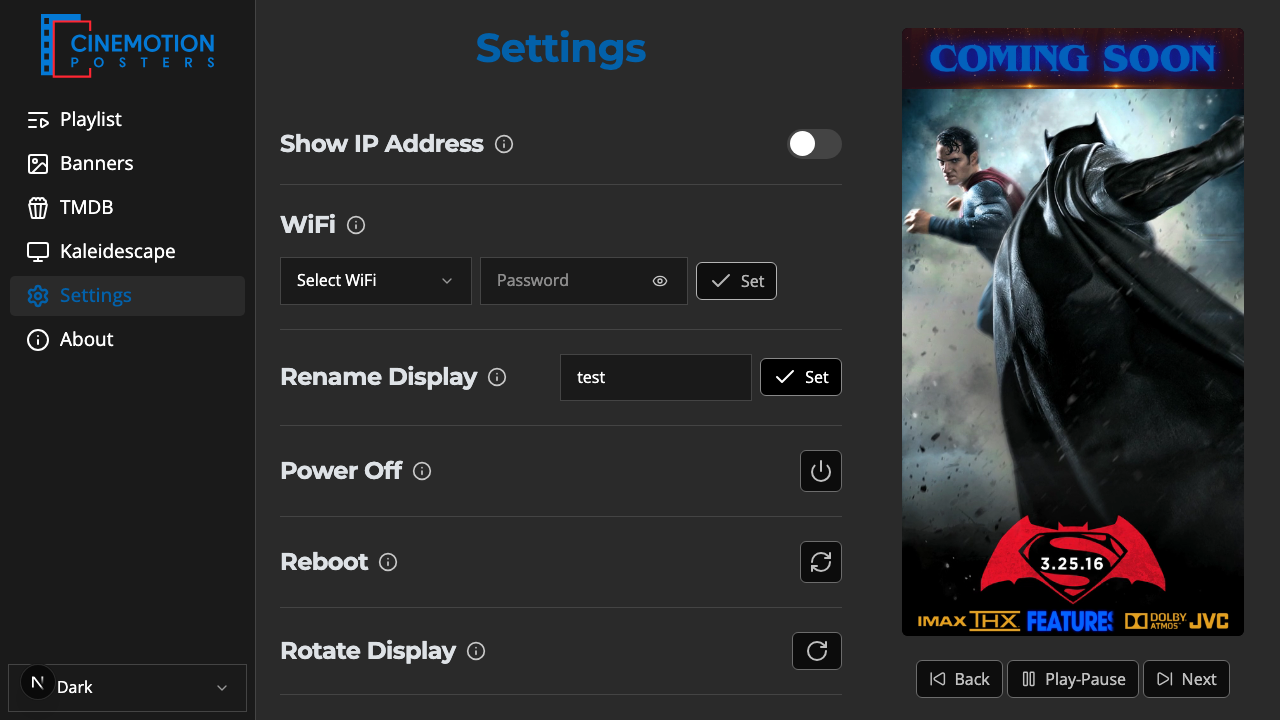
Find the Time Format row.


Tap 24-hour or AM / PM.
The clock on this page should switch to the format you chose instantly.
Related
- System Time — the player's live clock
- Set System Timezone — pick your local zone