
Appearance
Manage Playlist
Create playlists and add posters to them — the place you build what the player shows.
Create Playlist
Open Playlist, then choose the Manage Playlist row.
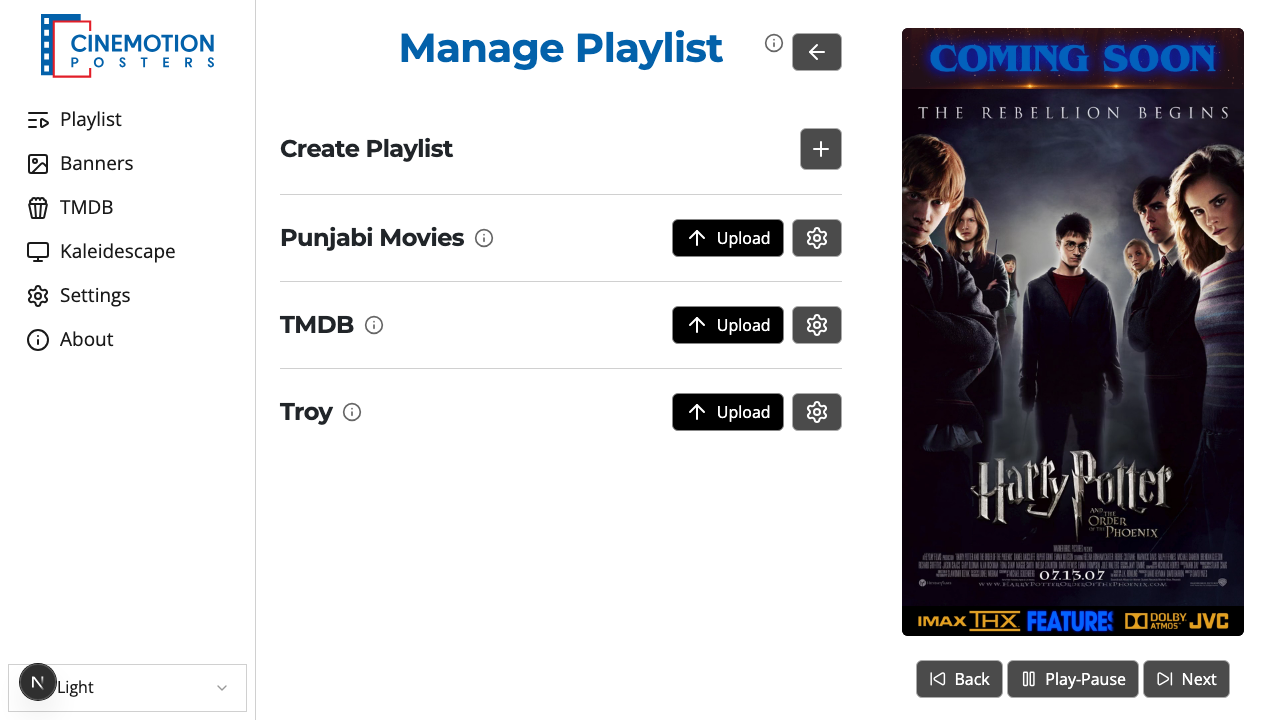
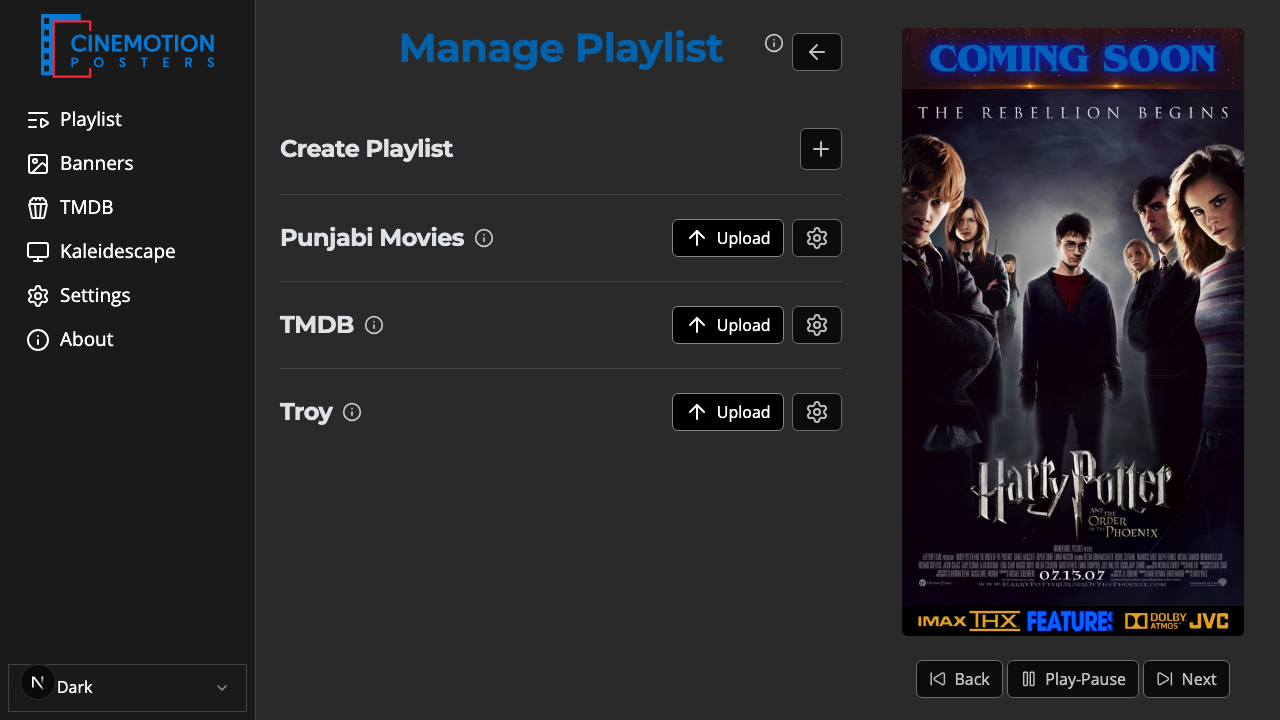
Find the Create Playlist row.


Click on the

 button.
Enter a name for the playlist.
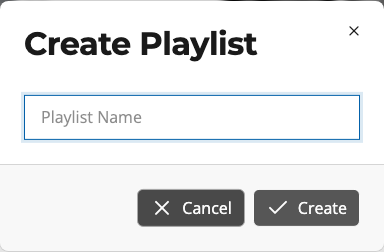
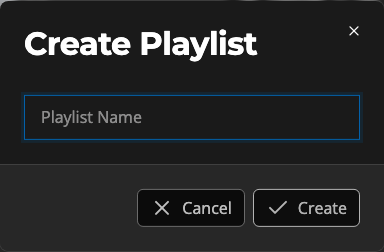
Choose Create.
The new playlist should appear in the list instantly.
Manage Playlist
Preview, rename, or delete posters in a playlist — or rename or delete the playlist itself.
Open Playlist, then choose the Manage Playlist row.
Find the playlist you want to manage.
Click on the gear button next to it.
The manage page opens.
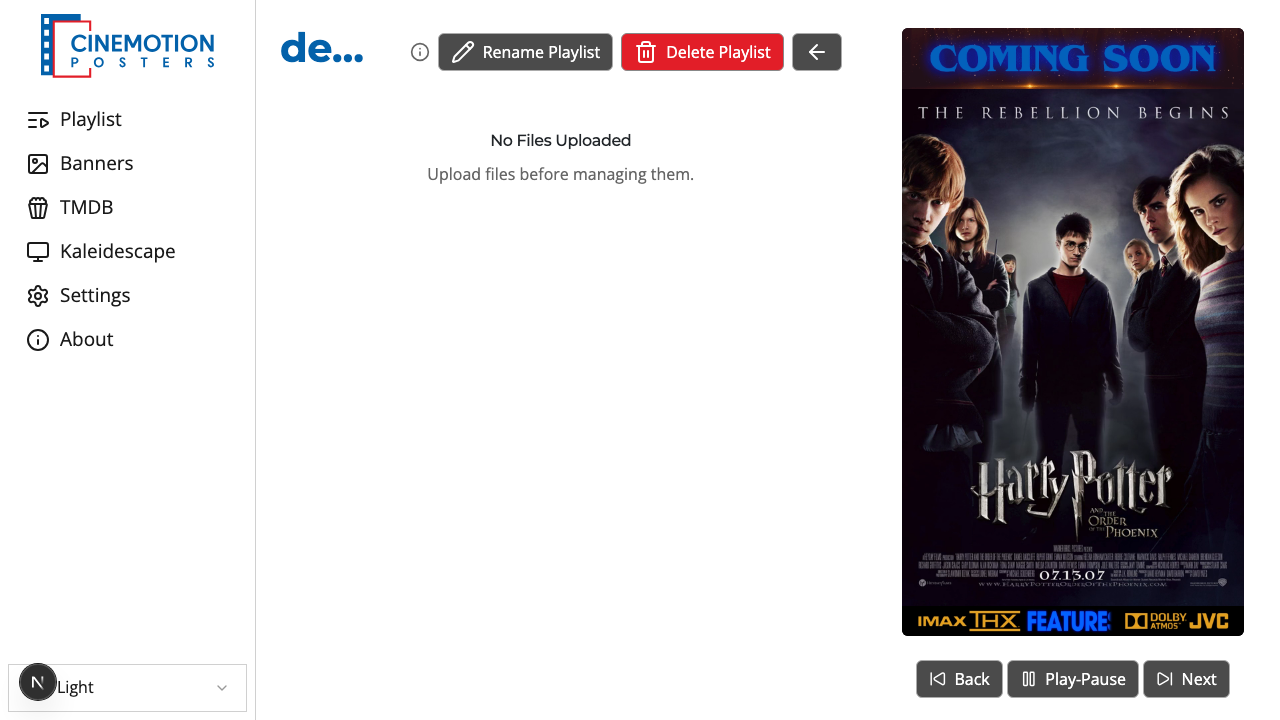
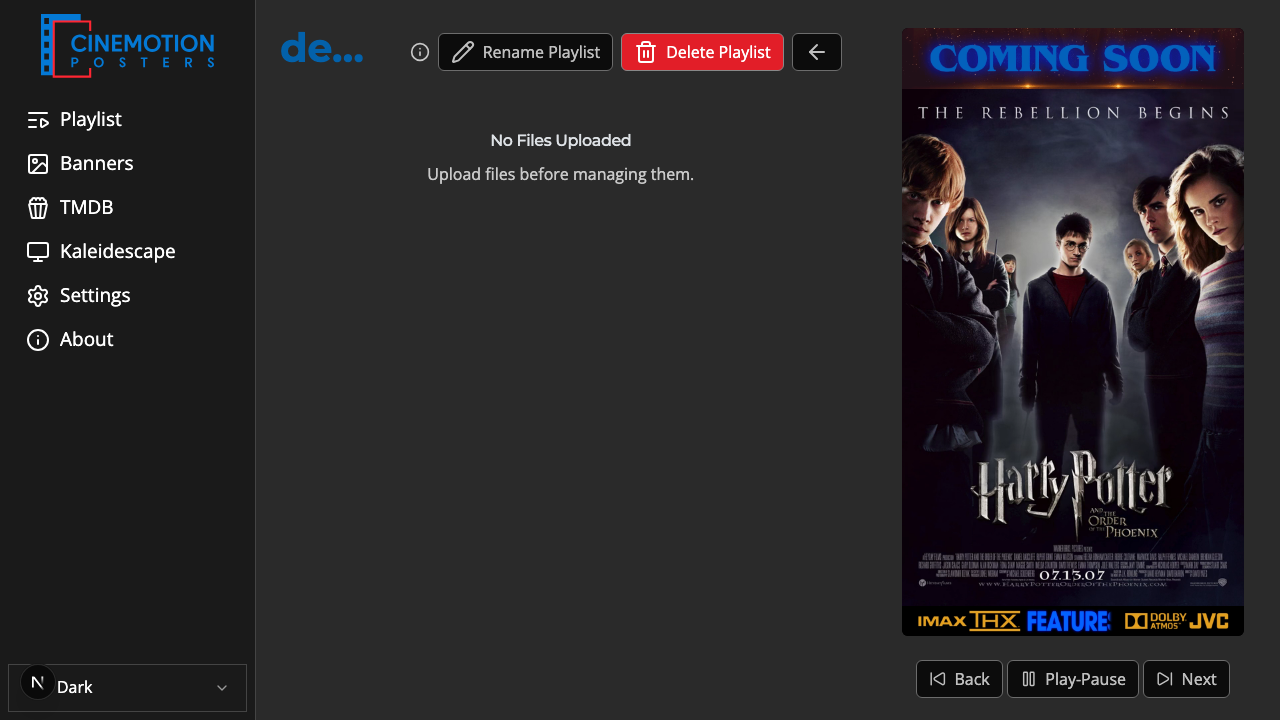
From here you can tap a poster name to preview it, Rename or Delete a poster, or use Rename Playlist / Delete Playlist at the top.
TIP
Renaming a poster keeps its file type ending (such as .jpg or .mp4) — only the name changes.
Use the back arrow at the top to return to Manage Playlist when you're done.
Related
- Upload Posters — add posters to a playlist