
Appearance
Manage Banners
Opens a list of your uploaded top or bottom banners so you can preview, rename, or delete them.
Quick use
Open Banners from the menu.
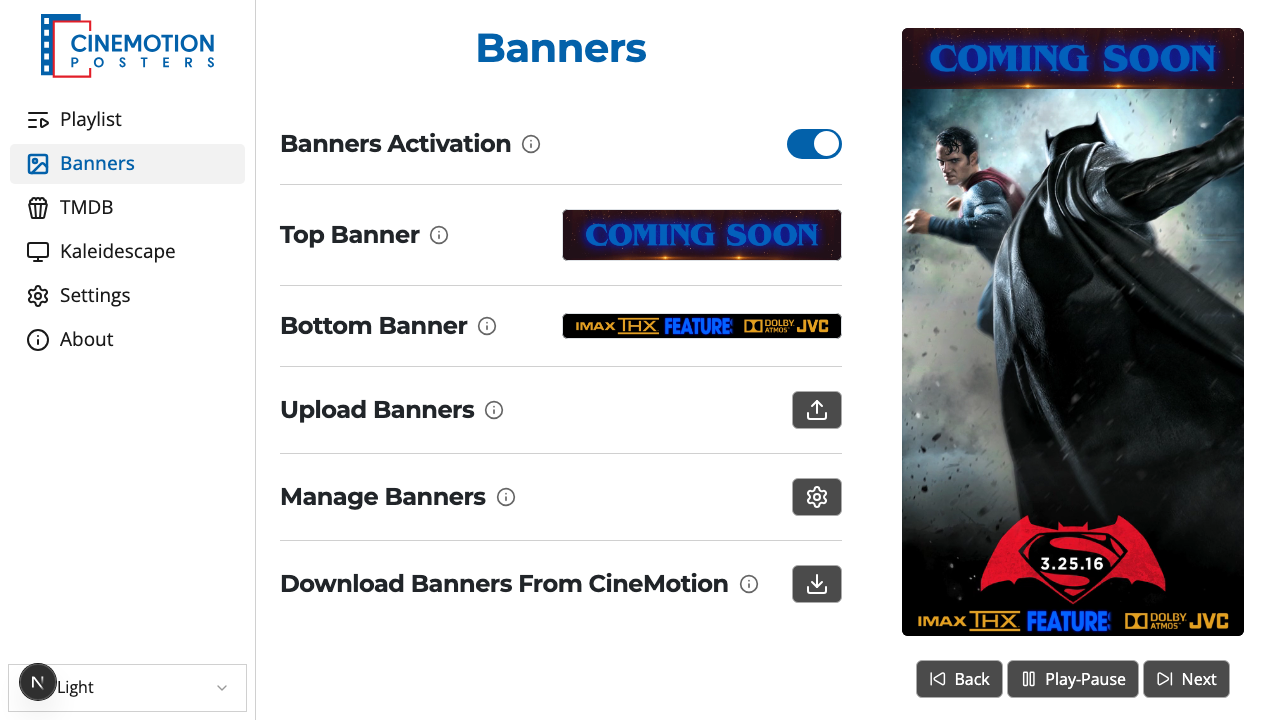
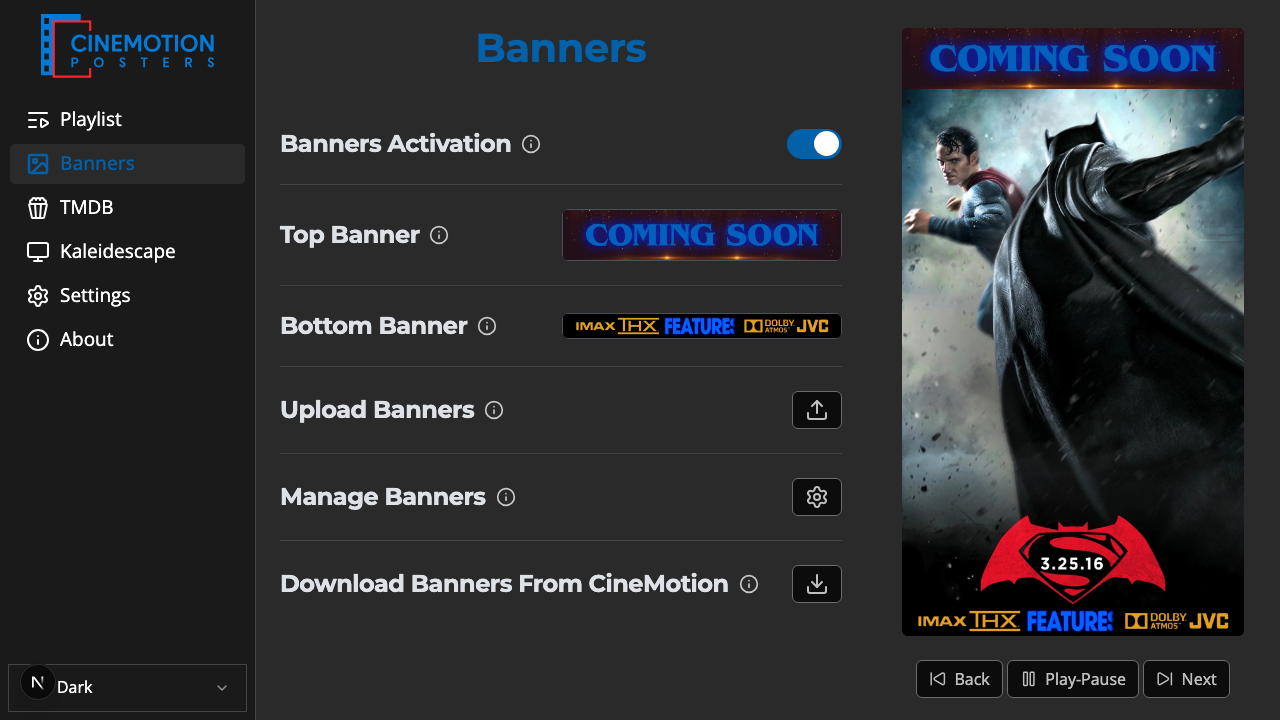
Find the Manage Banners row.


Click on the

 button.
Choose Manage Top Banners or Manage Bottom Banners.
A page lists those banners with a preview of each.
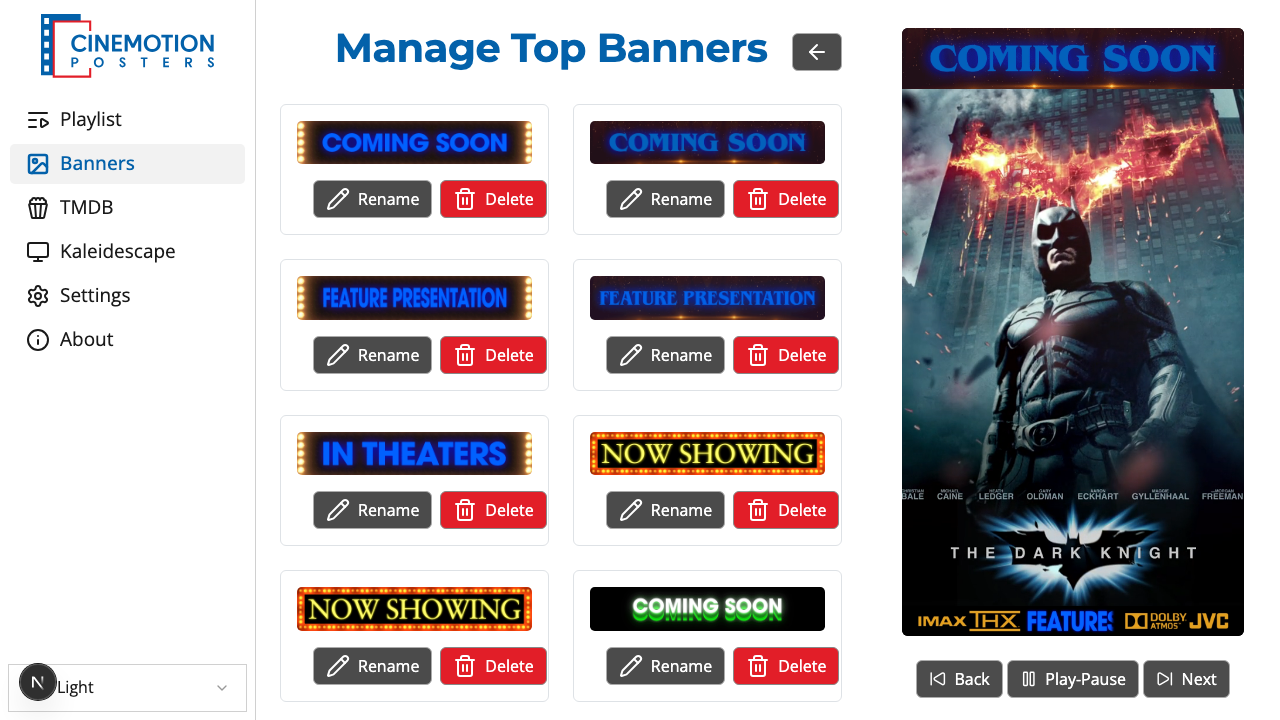
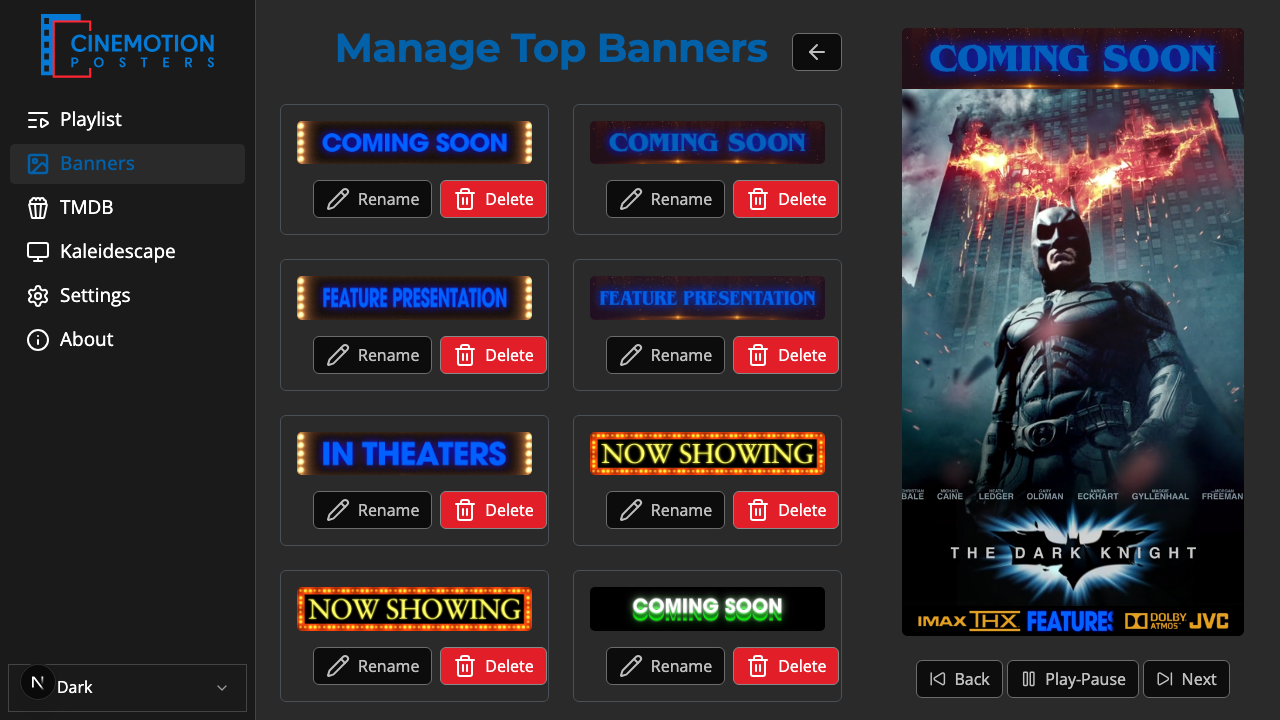
To rename one, click Rename, type a new name, then choose Rename again — or Cancel to leave it.
To remove one, click Delete. A prompt asks you to confirm. Choose Delete to remove it, or Cancel to keep it.
TIP
Renaming keeps the file extension. You only change the name in front of it.
Use the back arrow at the top to return to Banners when you are done.
Related
- Top & Bottom Banners — choose which banners show during playback
- Add Banners — get banners from CineMotion