
Appearance
Hide Explicit Content
This switch controls whether adult poster results are left out of a library scan. On (default) excludes them; off allows them.
Quick use
Open Kaleidescape from the menu.
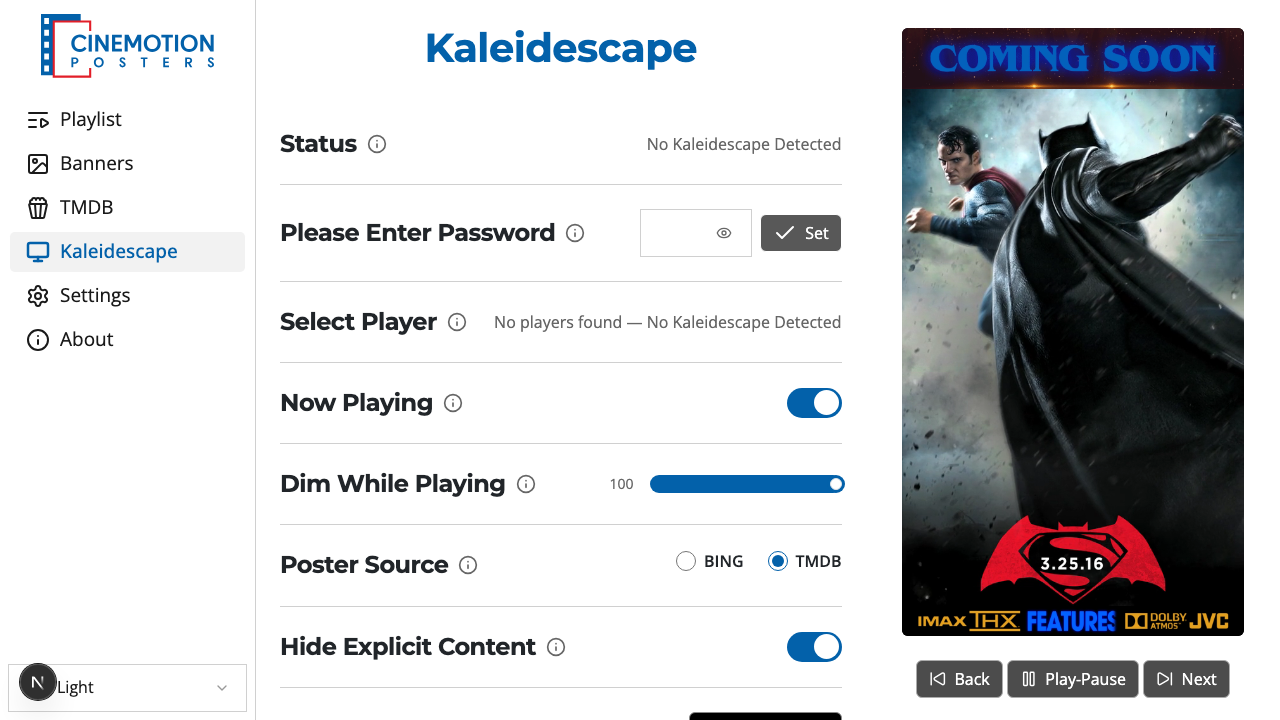
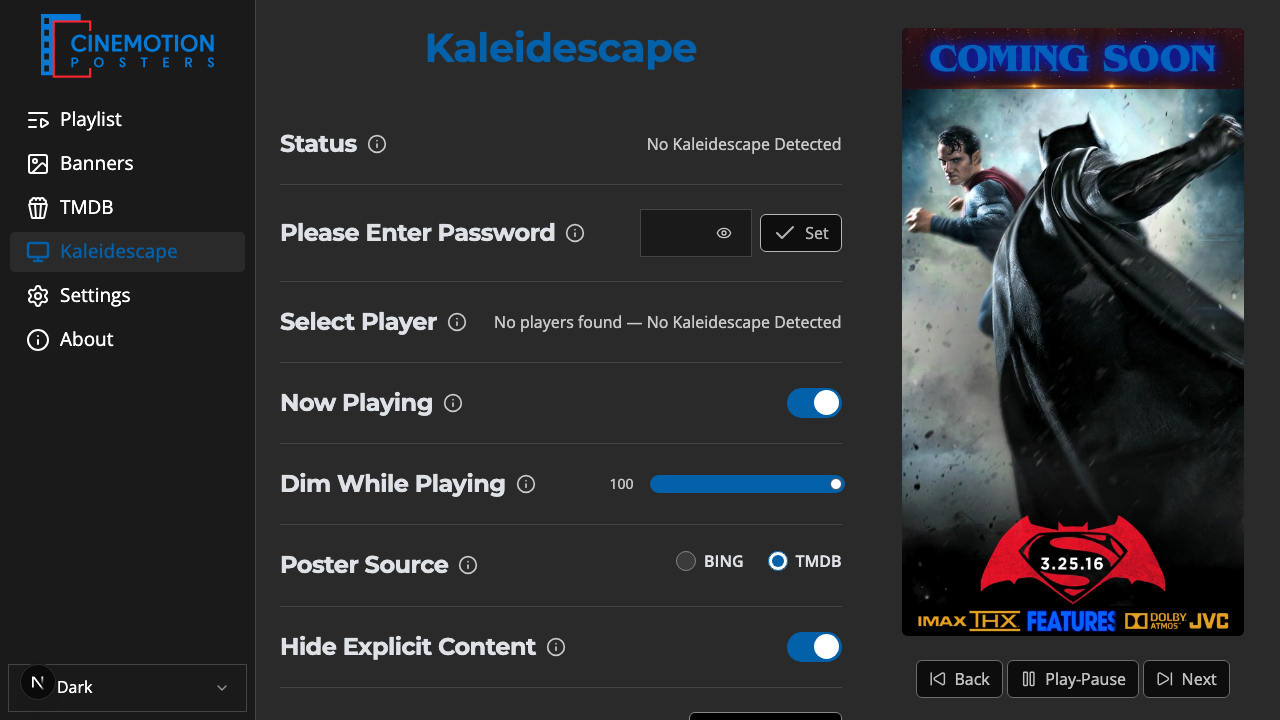
Find the Hide Explicit Content row.


Toggle the switch on or off. A confirmation message should appear instantly.
TIP
This affects both Bing and TMDB poster scans. It is independent of the TMDB page's Hide Explicit Content setting.
Related
- Poster Source — choose Bing or TMDB
- Get Posters — run the library scan
- Poster Editor — review scanned posters