
Appearance
Poster Editor
A separate screen for reviewing the posters collected from your Kaleidescape library. Replace one with your own image or video, delete a single poster, or clear them all.
Quick use
Open Kaleidescape from the menu.
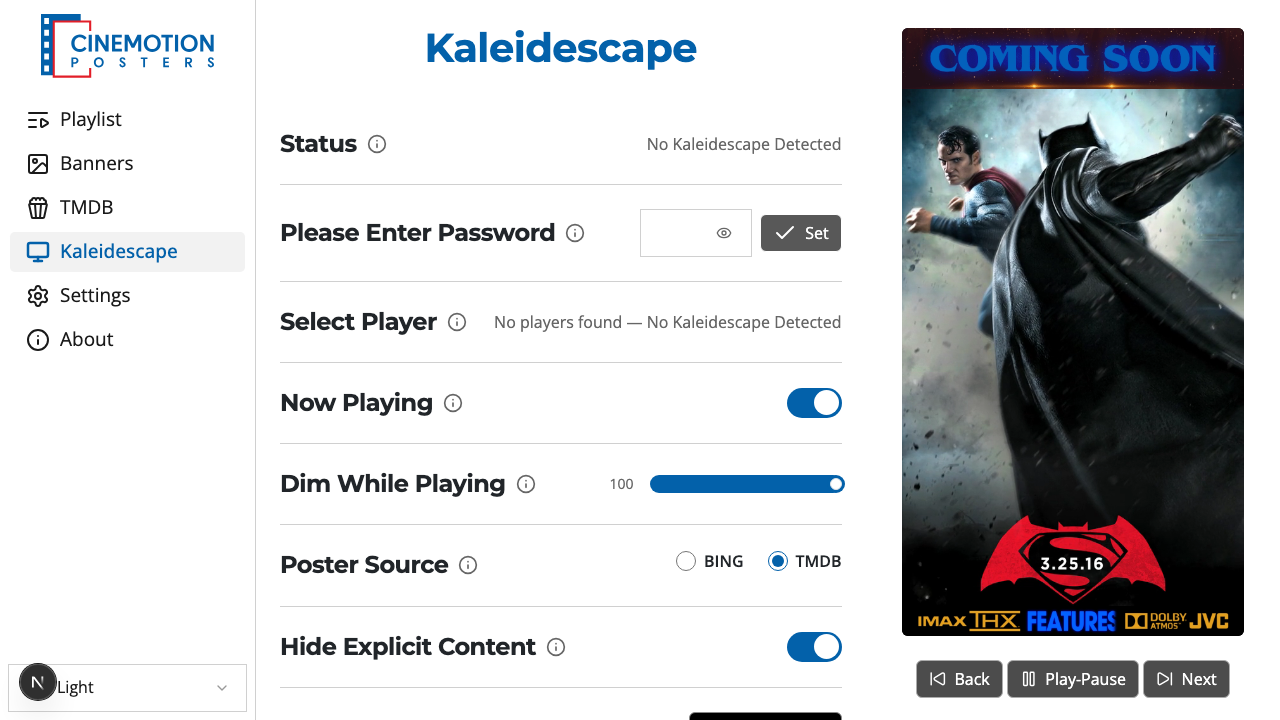
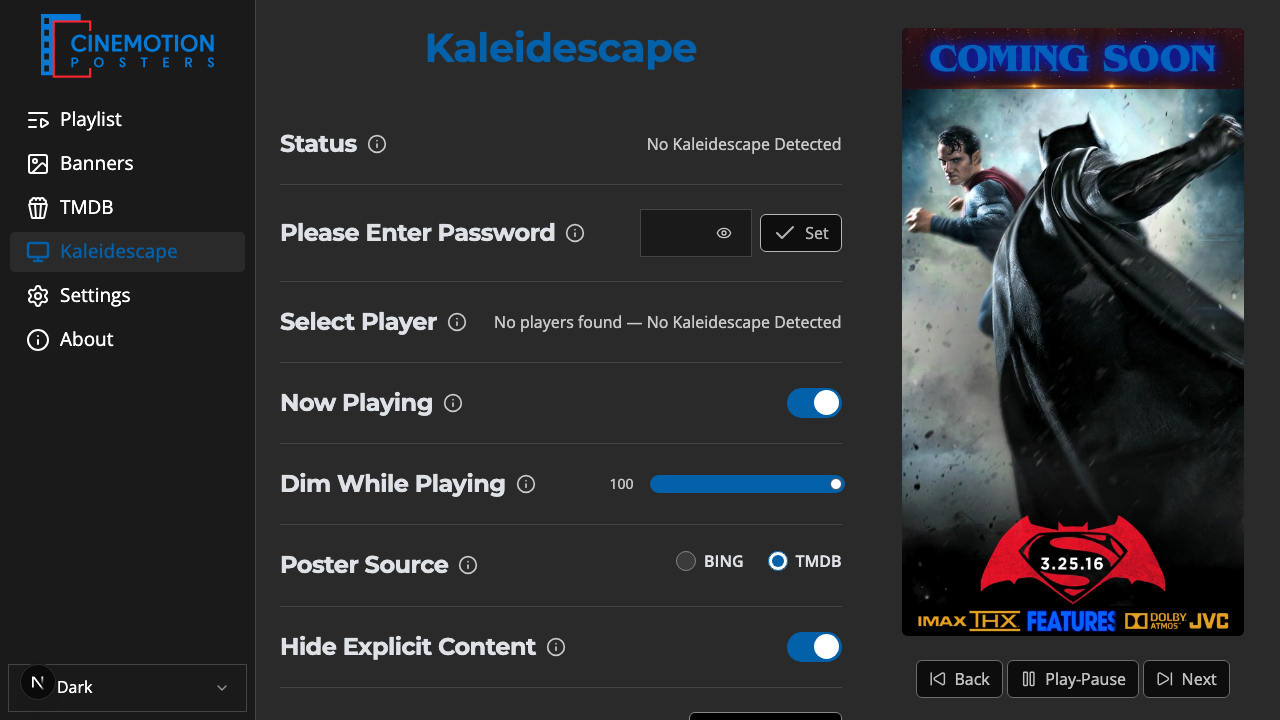
Find the View / Change Posters row.


Click on the

 button.
The Poster Editor opens with your scanned posters.
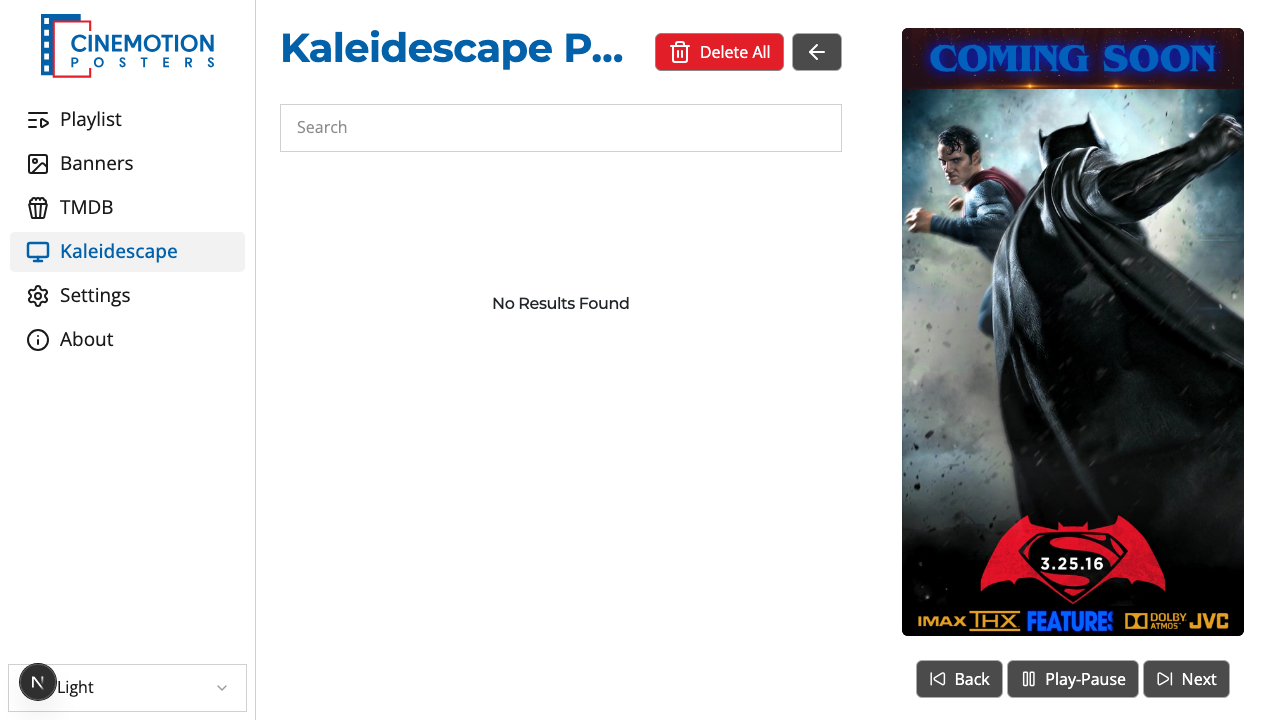
On any poster, choose Replace to upload your own image or video, or Delete to remove just that one.
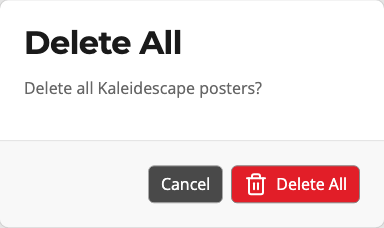
To clear every scanned poster, choose Delete All. A prompt asks you to confirm — choose Delete All again, or Cancel to keep them.
Use the search box at the top when you have a long list and need to find a title quickly.
Related
- Get Posters — scan the library for posters
- Poster Source — choose Bing or TMDB for lookups
- Reset — clear connection settings (optional poster removal)