
Appearance
Reboot
Restarts the player without a full shutdown. Use it when something feels off, or when a change needs a restart — the player comes back on by itself.
Quick use
Open Settings from the menu.
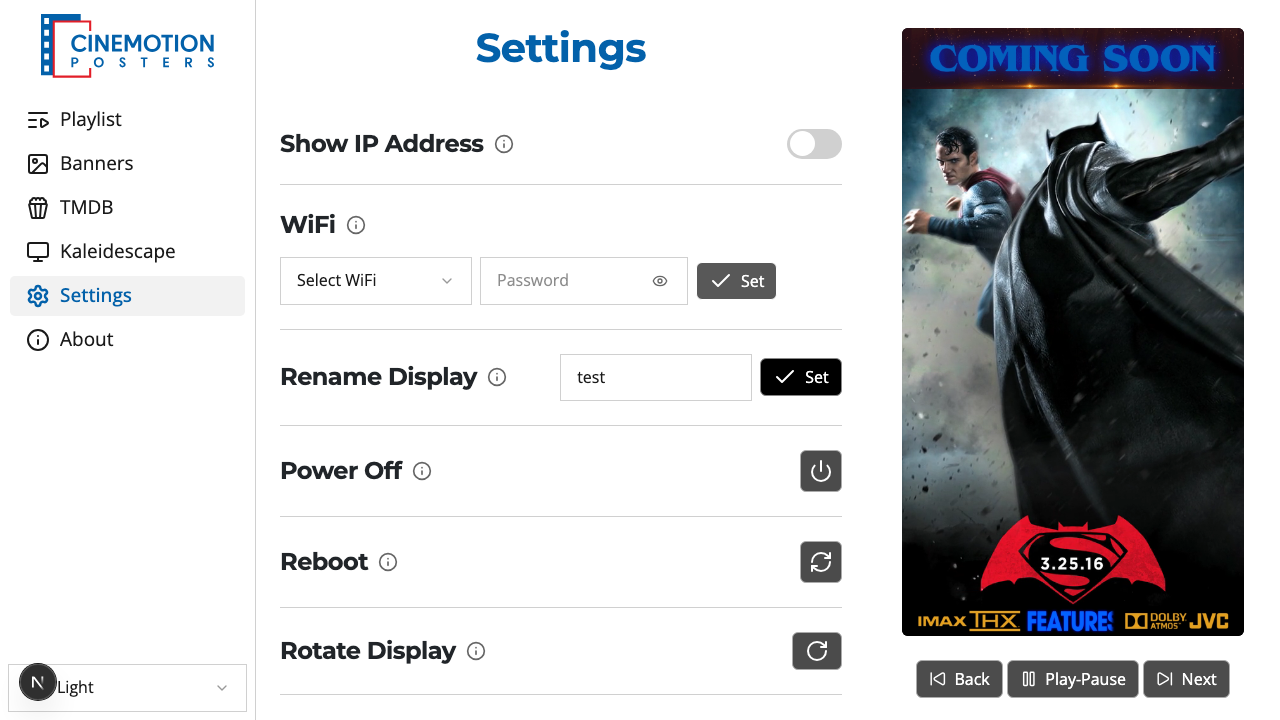
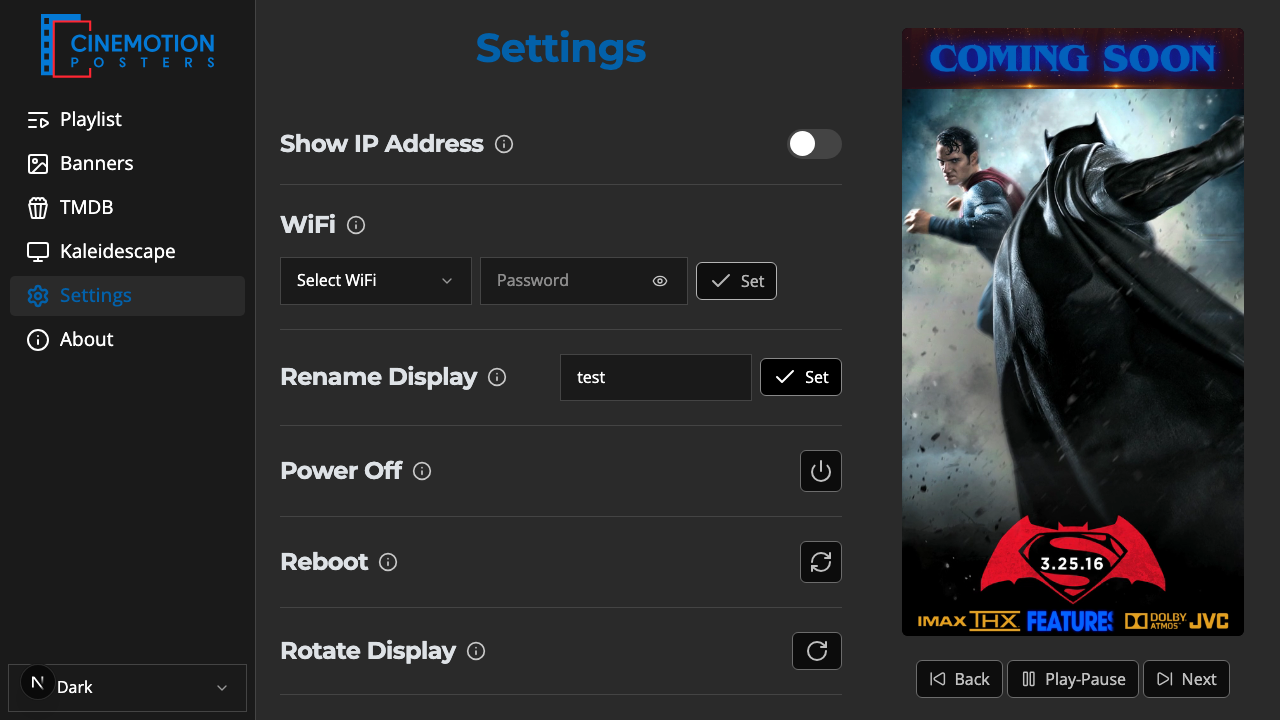
Find the Reboot row.


Click on the

 button.
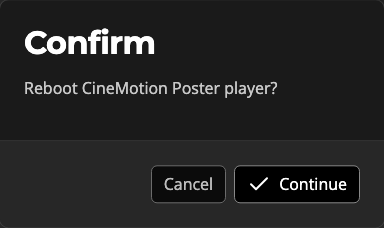
A prompt asks you to confirm. Choose Continue to restart, or Cancel to stay as you are.
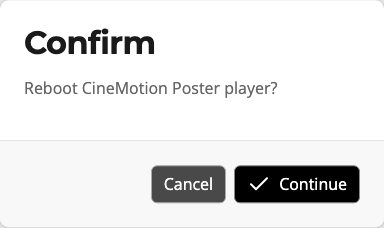
The player restarts and comes back on by itself — allow a minute or so for it to return.
While it restarts, the app briefly loses contact. Wait a moment, then open the app again.
TIP
Nothing is lost. When the player comes back, playback resumes from where the playlist would be — if it was paused, it returns to the exact poster and position.
Related
- Power Off — fully shut the player down
- Factory Reset — erase settings and start fresh