
Appearance
Bottom Banner
Picks which banner image sits below the poster during playback.
Quick use
Open Banners from the menu.
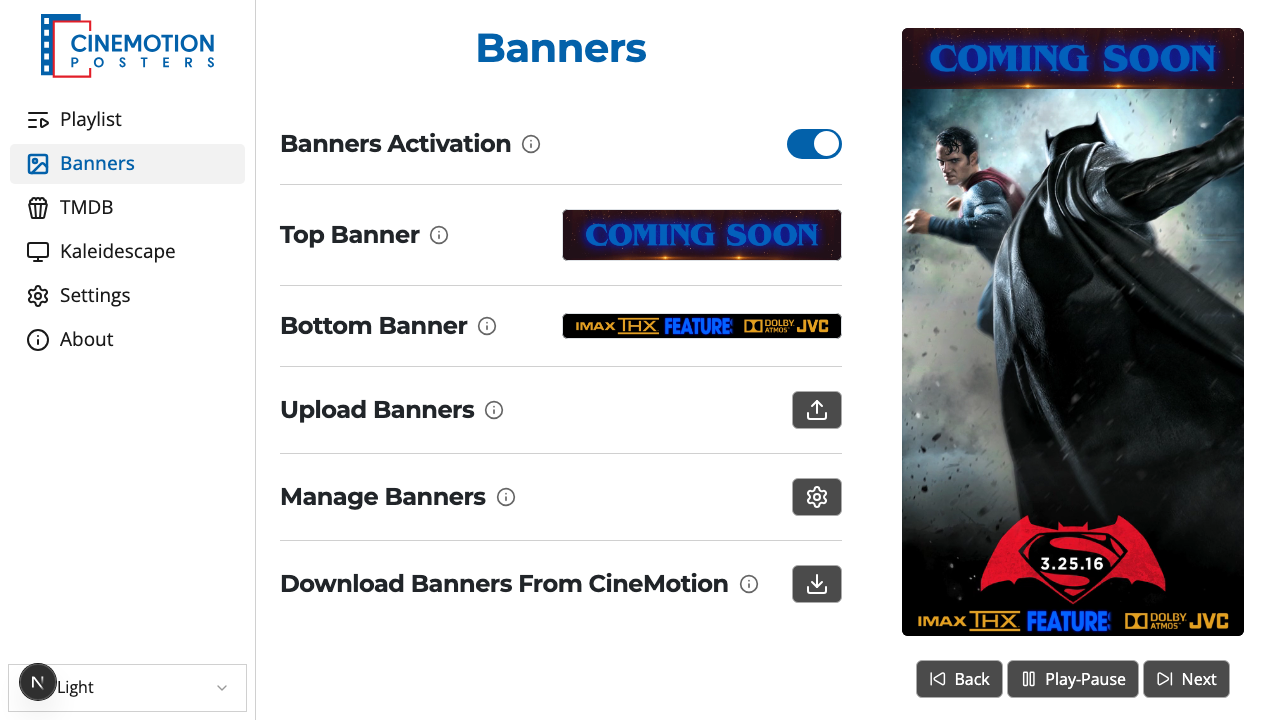
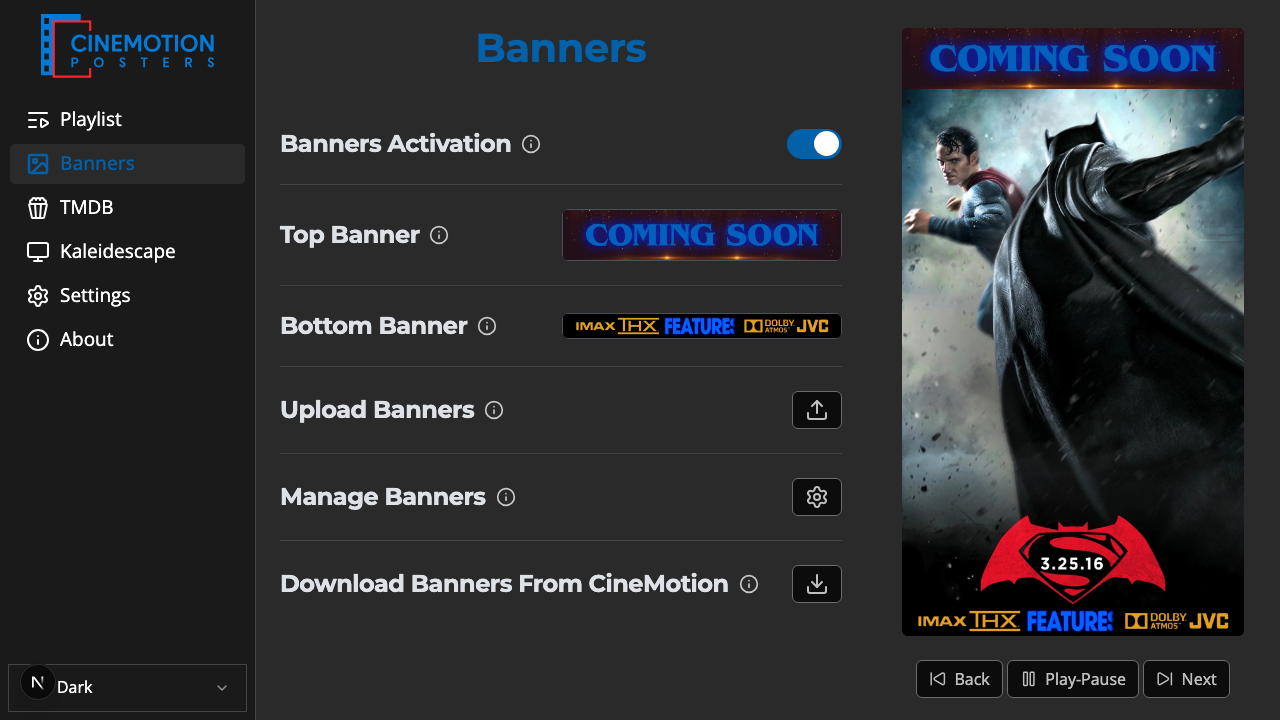
Find the Bottom Banner row.


Click on the

 preview.
A searchable list opens. Type part of a file name to narrow it, then tap the banner you want.
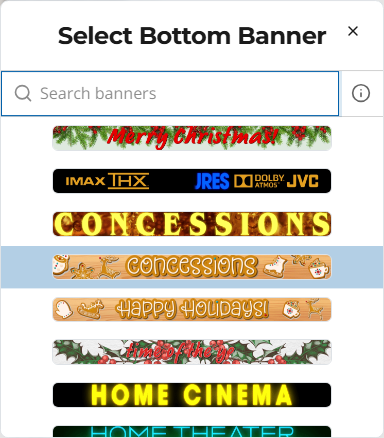
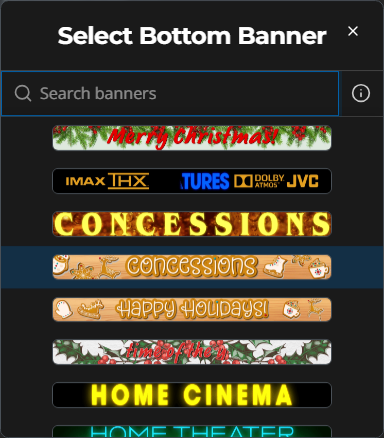
The bottom banner should update on the player instantly.
TIP
Bottom banners should be 1920×100. Use PNG, JPG, or GIF.
If the row says no banners are uploaded yet, upload or add some first — then come back here to choose one.
Related
- Top Banner — pick the banner above the poster
- Upload Banners — add your own
- Add Banners — get banners from CineMotion
- Banners Activation — turn banners on or off