
Appearance
Add Banners From CineMotion
Browse CineMotion's online catalog and save top or bottom banners straight to the player — at no extra cost.
Quick use
Open Banners from the menu.
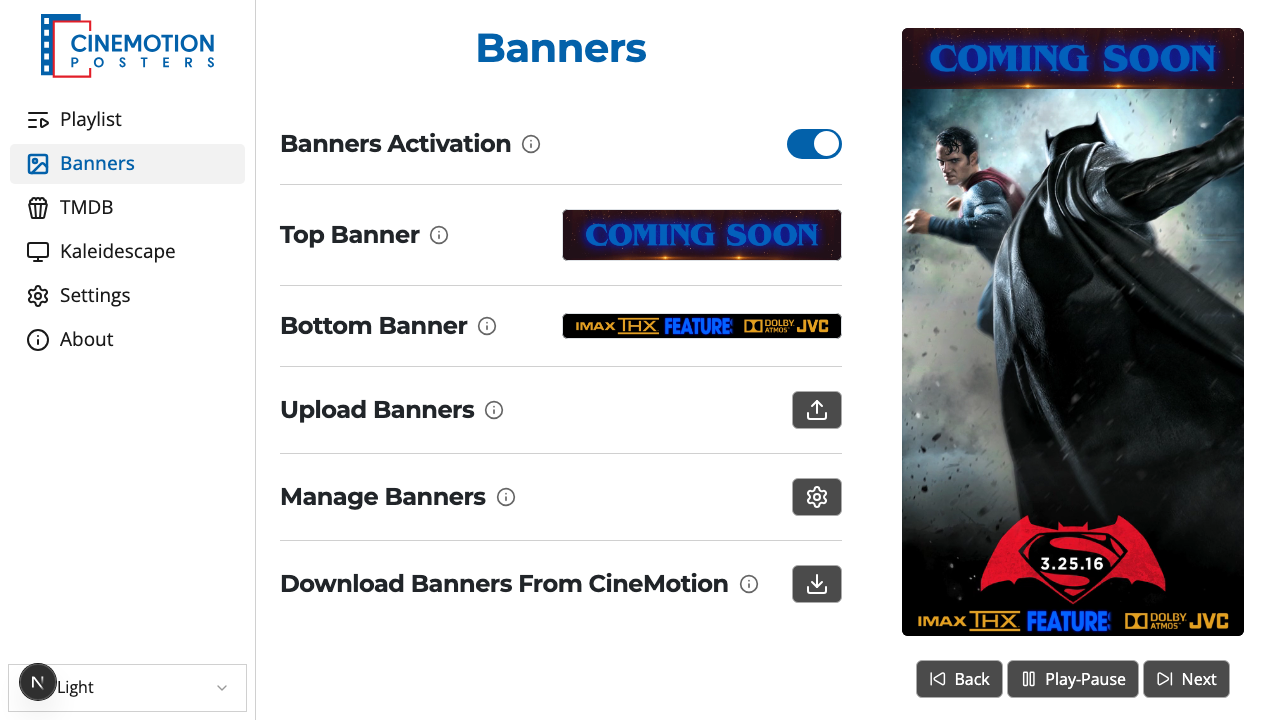
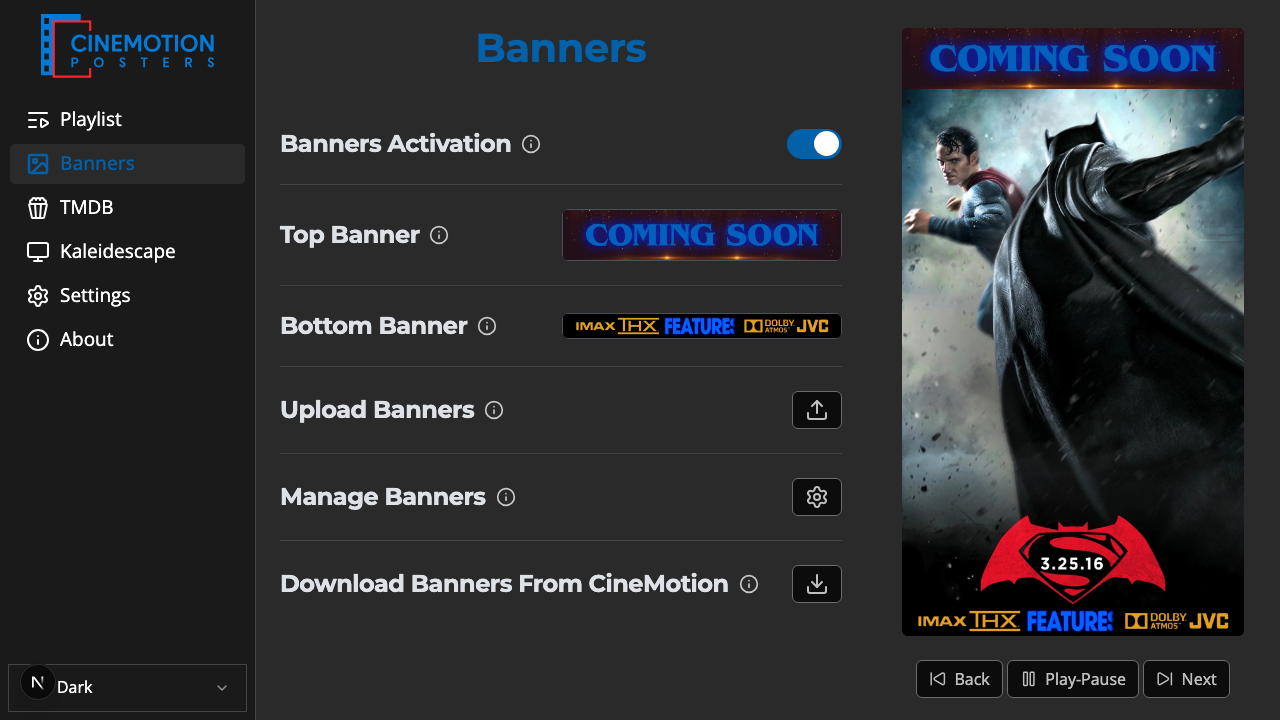
Find the Add Banners From CineMotion row.


Click on the

 button.
Choose Add Top Banners or Add Bottom Banners.
Click each banner you want — selected ones are highlighted and checked.
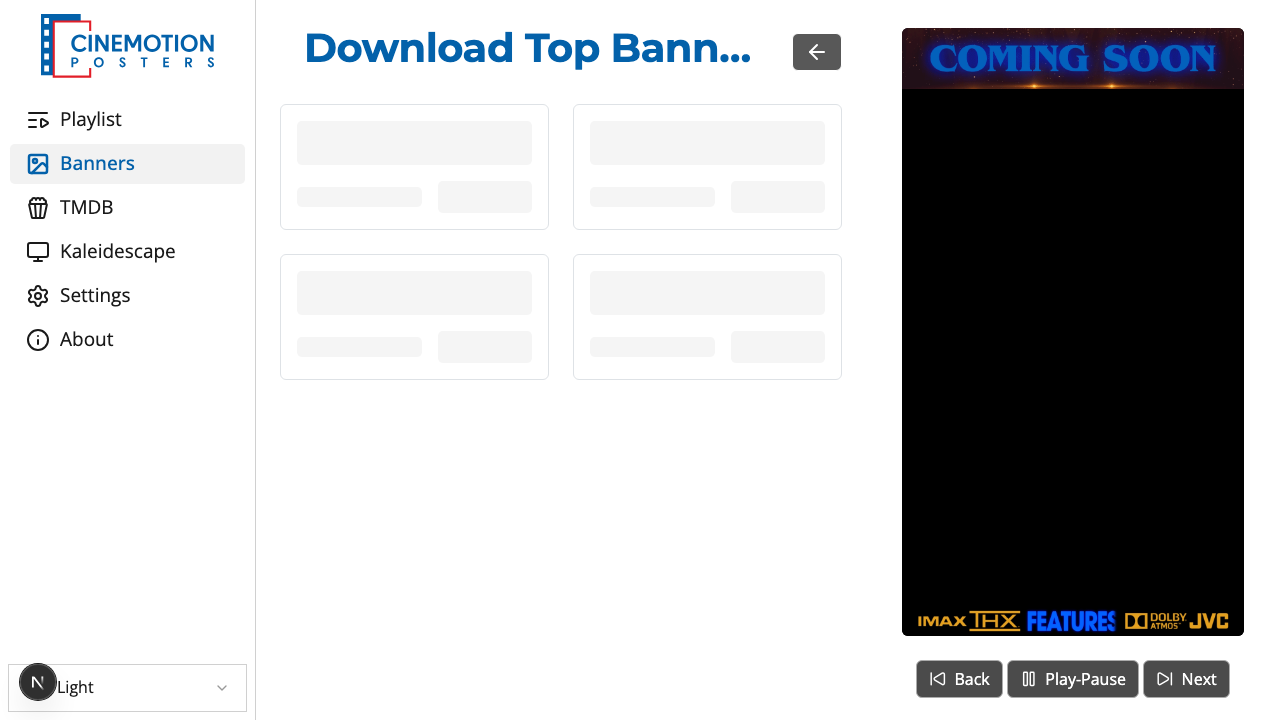
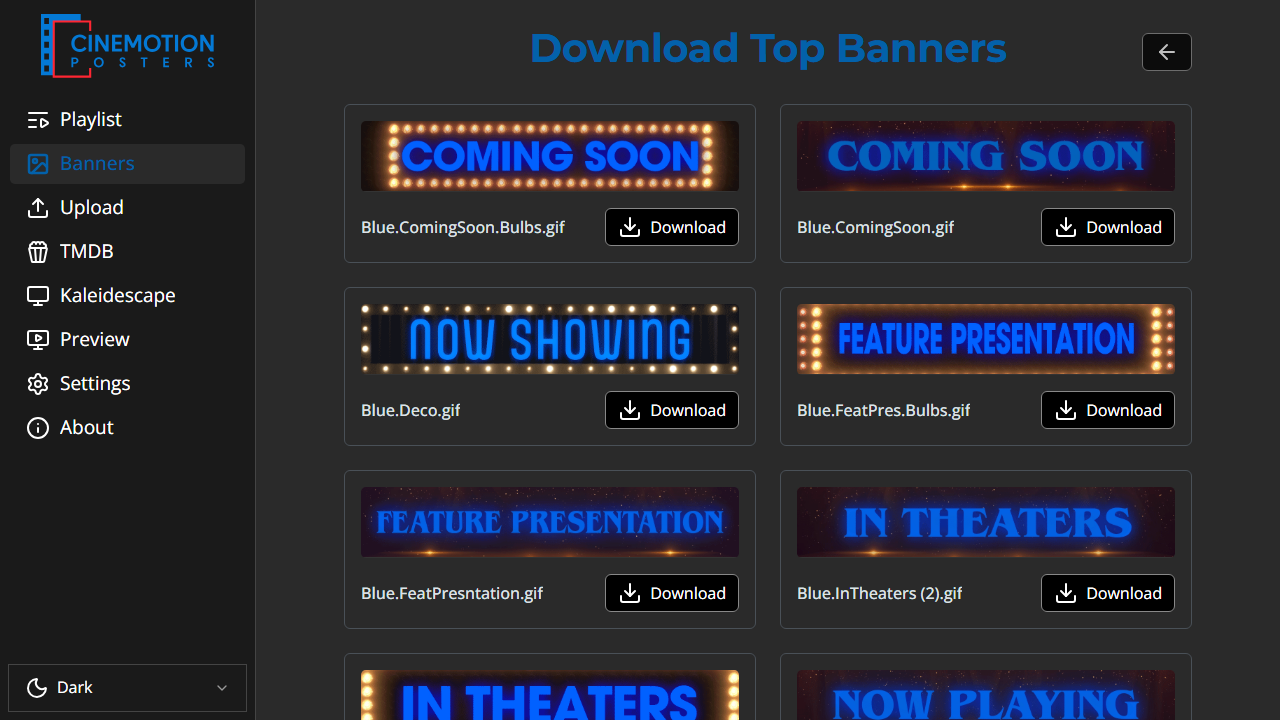
Click Download. The number in parentheses shows how many you have selected. With none selected, Download All saves the whole catalog.
A progress count updates while files save. Within a few seconds they are on the player.
TIP
Adding banners only saves them to the player. To show one, pick it under Top Banner or Bottom Banner on the Banners page.
Use the back arrow at the top to return to Banners when you're done.
Related
- Select Banners — choose which banners appear on screen
- Upload Banners — add your own banner files