
Appearance
API Read Access Token
TMDB needs a free personal Read Access Token before you can search for posters. You get one from themoviedb.org, then paste it here.
Quick use
Open TMDB from the menu.
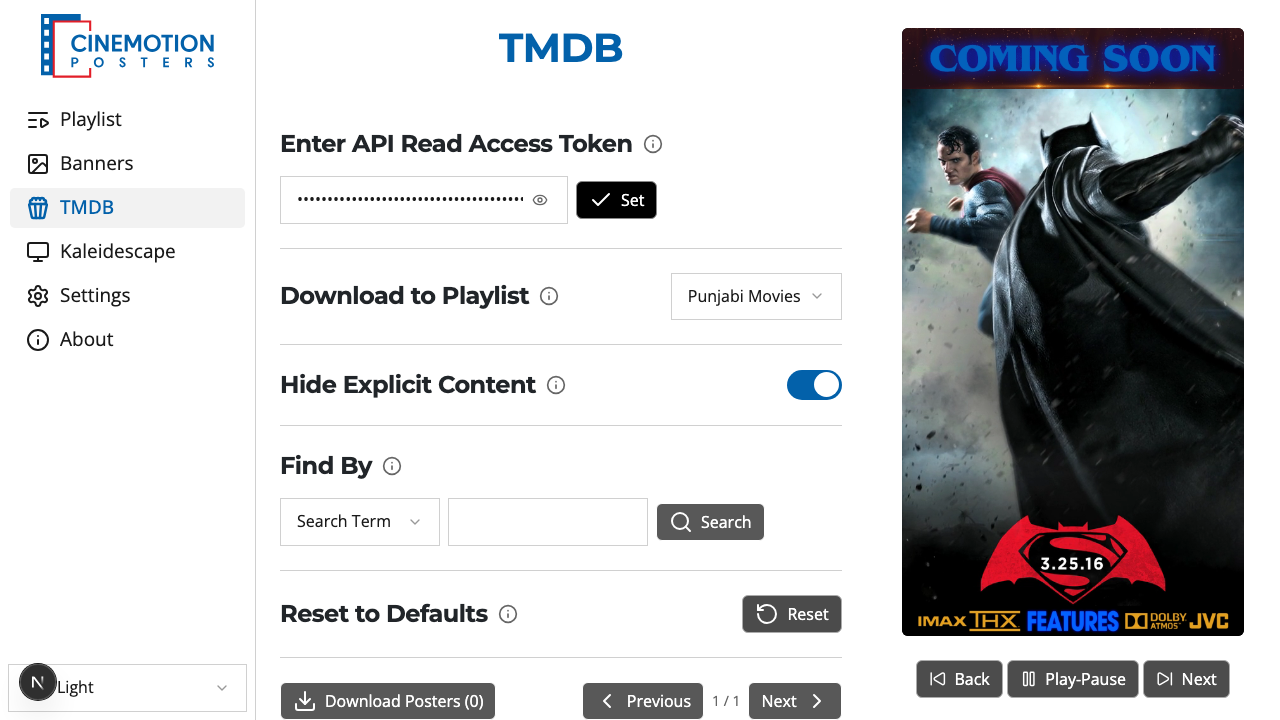
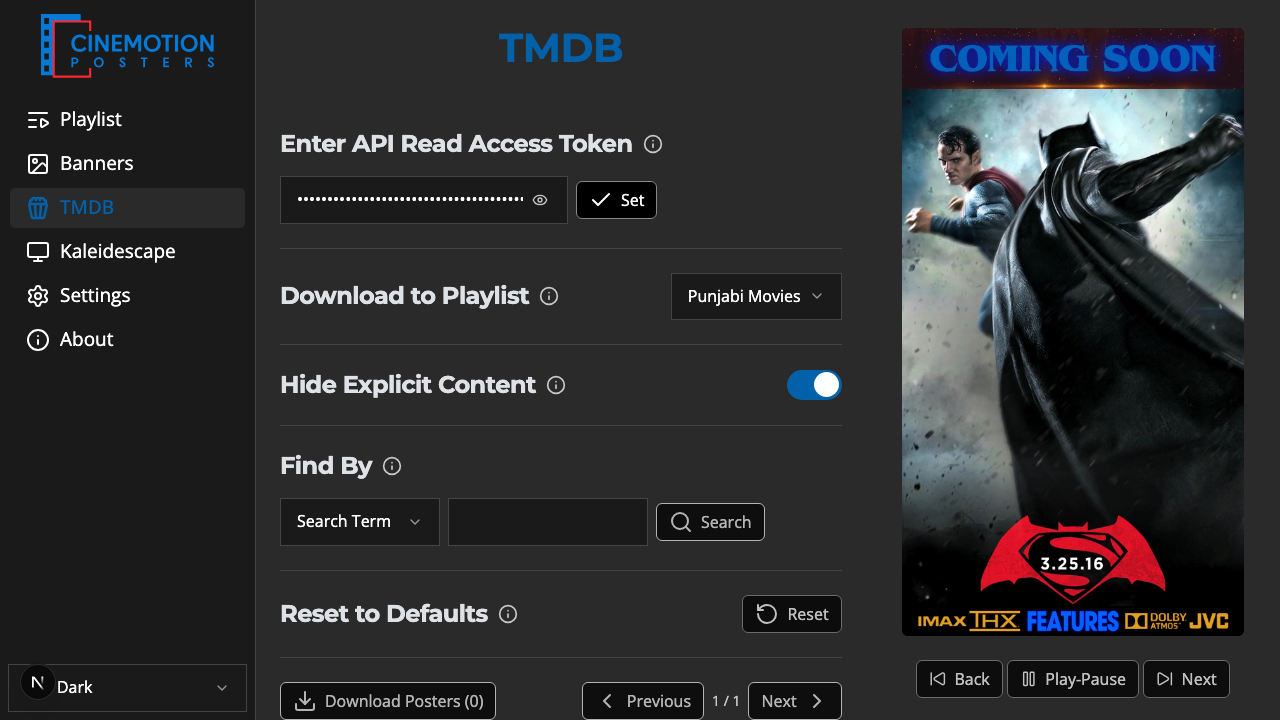
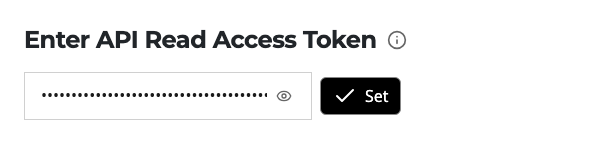
Find the Enter API Read Access Token row.
On themoviedb.org, create an account (or sign in).
Open your account settings, then choose API.
Request a token — pick Individual / Developer and follow the steps.
Copy the Read Access Token.
Paste it into the field on the player.
Click on the

 button.
The player checks the token with TMDB before saving. Within a few seconds the token is saved — or an error appears if TMDB rejects it, and nothing is stored.
TIP
Keep the token private — it is tied to your own TMDB account.
Related
- Search & Curate Posters — find posters and add them to a playlist
- Reset to Defaults — clear the token