
Appearance
Rotate Display
Flips the picture between the two portrait orientations (rotated left or right) when it shows the wrong way round on a portrait-mounted TV.
Quick use
Open Settings from the menu.
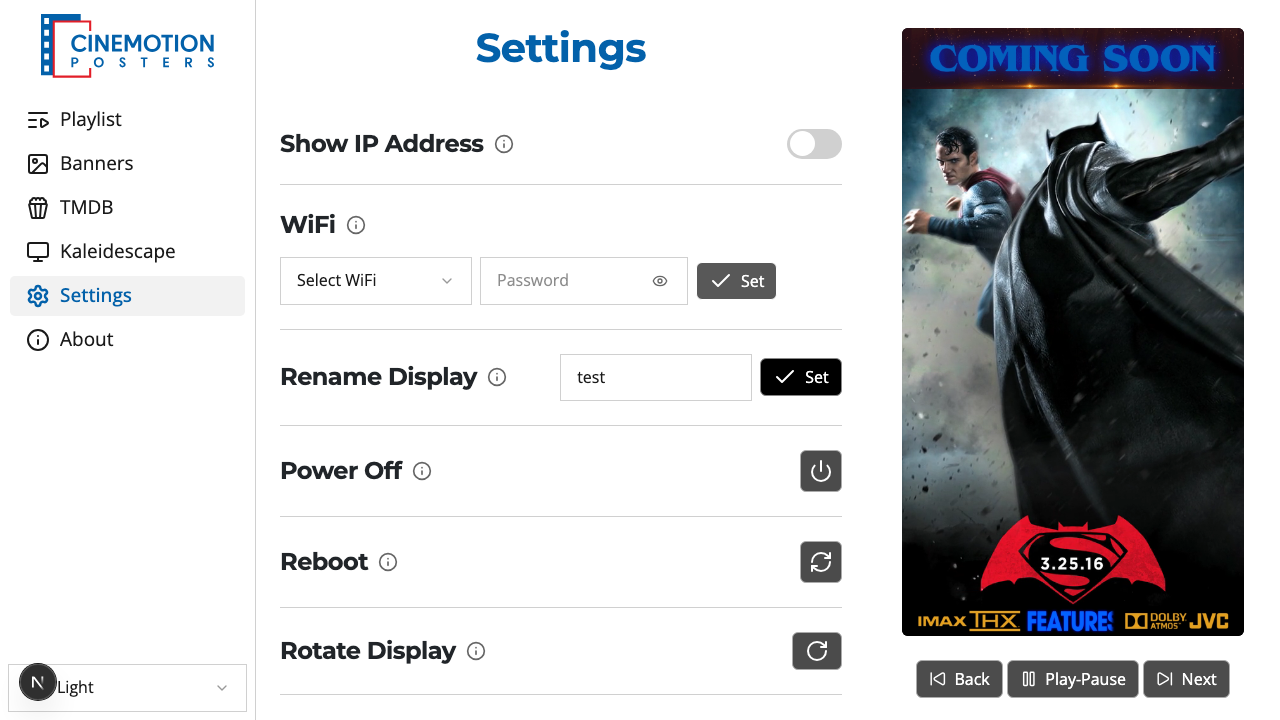
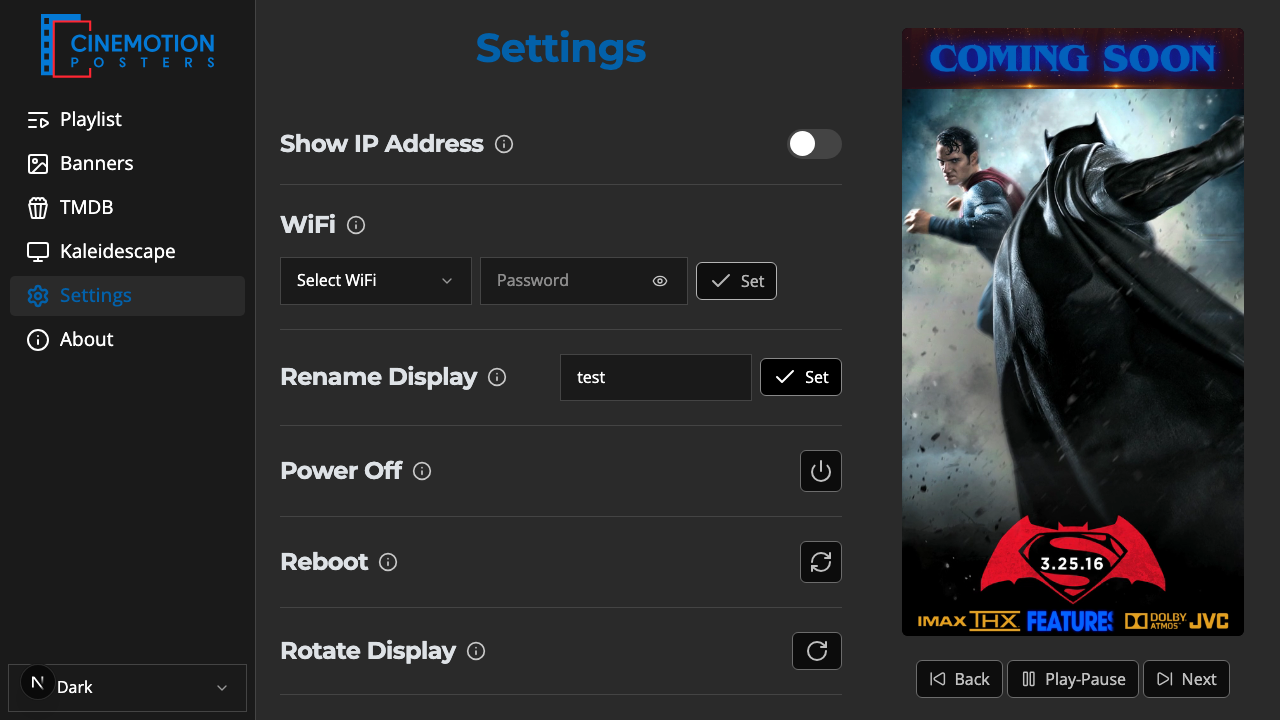
Find the Rotate Display row.


Click on the

 button.
The picture on the TV rotates within a few seconds.
Each press switches between the left and right orientations.
Related
- Force 1080p Resolution — lock the picture to standard HD for smaller displays