
Appearance
Multiple Playlists
Plays several playlists together instead of just one. Turn it on when you want a mix.
Quick use
Open Playlist from the menu.
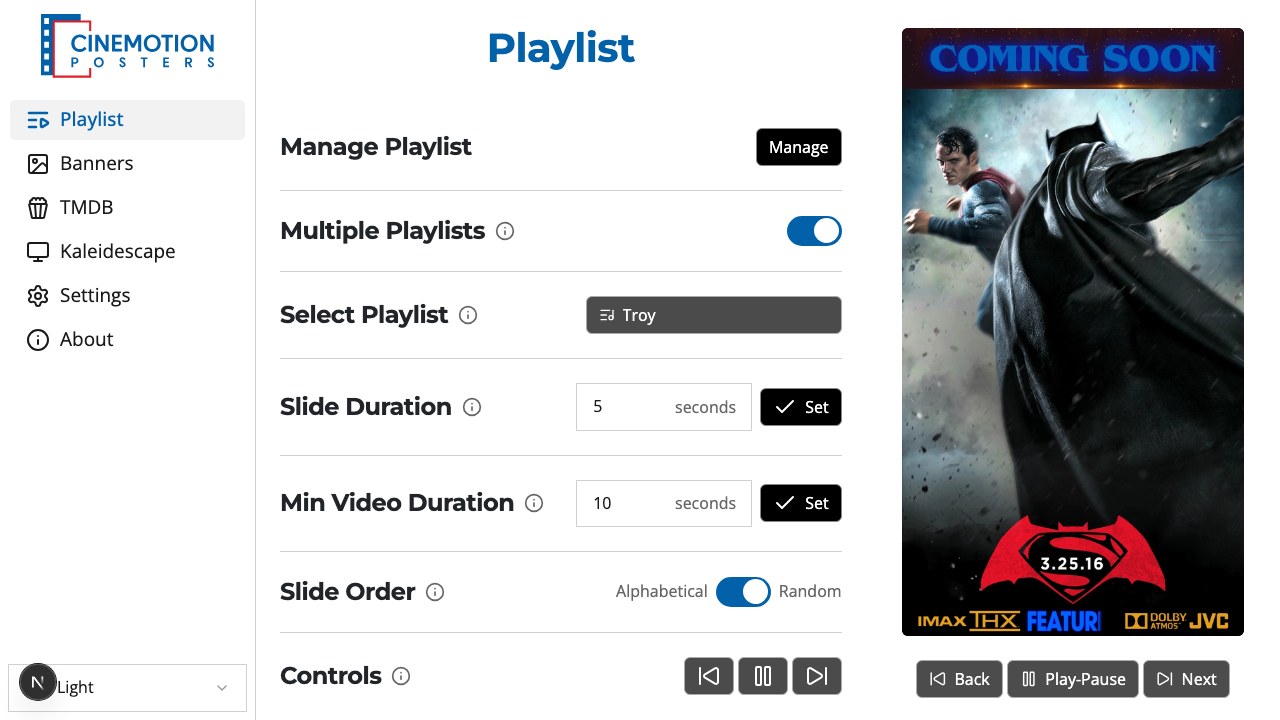
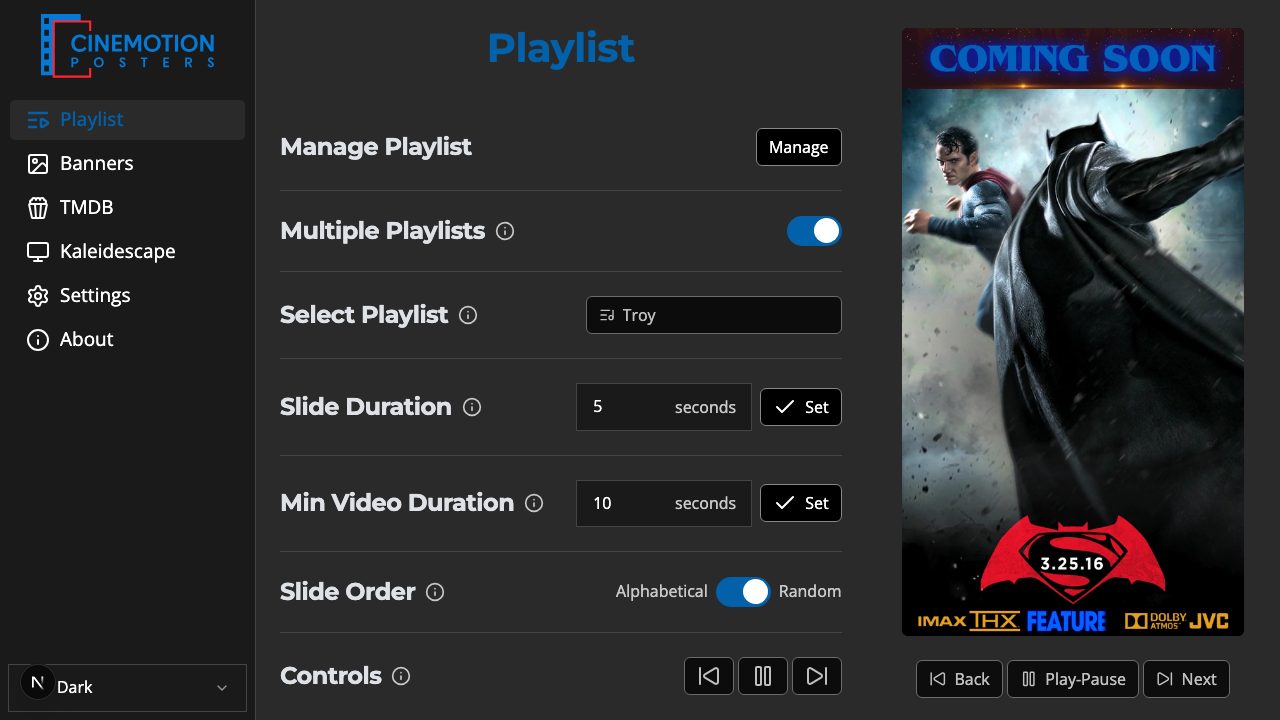
Find the Multiple Playlists row.


Flip the switch on.
Click the button on the Select Playlist row.
A searchable list opens. Type to narrow it, then tap each playlist you want — tap again to remove one.
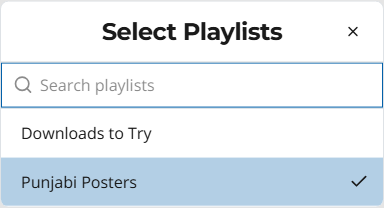
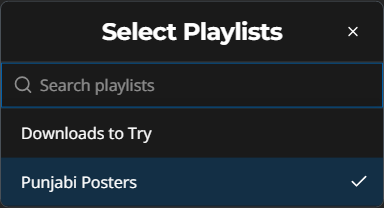
Close the list when you're done. The player should use your selection instantly.
TIP
Turn the switch off to go back to a single playlist. The player keeps the first one from your mix.
Related
- Select Playlist — pick one playlist when this is off
- Slide Order — alphabetical or random