
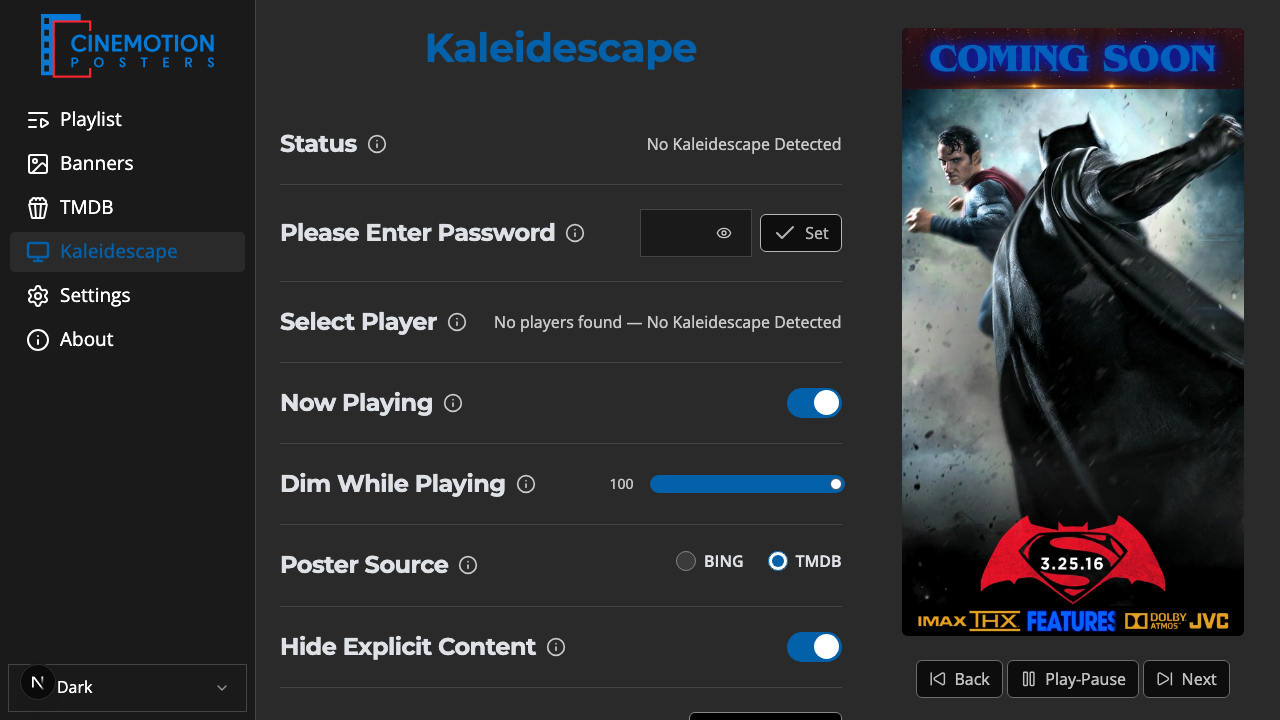
Appearance
Status
Shows whether CineMotion can reach your Kaleidescape player.
Quick use
Open Kaleidescape from the menu.
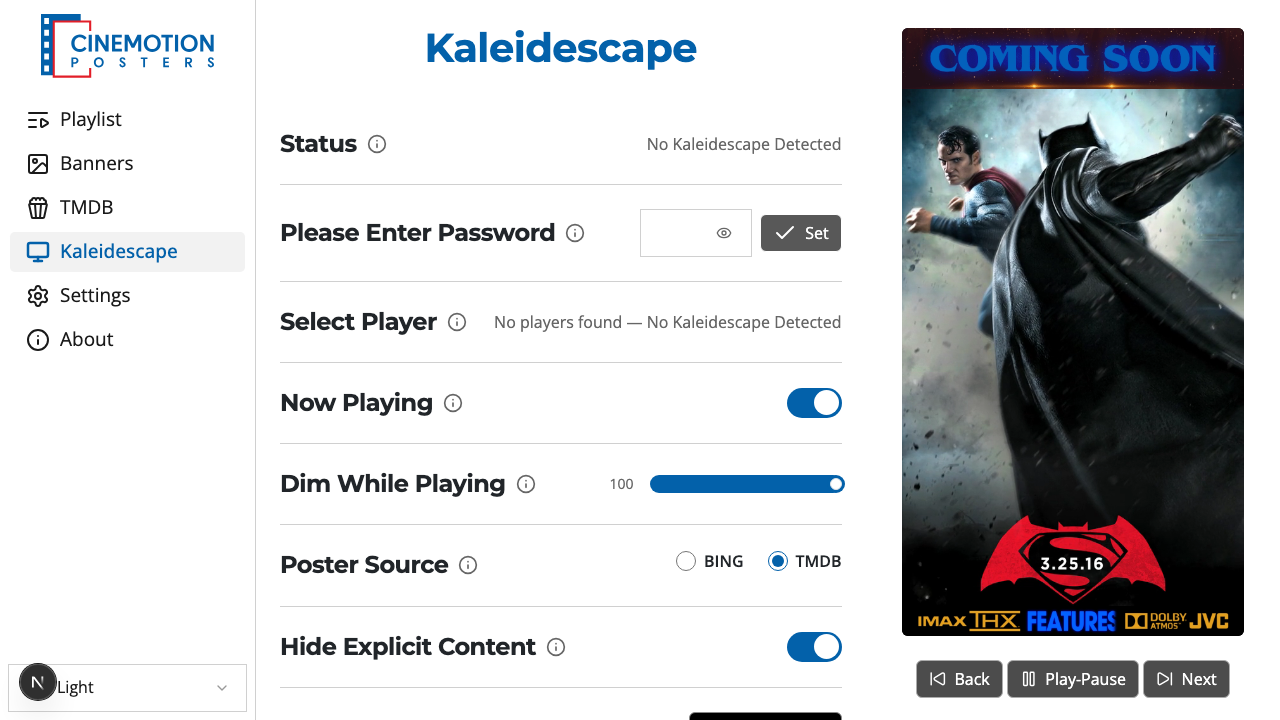
Find the Status row.


Read the value:
- Connected — the player is reachable and the password works.
- Password Detected — the player needs a PIN; enter it under Enter Password.
- Wrong Password — the saved PIN was rejected; re-enter it.
- No Kaleidescape Detected — no player found on the network.
TIP
If no player is detected, check that it is powered on and on the same network, then confirm the PIN. See Select Player and Enter Password.
Related
- Select Player — choose which Kaleidescape to use
- Enter Password — enter the 4-digit PIN
- Control Protocol Device ID — required setting on the Kaleidescape
- Now Playing — show the current movie's poster