
Appearance
Min Video Duration
The least time a motion (video) poster stays on screen. Handy for short loops that would otherwise flash by too quickly.
Quick use
Open Playlist from the menu.
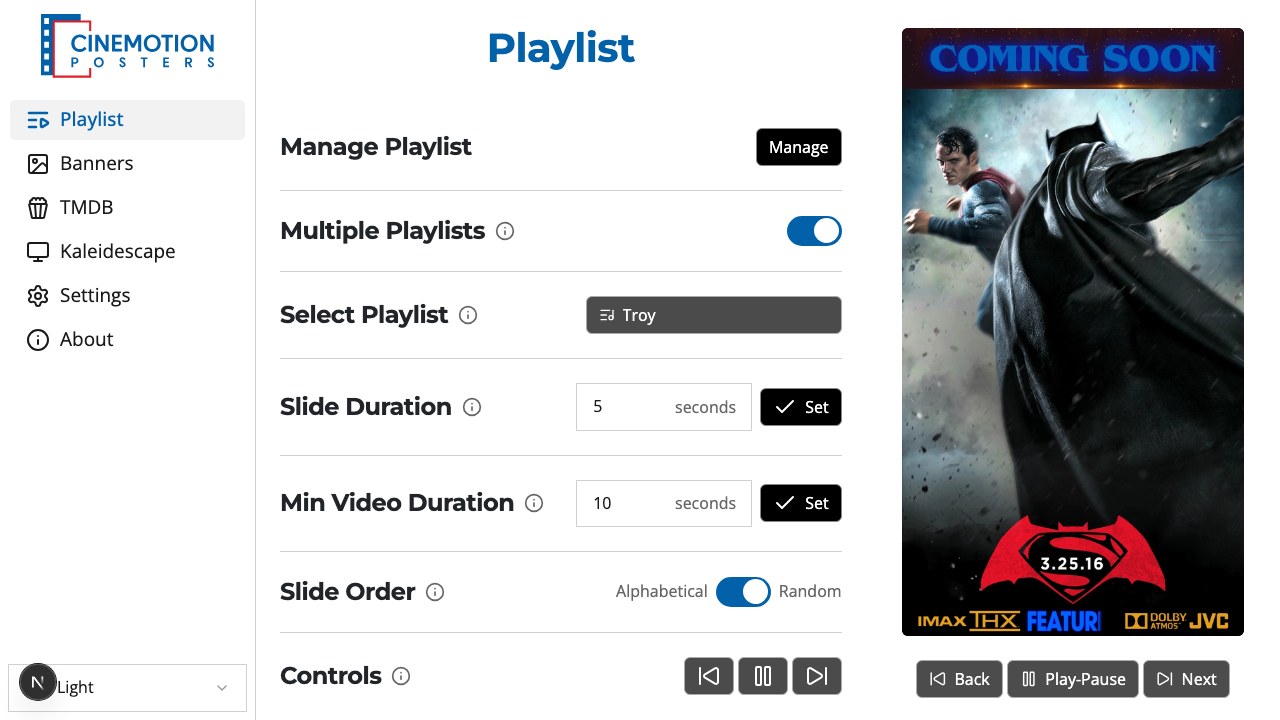
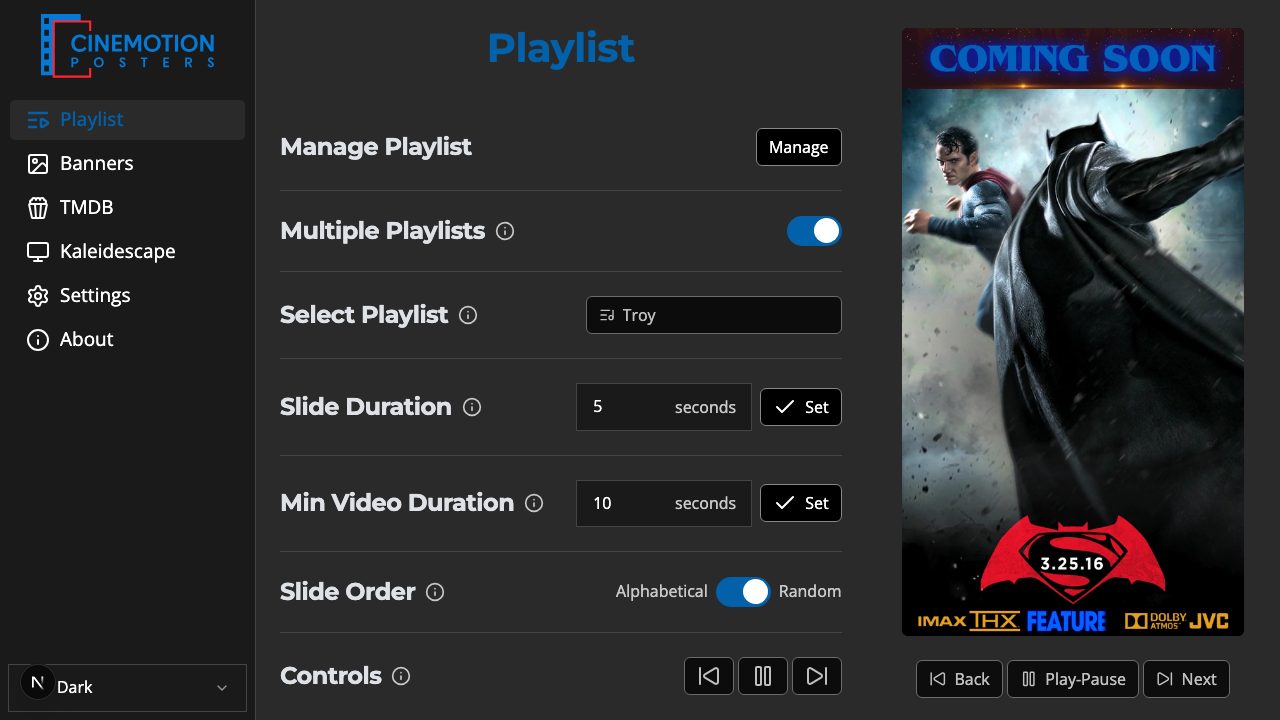
Find the Min Video Duration row.


Type a value in seconds — at least 10.
Click on the

 button.
The new timing should take effect instantly.
Set stays disabled until the value is 10 seconds or more.
TIP
A video longer than this setting still plays all the way through — the minimum only holds short clips on screen longer.
Related
- Slide Duration — how long still posters stay on screen
- Slide Order — alphabetical or random