
Appearance
Preview
Open Preview in the app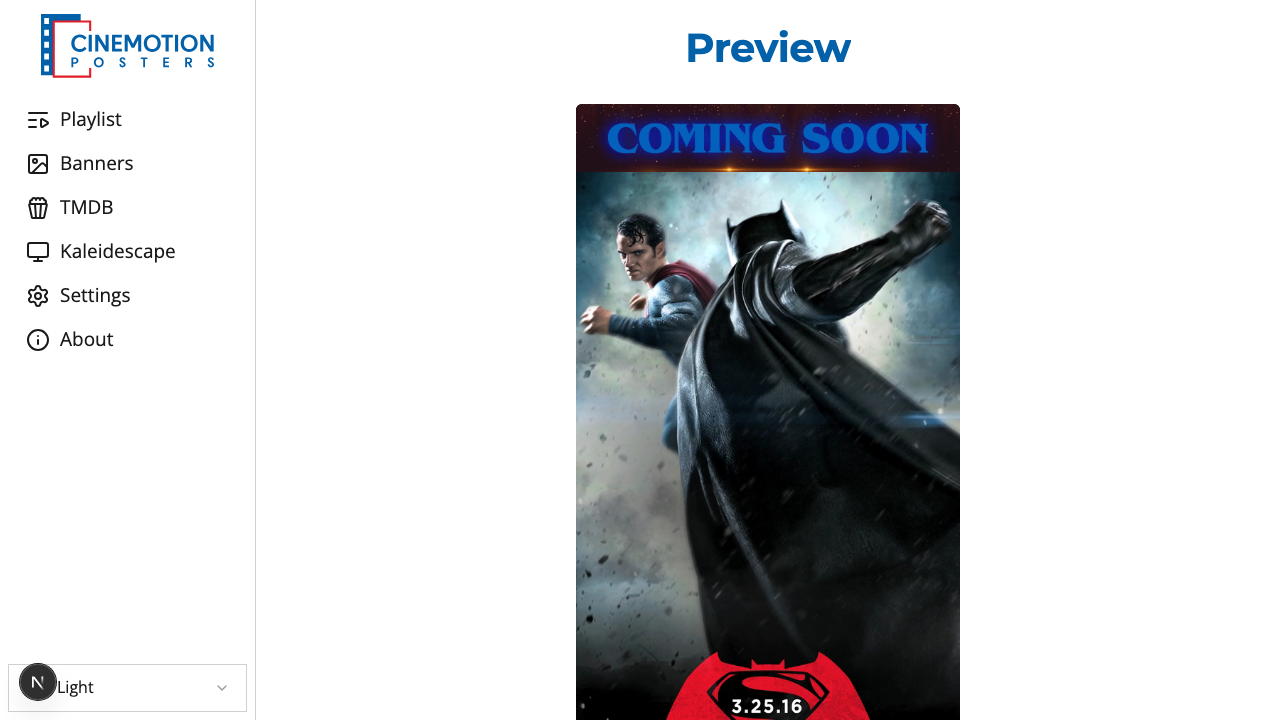
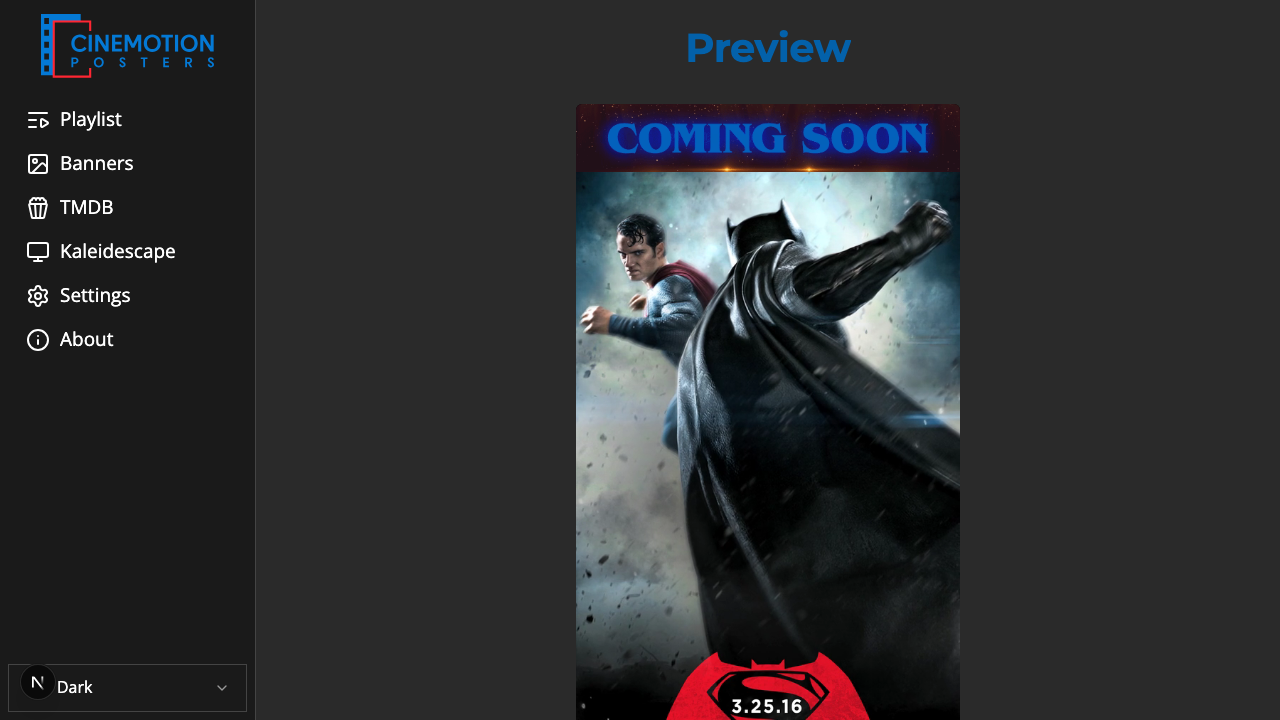
Live Preview
From the main menu, select "Preview" to view a live display of the posters and banners currently playing on the TV, which is particularly useful if not in front of the screen or if it's turned off.
Playback Controls
Controls include back, play/pause, and forward—similar to the Playlists page.
- Back arrow (pointing left): Go to the previous poster
- Play/Pause: Pause on the current poster; press again to resume playback
- Forward arrow (pointing right): Go to the next poster
TIP
NOTE: When you pause or resume, a pause or play symbol flashes onscreen for about 3 seconds, then disappears. Playback stays paused with no symbol shown.
TIP
TIP: To feature a single poster, create a dedicated playlist (for example, "Featured Presentation"), add the desired poster, disable Multiple Playlists, and select only that playlist.
Exit Preview
Use the main menu (sidebar) to leave the Preview page.