
Appearance
Banners Activation
Turns the top and bottom banners on or off during playback. Turn them off when you want the poster to use the whole screen.
Quick use
Open Banners from the menu.
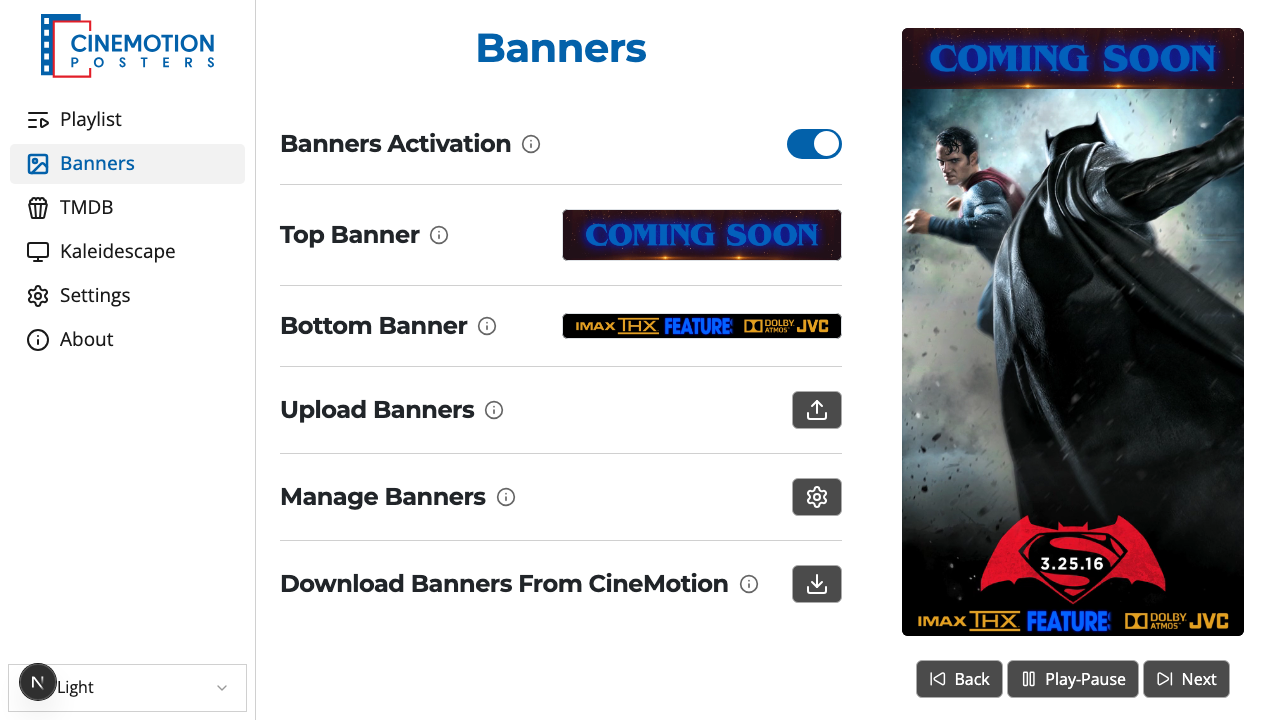
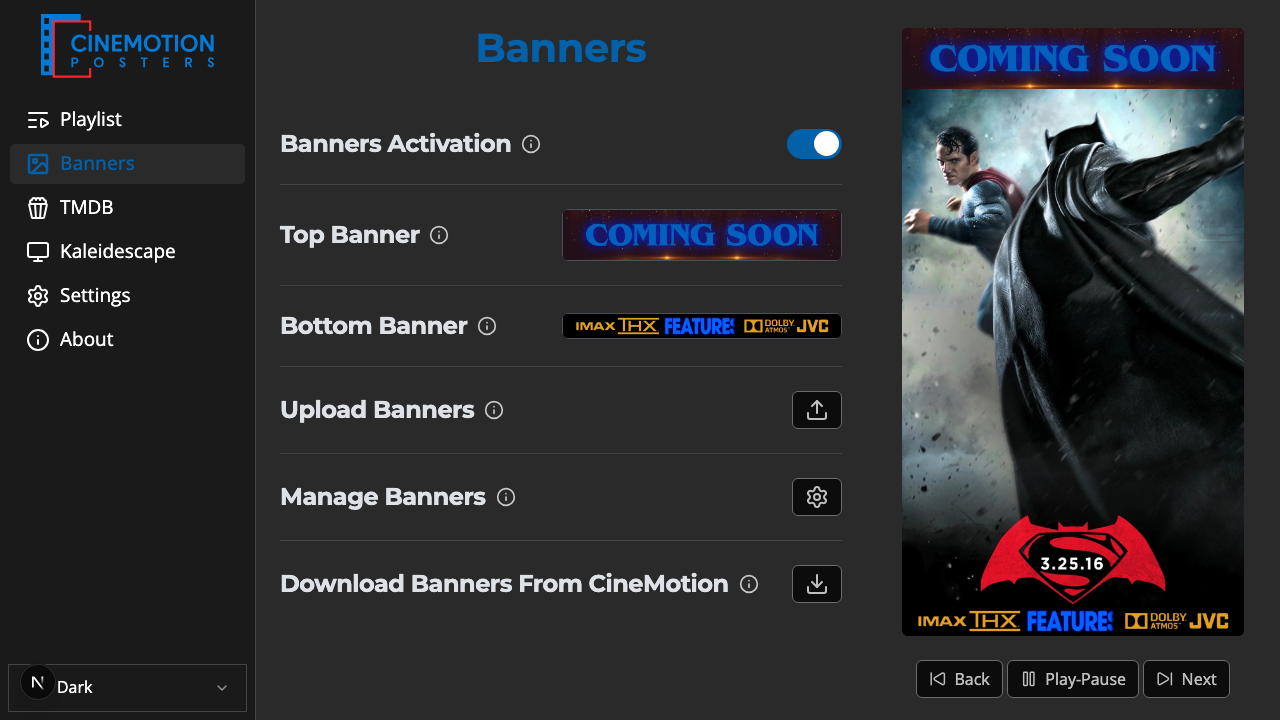
Find the Banners Activation row.


Flip the switch on or off.
The banners should appear or disappear on the player instantly.
WARNING
With banners off, the poster fills the whole screen (cropping to fit rather than stretching). Turn them back on to restore the usual layout.
Related
- Top & Bottom Banners — choose which banners to show
- Upload Banners — add your own
- Add Banners — get banners from CineMotion