
Appearance
Settings Reset
Puts selected module settings back to their defaults — without touching your posters or playlists. Use it when you want a clean slate for Kaleidescape, TMDB, or the user agreement only.
Quick use
Open Settings from the menu.
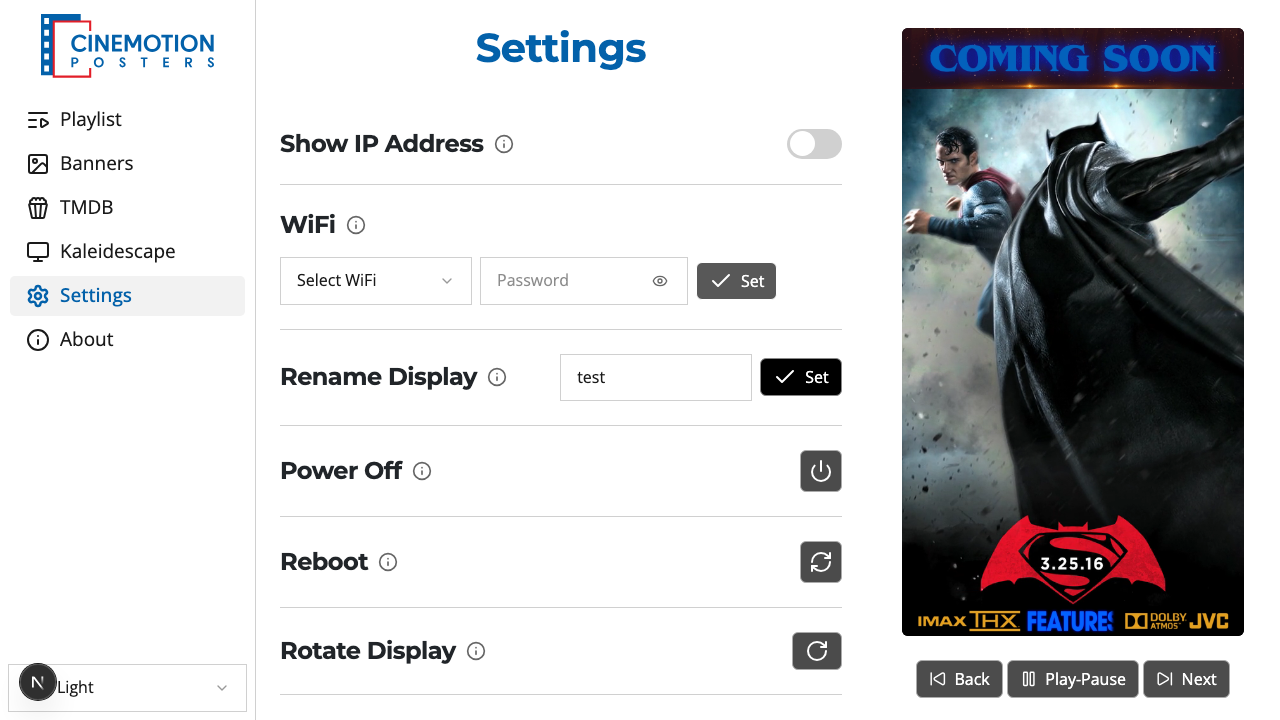
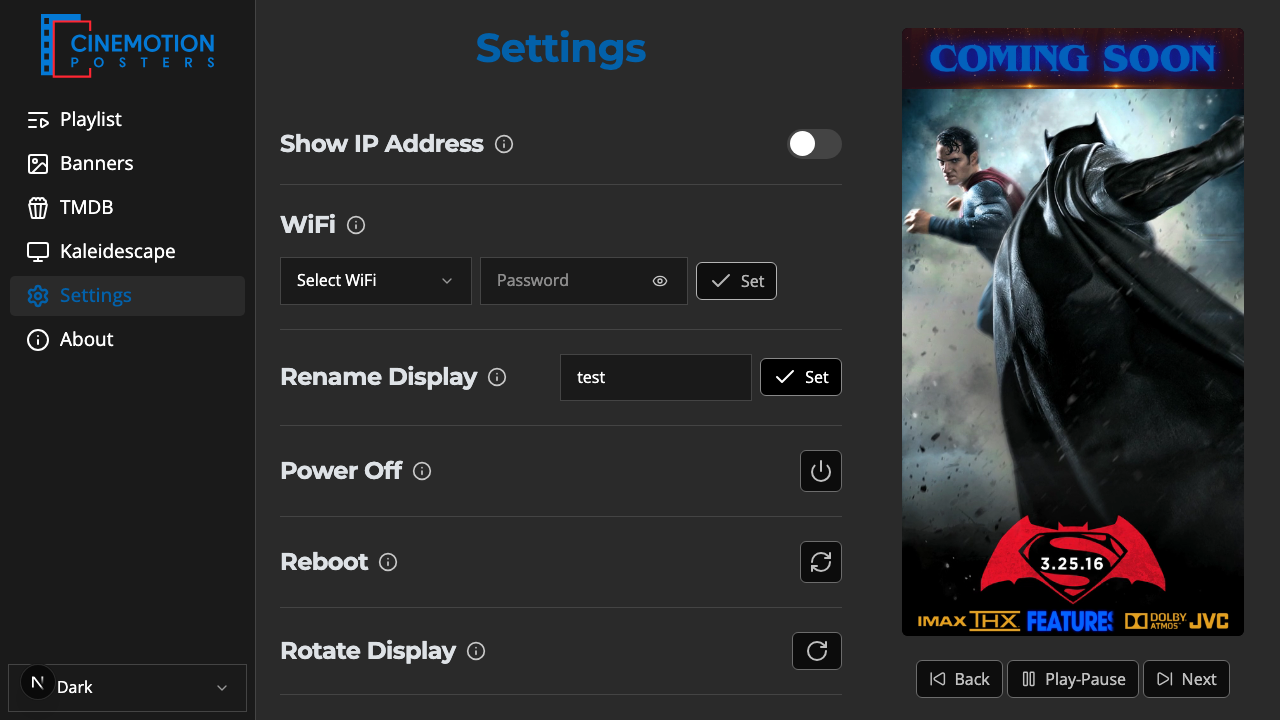
Find the Settings Reset row.


Click on the

 button.
A prompt lists what you can reset. Leave checked only what you want cleared:
- Kaleidescape settings — connection details for your Kaleidescape player
- TMDB API key — the key used to search and download posters
- User agreement acceptance — you will be asked to accept the agreement again
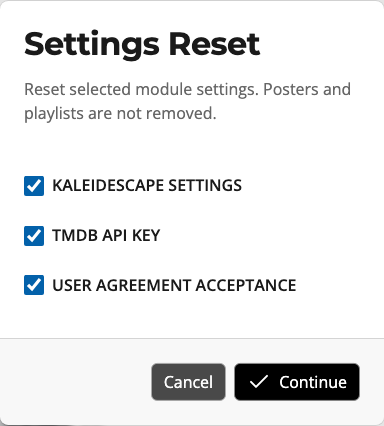
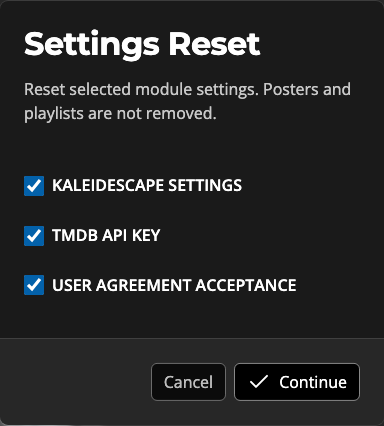
Choose Continue. The button stays unavailable until at least one box is checked. Choose Cancel to leave everything as it is.
TIP
Your posters and playlists stay put. Only the modules you check are cleared.
If you clear the user agreement, the app takes you to accept it again before you continue.
Need a full wipe — posters, playlists, Wi-Fi, and all — instead? Use Factory Reset. To remove only Kaleidescape posters and keep everything else, use Delete All in the Poster Editor.
Related
- Factory Reset — erase posters, playlists, Wi-Fi, and settings
- Poster Editor — delete Kaleidescape posters only