
Appearance
Show IP Address
Shows the player's network address on the TV screen so you can find it from a phone or computer. It is off by default — turn it on when you need to look up the address.
Quick use
Open Settings from the menu.
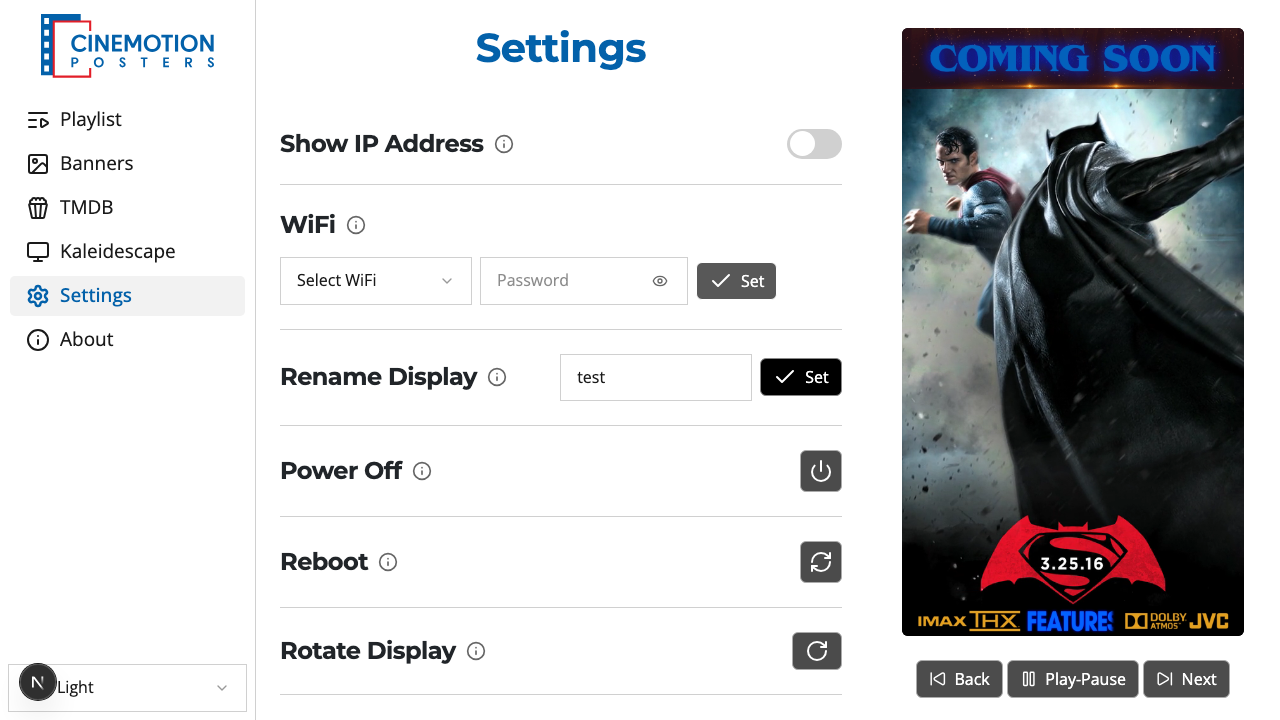
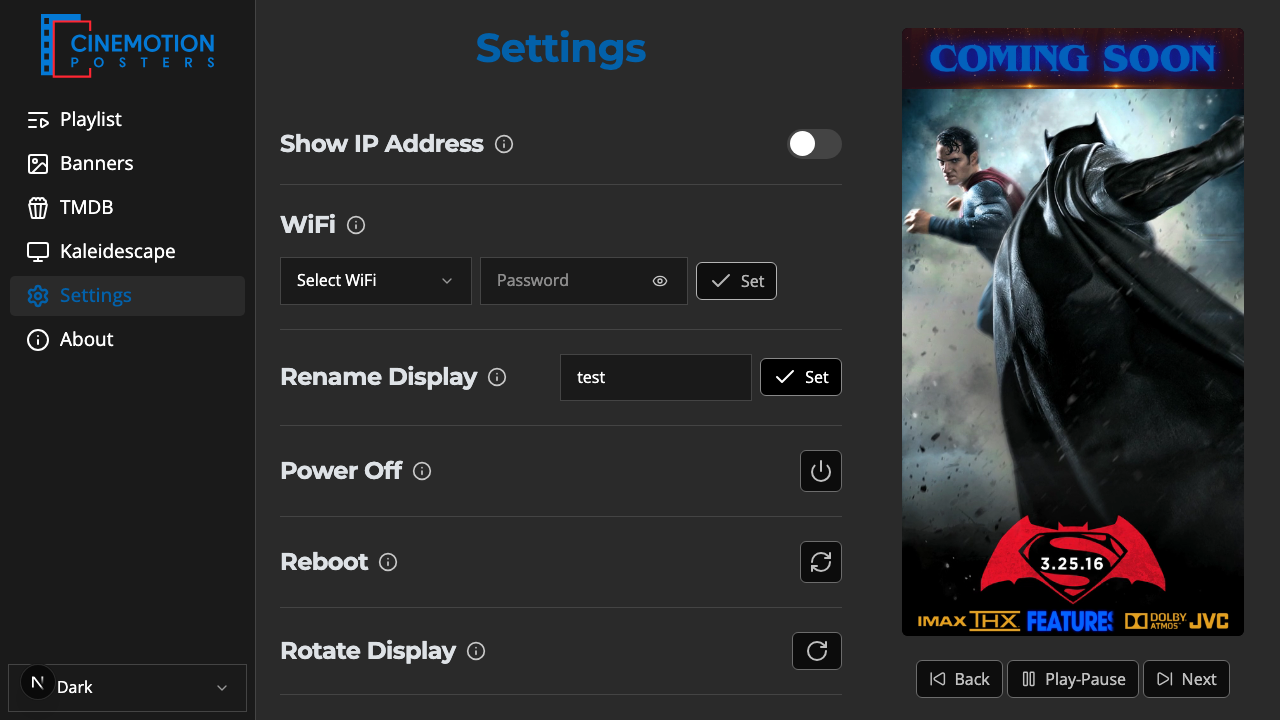
Find the Show IP Address row.


Flip the switch on or off.
The address should appear or disappear on the TV instantly.


TIP
Give the player a DHCP reservation in your router so its address stays the same. That way the app and any computer always reach it at the same place.
Related
- Wi-Fi — connect the player to your wireless network