
Appearance
Upload Banners
Adds your own banner images to the player so you can use them above or below posters.
Quick use
Open Banners from the menu.
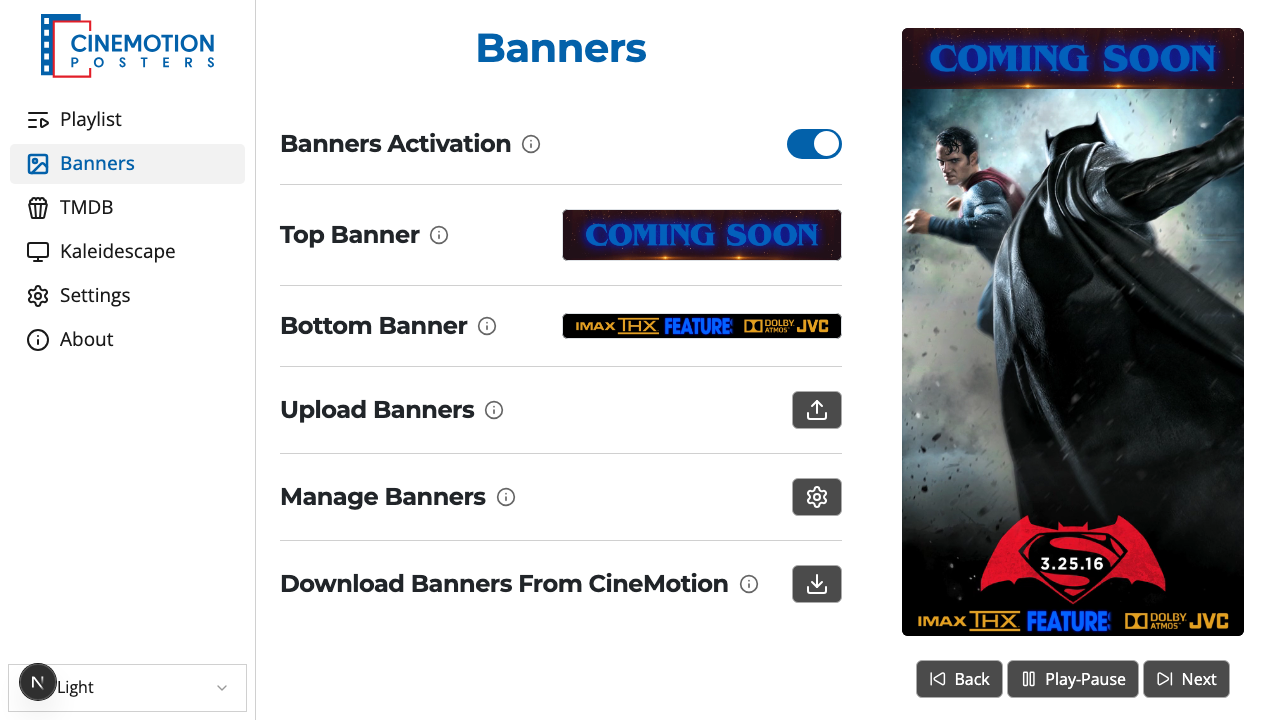
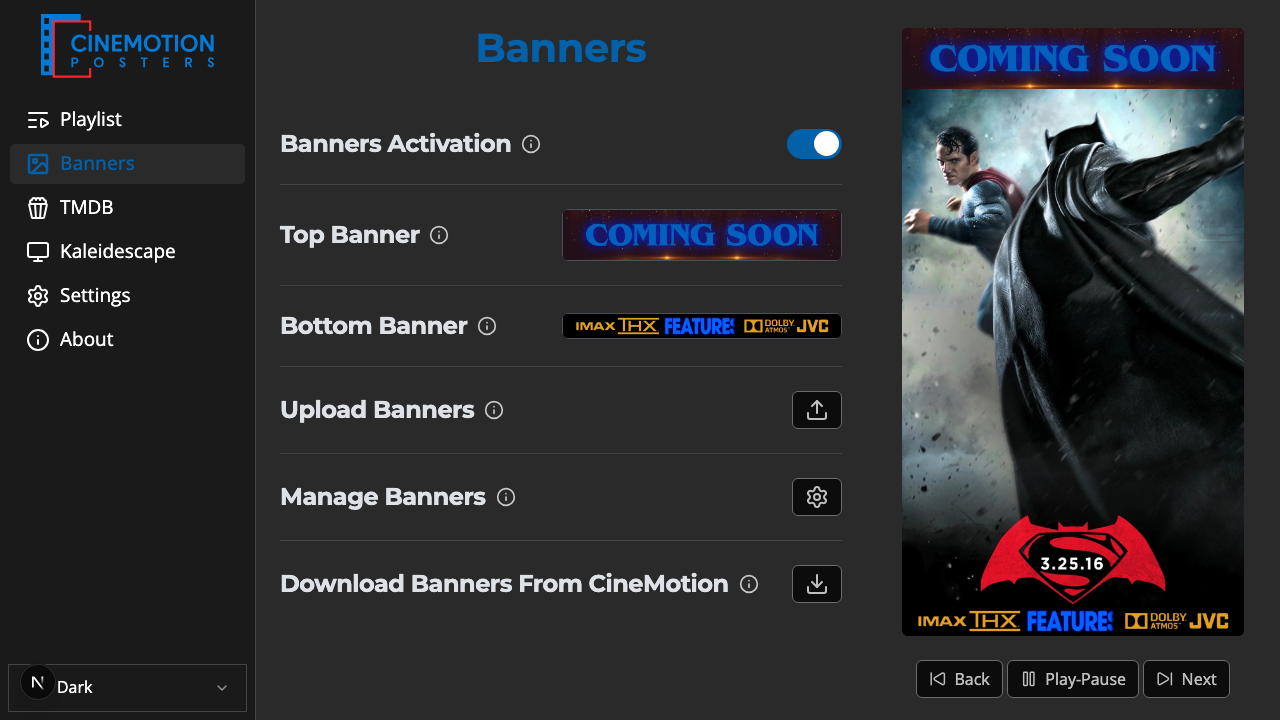
Find the Upload Banners row.


Click on the

 button.
Choose Upload Top Banner or Upload Bottom Banner.
Pick one or more image files from your device.
A progress bar appears while they upload. Within a few seconds they are ready to use.
TIP
Top banners should be 1920×200. Bottom banners should be 1920×100. Use PNG, JPG, or GIF.
Related
- Top & Bottom Banners — choose which banners show during playback
- Add Banners — get banners from CineMotion