
Appearance
Slide Duration
How long each poster stays on screen before the next one. Raise it for a slower pace, or lower it for a quicker rotation.
Quick use
Open Playlist from the menu.
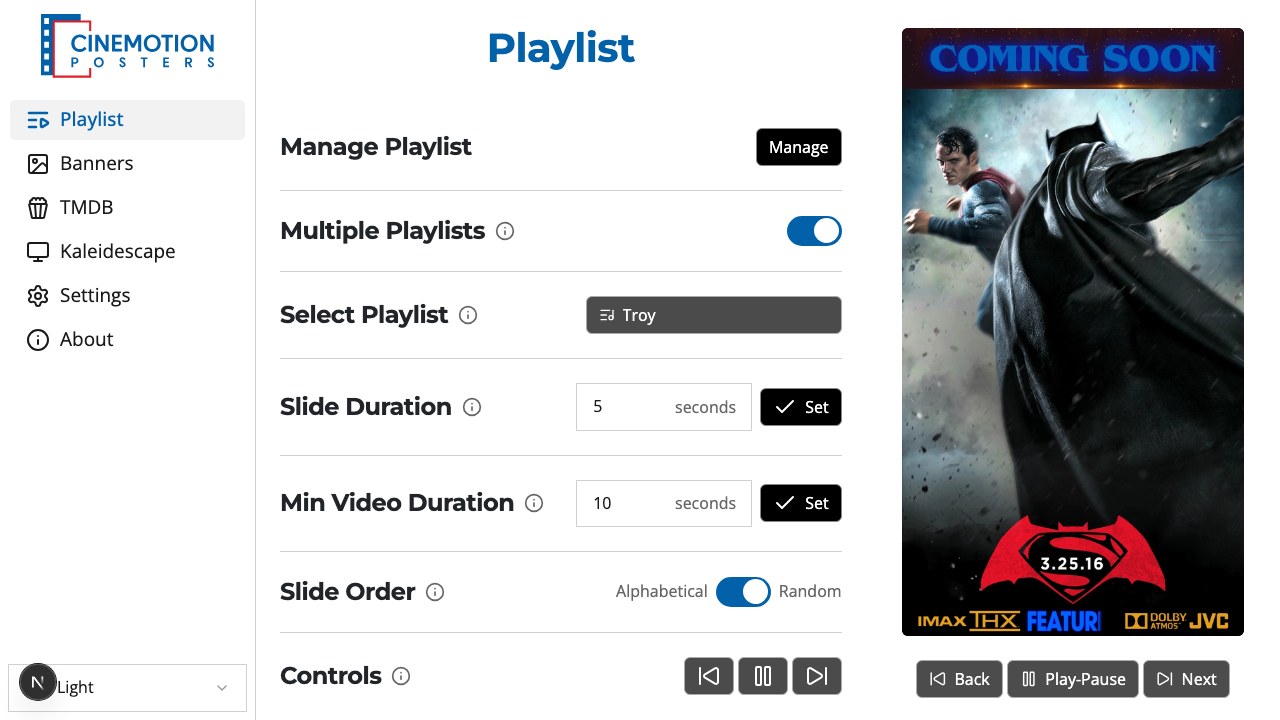
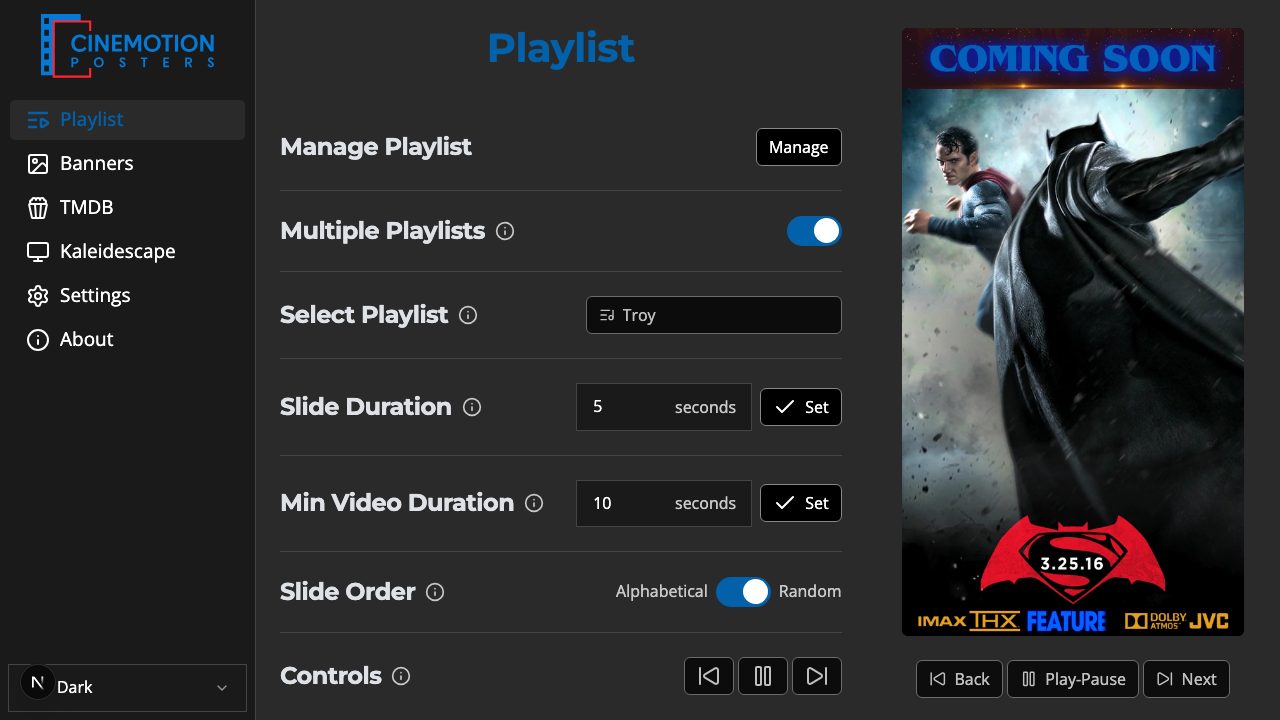
Find the Slide Duration row.


Type a value in seconds — at least 5.
Click on the

 button.
The new timing should take effect instantly.
Set stays disabled until the value is 5 seconds or more.
Related
- Min Video Duration — how long motion posters play
- Slide Order — alphabetical or random