
Appearance
Wi-Fi
Connect the player to a wireless network — useful when it isn't plugged into Ethernet, or when you need to switch networks.
Quick use
Open Settings from the menu.
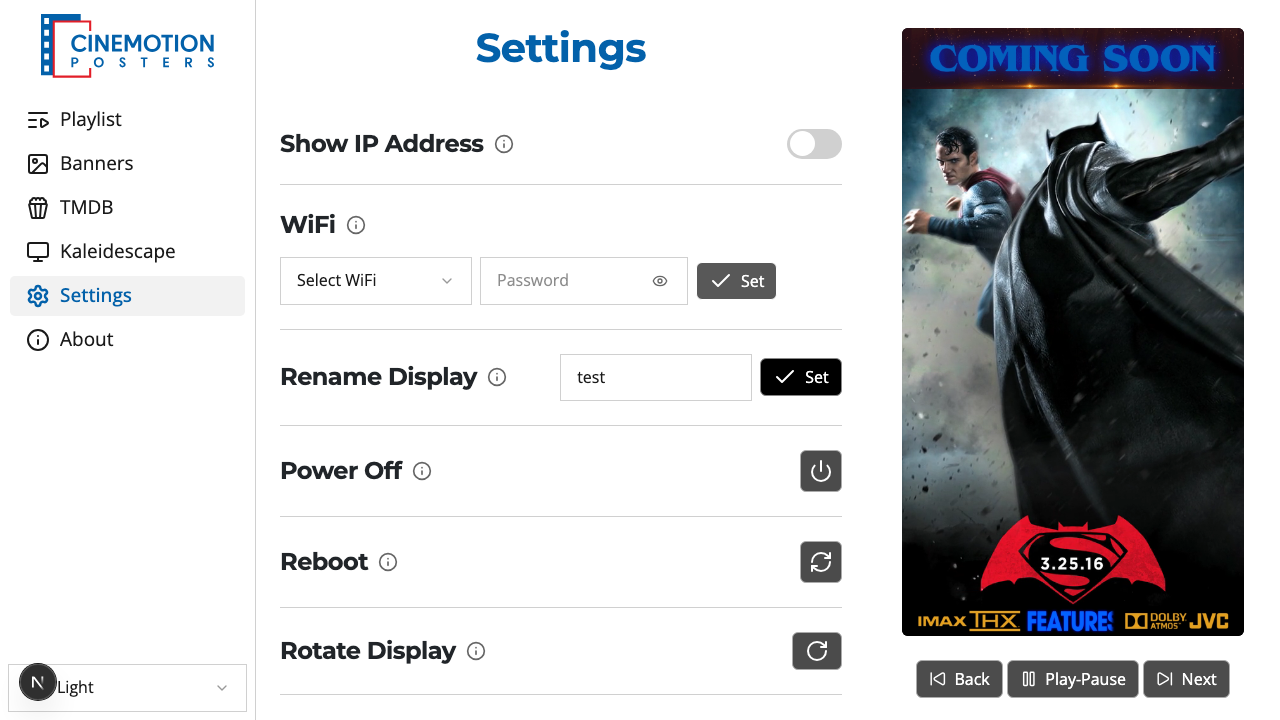
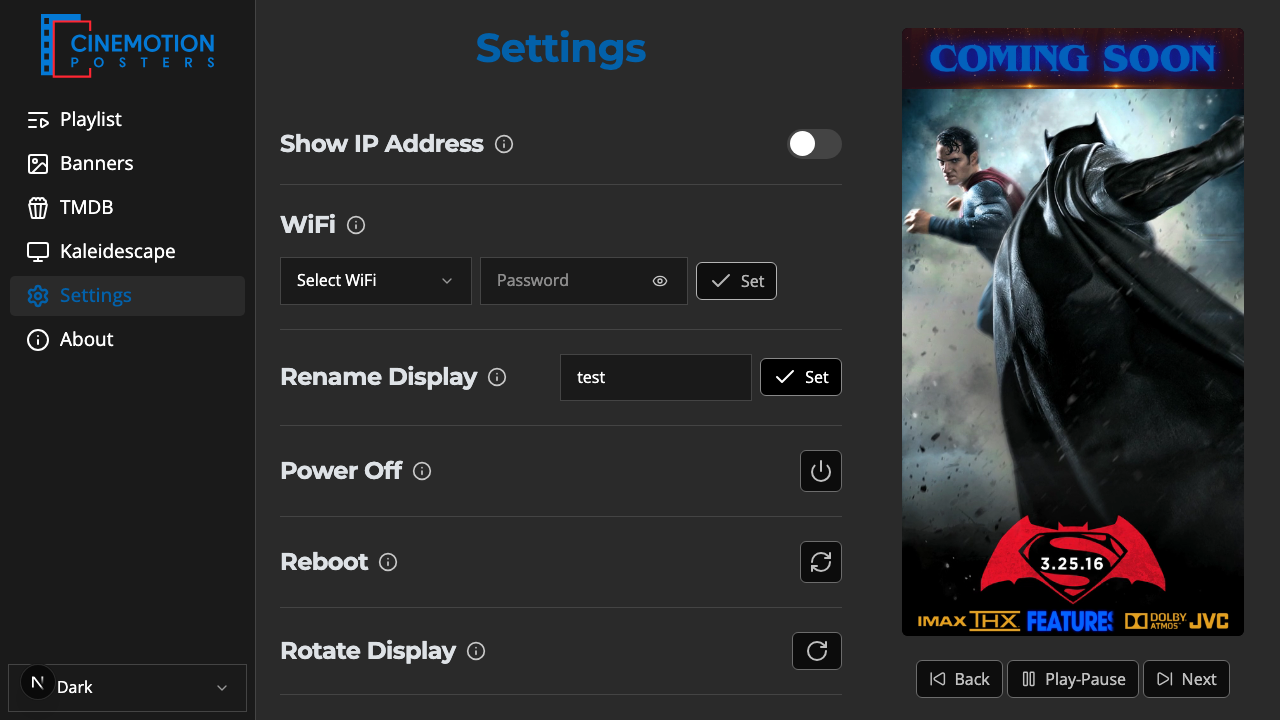
Find the WiFi row.


Choose Select WiFi.
Pick your network from the list.
Enter the password (at least 8 characters).
Choose Set.
Within a few seconds the network is saved and the player connects.
Switching networks
When the player joins a different network, it gets a new address there — so this page can't hear back from it anymore. The app keeps checking the player and, once it's sure the switch went through (this can take a couple of minutes), tells you to connect your own device to the new network and continue at http://<player-name>.local.
TIP
A saved network and its password stay filled in, so you don't have to re-enter them next time.
TIP
Wi-Fi works fine, but a wired Ethernet connection is more reliable for day-to-day use.
Related
- Show IP Address — show the player's network address on the TV