
Appearance
Top Banner
Picks the banner shown above the poster while a Kaleidescape movie is playing.
Quick use
Open Kaleidescape from the menu.
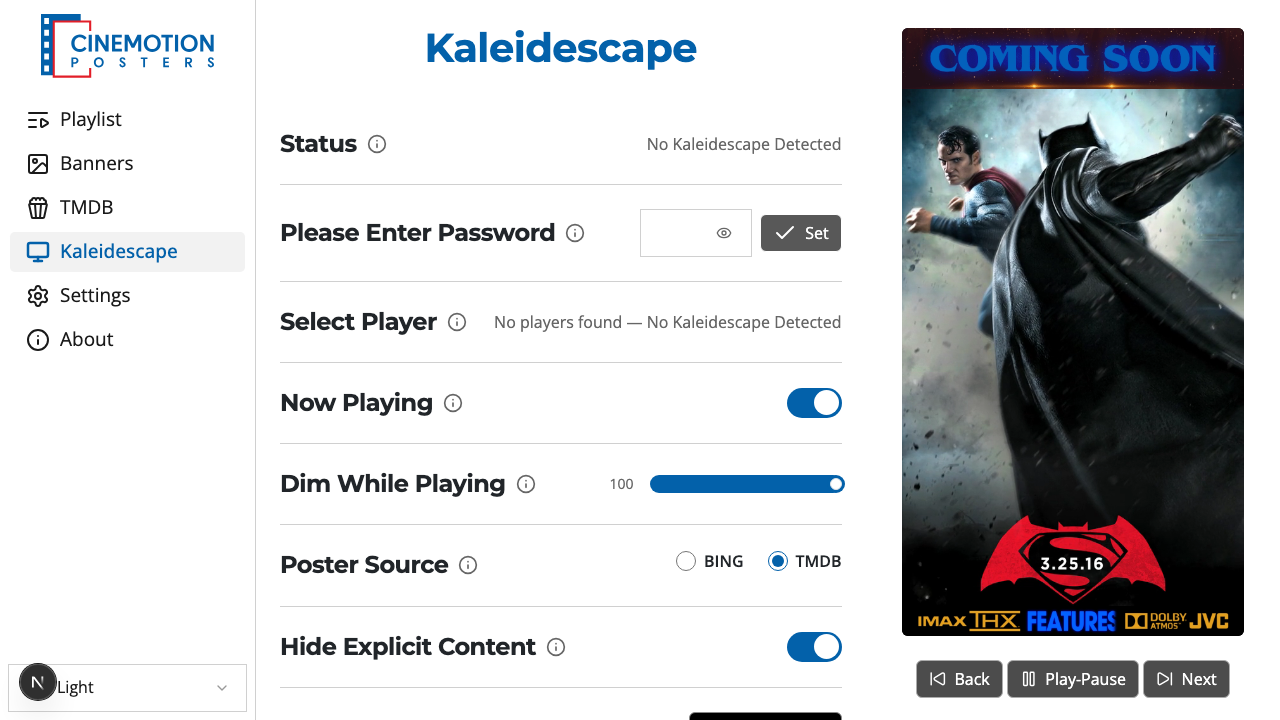
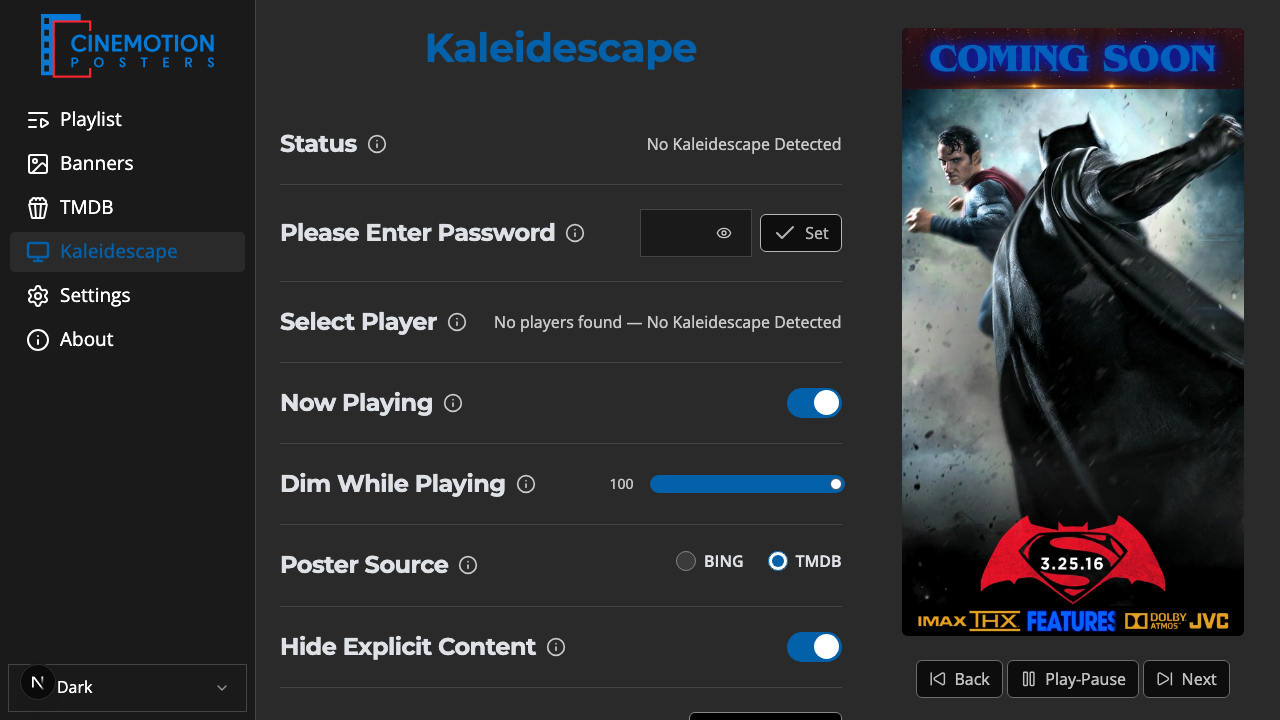
Find the Top Banner row.


Click on the

 preview.
A searchable list opens. Type part of a file name to narrow it, then tap the banner you want.
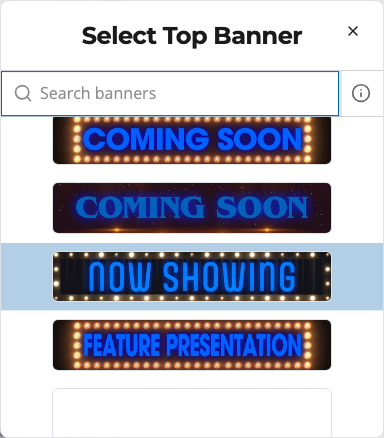
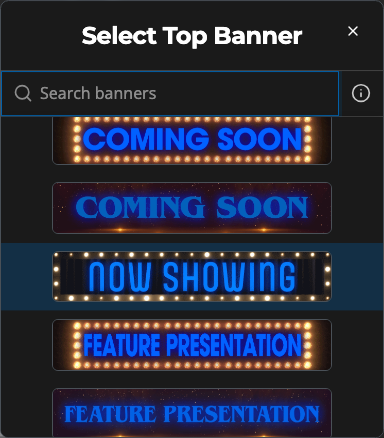
A confirmation message should appear instantly.
TIP
This selection is saved for Now Playing, which is not active in the current software version. Upload banners under Banners first if the row says none are available.
Related
- Bottom Banner — banner below the poster during Now Playing
- Now Playing — show the current movie's poster