
Appearance
Enter Password
Enter the 4-digit PIN so CineMotion can talk to your Kaleidescape player.
Quick use
Open Kaleidescape from the menu.
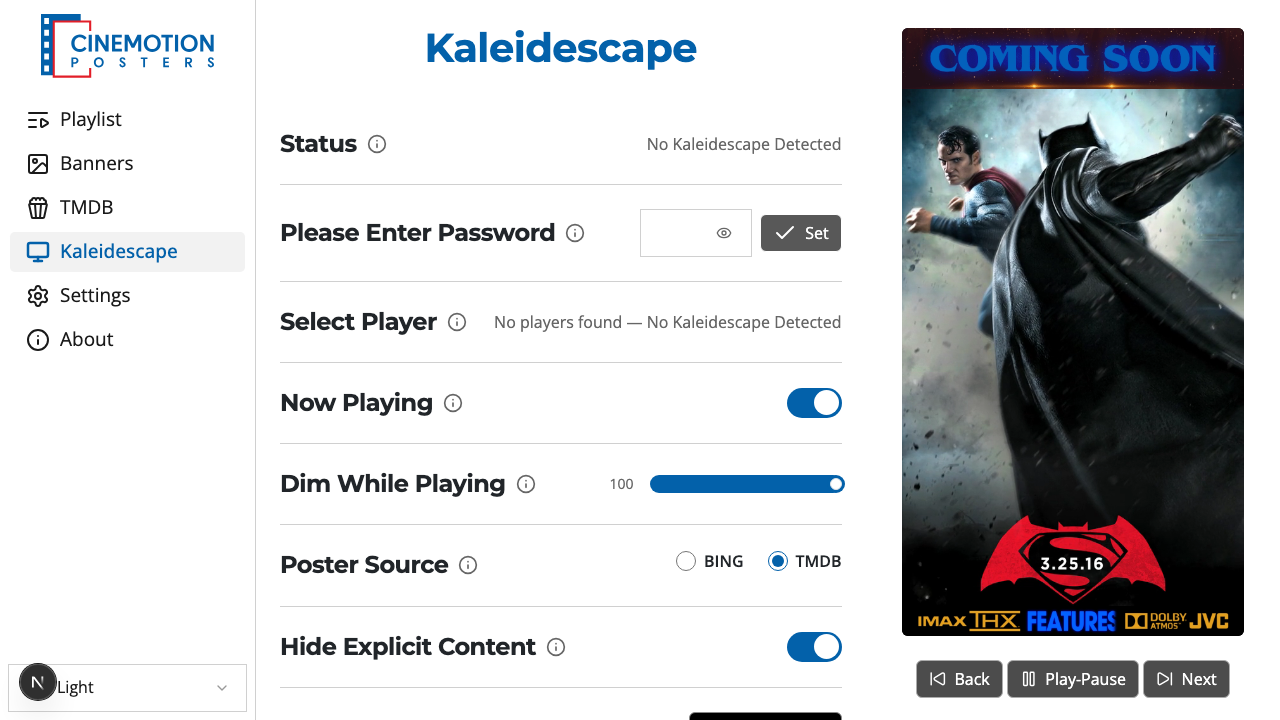
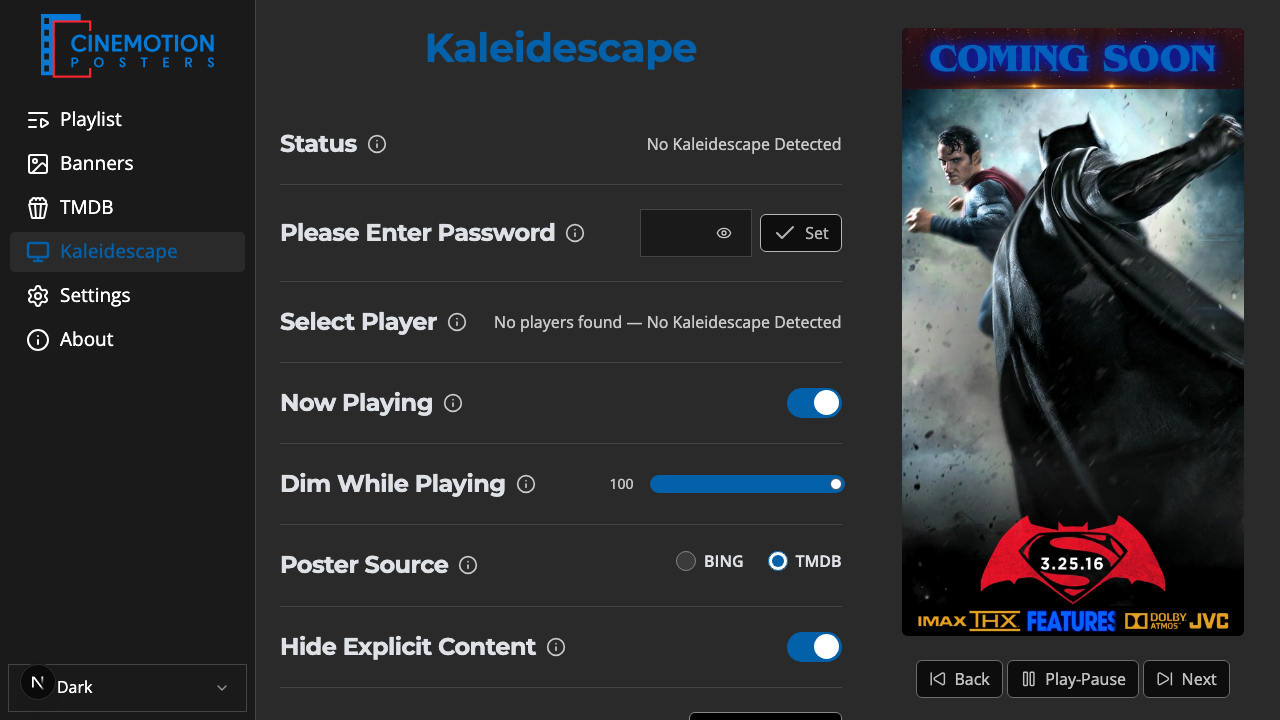
Find the Enter Password row.


Enter the 4-digit PIN.
Click on the

 button.
The PIN should be saved instantly.
Set stays disabled until all 4 digits are entered.
TIP
We recommend setting your Kaleidescape player's Control Protocol ID to 02. See Control Protocol Device ID.
Related
- Status — see if the player is connected
- Select Player — choose which Kaleidescape to use
- Control Protocol Device ID — required setting on the Kaleidescape
- Now Playing — show the current movie's poster