
Appearance
Dim While Playing
Darkens the poster display — useful when the screen is too bright in a dark room. The dim level applies to the display at all times, not only during Kaleidescape playback.
Quick use
Open Kaleidescape from the menu.
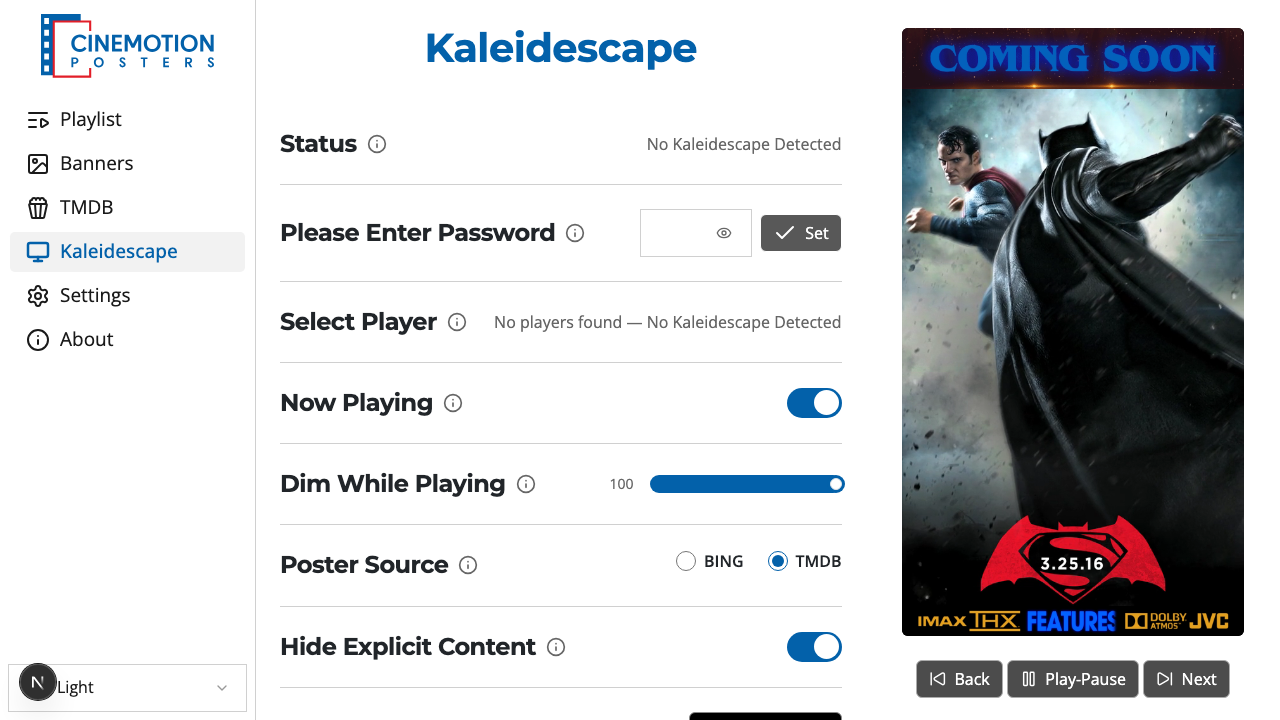
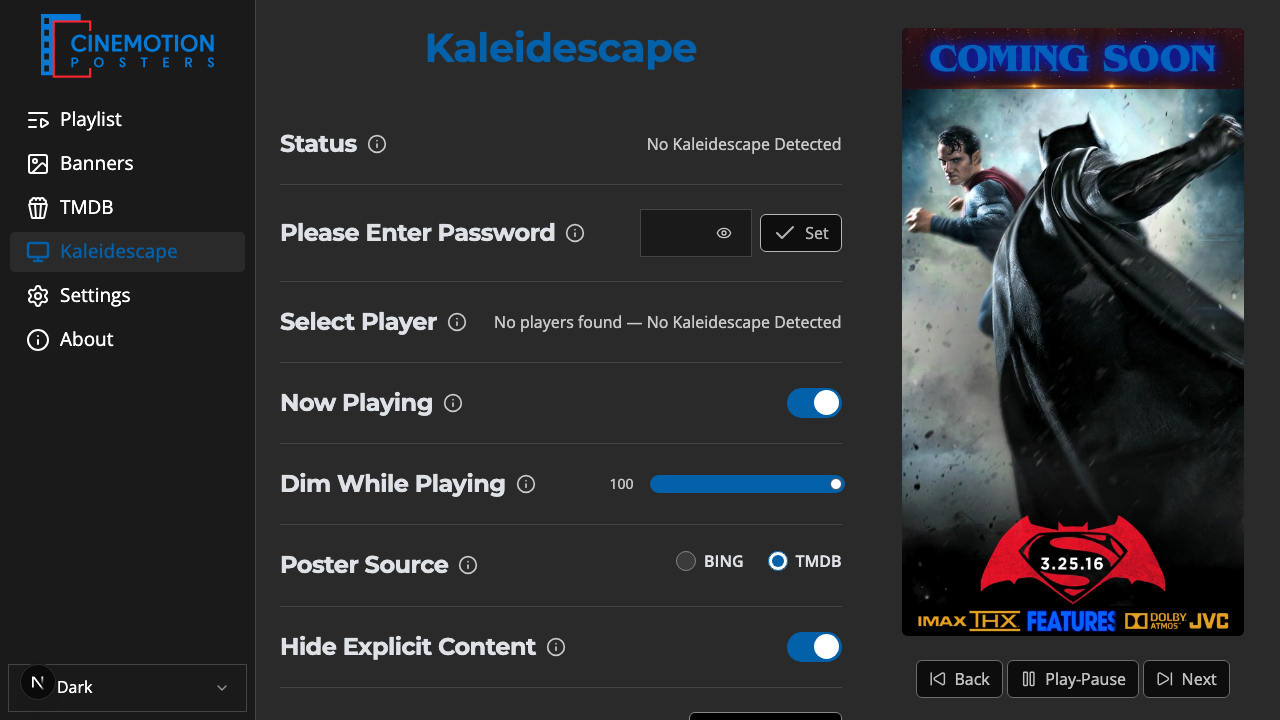
Find the Dim While Playing row.


Drag the slider — left is fully dimmed (0); right is no dimming (100).
A confirmation message should appear instantly.
Related
- Now Playing — show the current movie's poster
- Top Banner — banner above the poster during Now Playing
- Bottom Banner — banner below the poster during Now Playing