
Appearance
Power Off
Fully shuts the player down — the same as switching it off. Use it before you unplug the player, move it, or put it away for a while.
Quick use
Open Settings from the menu.
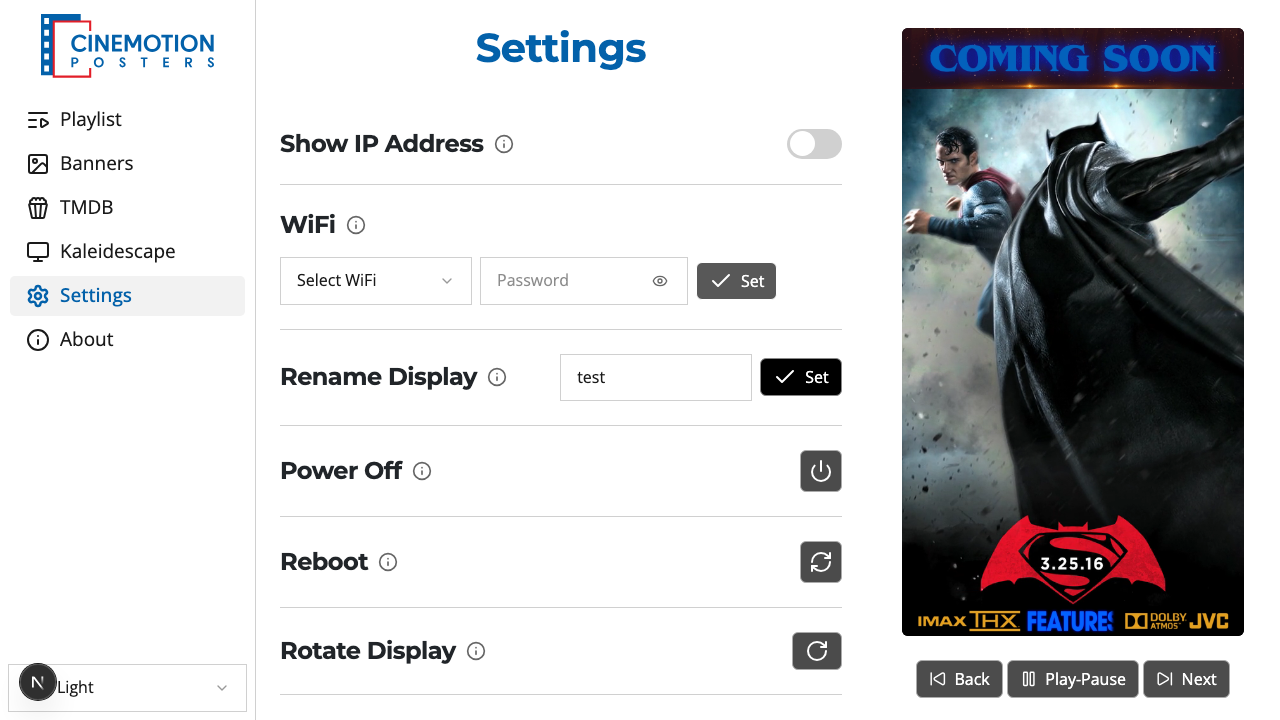
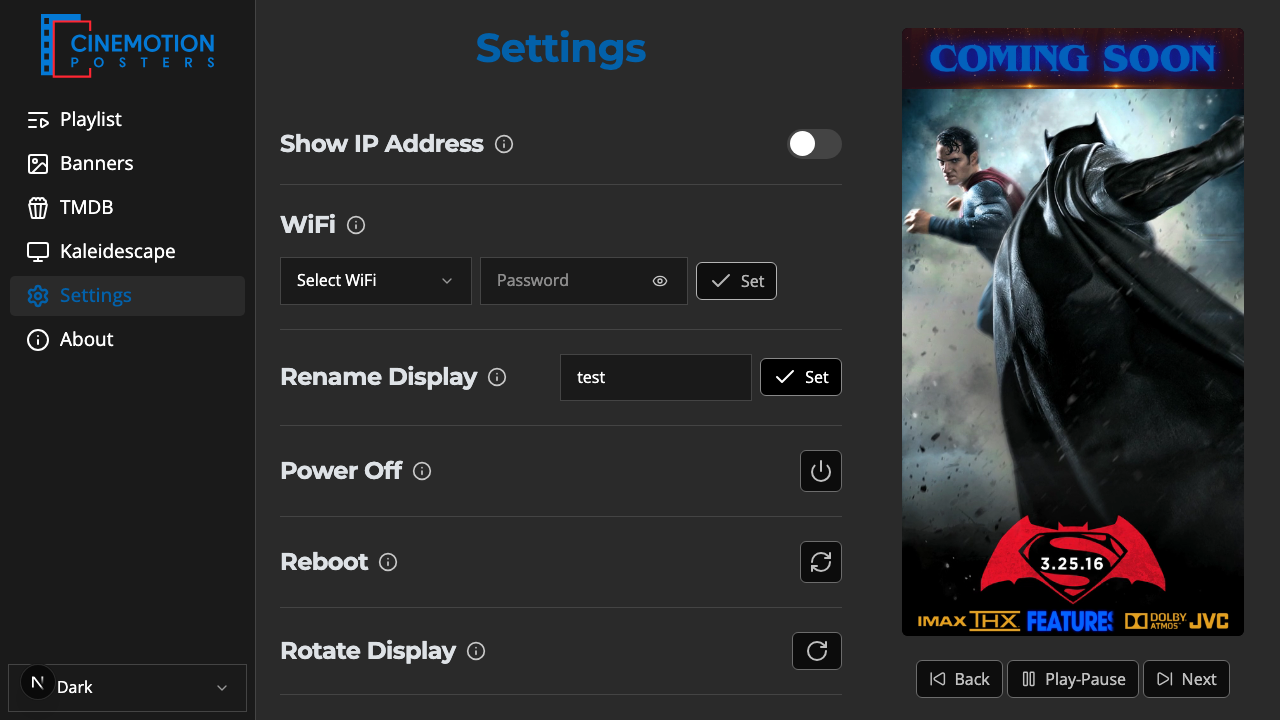
Find the Power row.


Click on the

 button.
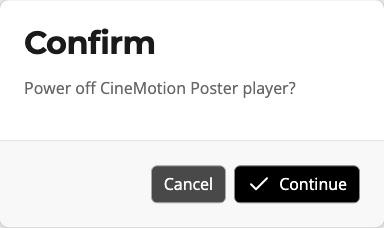
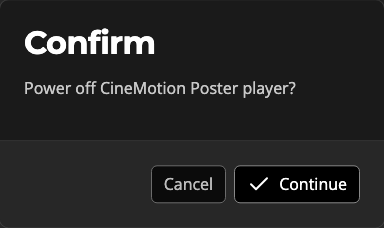
A prompt asks you to confirm. Choose Continue to shut down, or Cancel to stay on.
The screen goes black within a few seconds and the player switches off.
To turn it back on, press the power button on the unit itself.
TIP
Your playlists and settings are kept. When the player powers back on, playback resumes from where the playlist would be — if it was paused, it returns to the exact poster and position.
Once the player is off, the app can no longer control it. Just open the app again after you turn the unit back on.
Related
- Reboot — restart the player without a full shutdown
- Factory Reset — erase settings and start fresh