
Appearance
System Time
Shows the player's current time, kept live. Keeping it correct matters for the maintenance reboot that runs at 3am on Mondays and Thursdays. Software updates are started manually from Software Update.
Quick use
Open Settings from the menu.
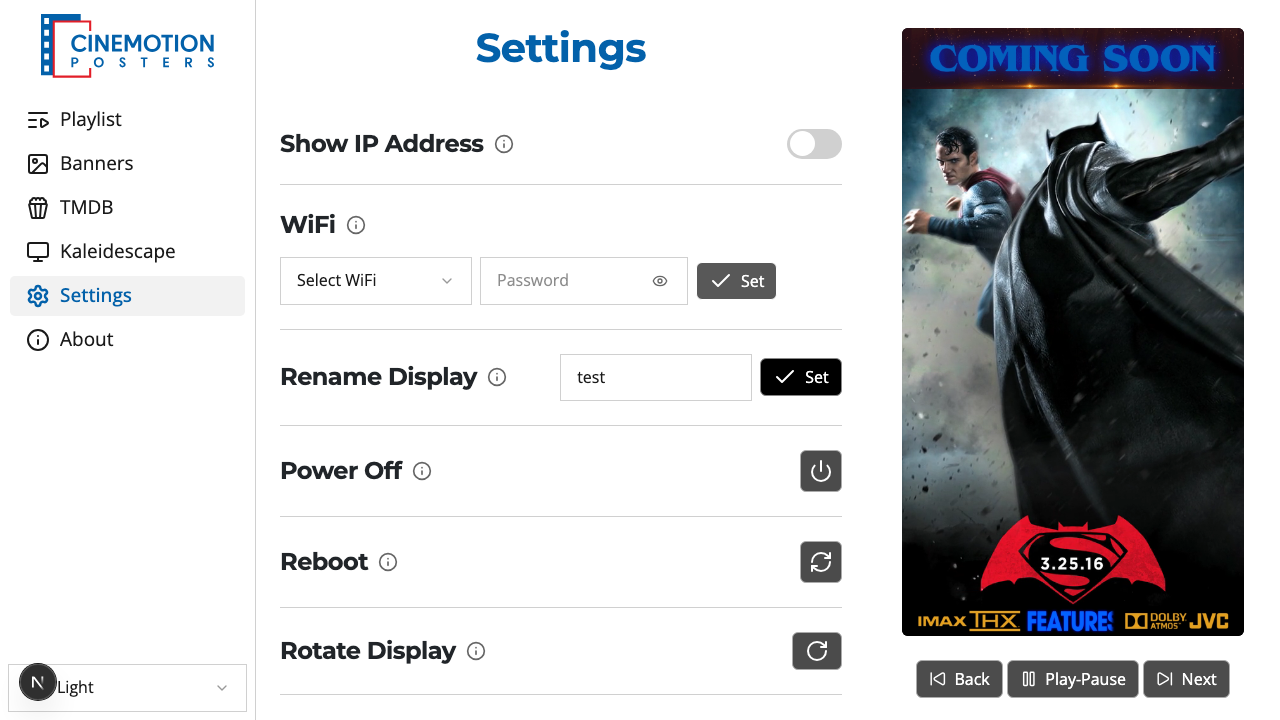
Find the System Time row — the clock updates as you watch.


TIP
If the time looks wrong, set the timezone first — that usually fixes it.
Related
- Time Format — 24-hour or AM/PM
- Set System Timezone — pick your local zone