
Appearance
Controls
Skip to the previous or next poster, or pause on the one showing — from the app, while the player is running.
Quick use
Open Playlist from the menu.
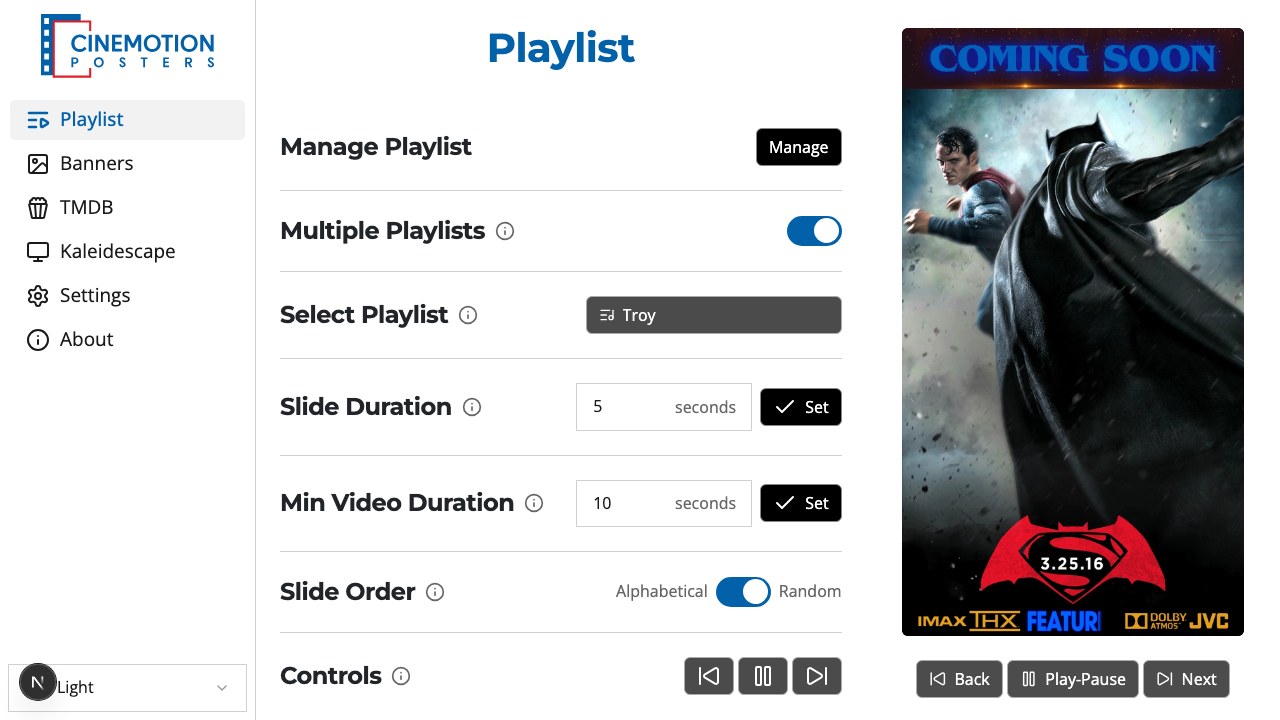
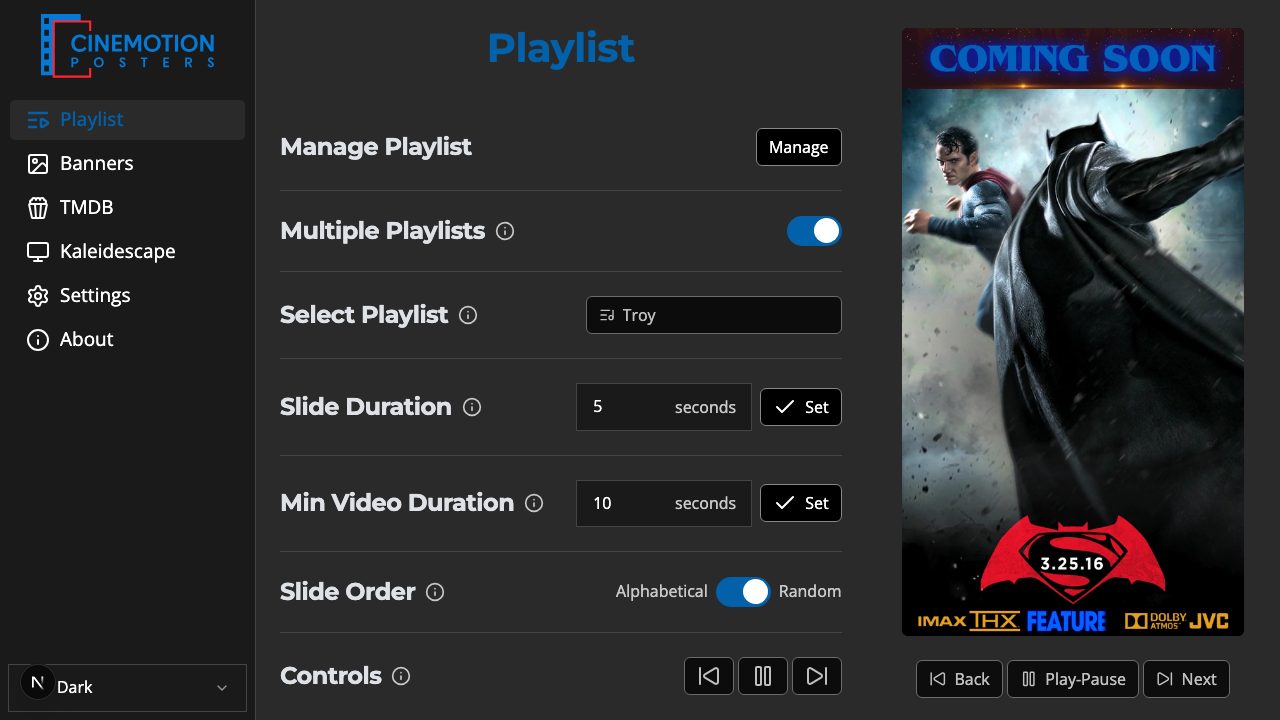
Find the Controls row.


Click Back, Play-Pause, or Next.
The TV updates instantly — previous poster, pause or resume, or next poster.
When you pause or resume, a pause or play symbol flashes on the TV for about 3 seconds, then disappears. Press Play-Pause again to resume.
TIP
To hold one poster on screen, make a dedicated playlist (for example, "Featured Presentation"), add that poster, turn off Multiple Playlists, and select only that playlist.
Related
- Preview — watch what's on the TV from the app
- Multiple Playlists — play one playlist or several