
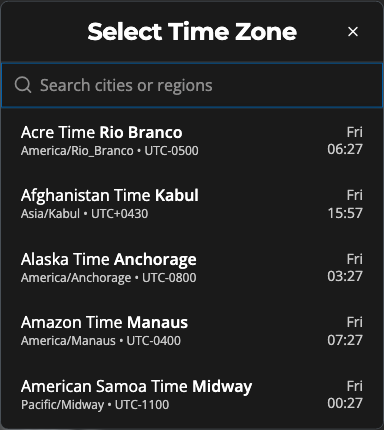
Appearance
Set System Timezone
Sets the player's local timezone so the clock and time-based features stay accurate.
Quick use
Open Settings from the menu.
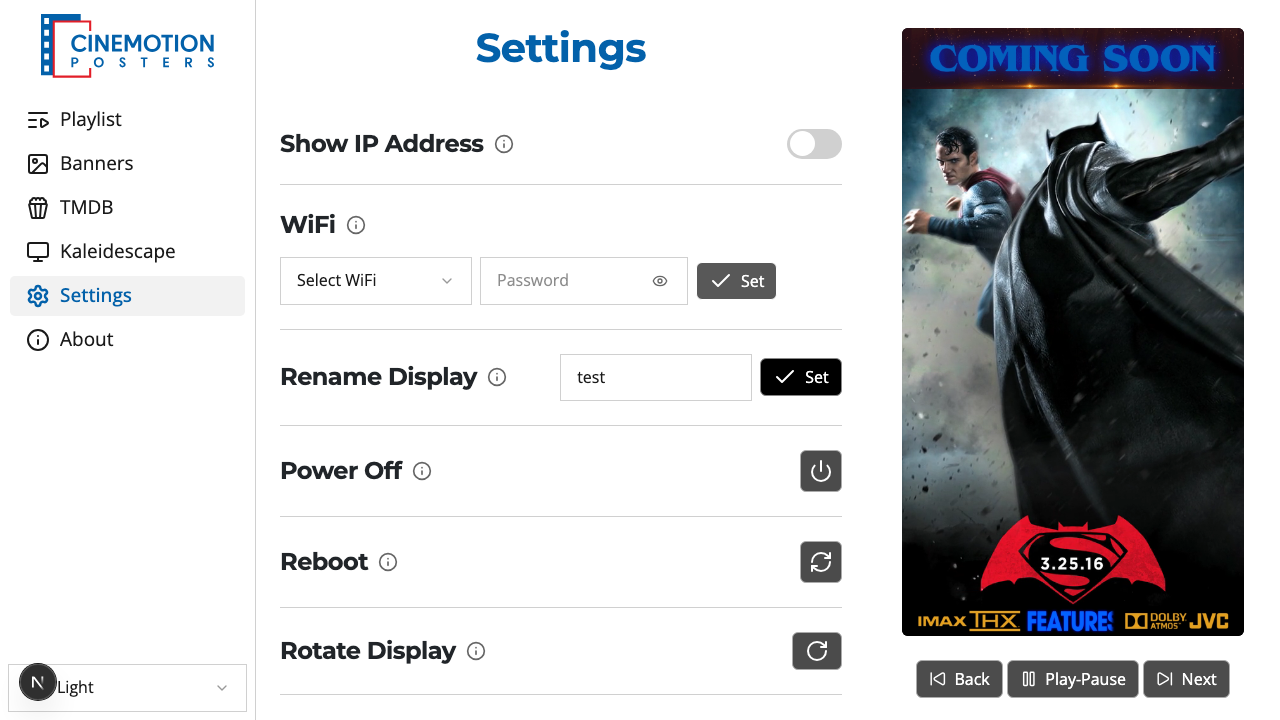
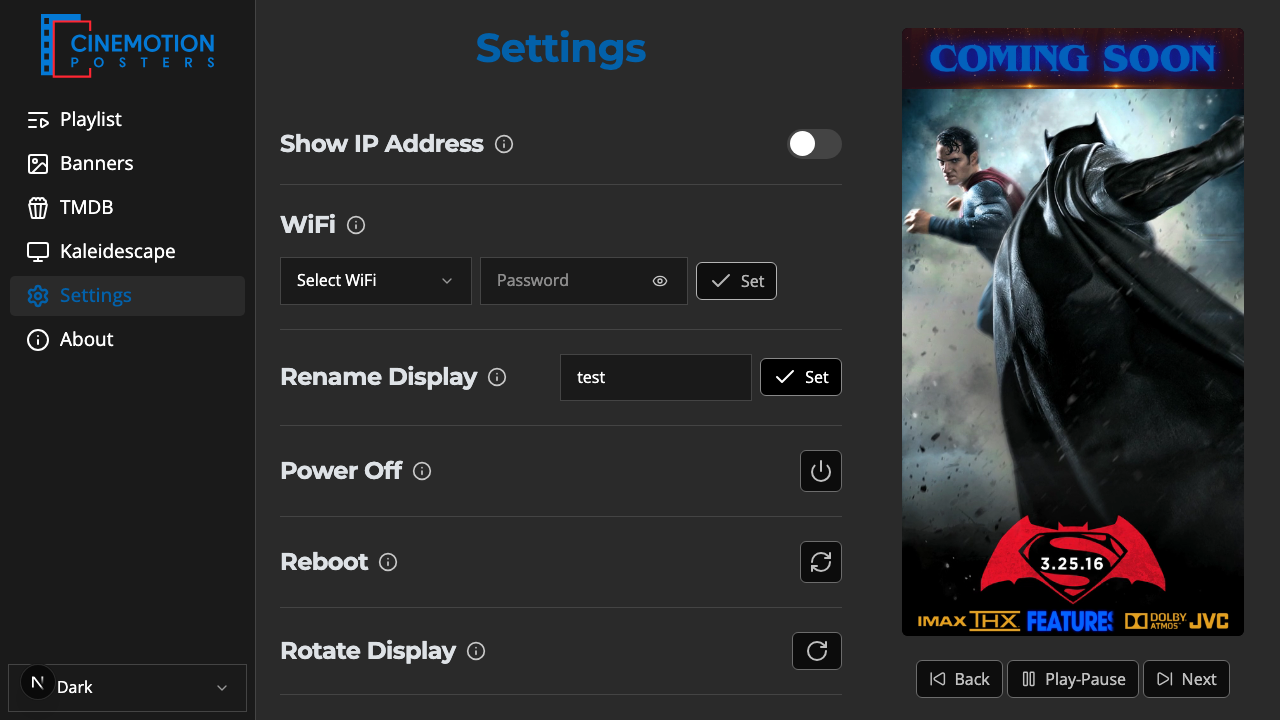
Find the Set System Timezone row.


Click on the

 button.
A searchable list of timezones opens. Type a city or region, then tap the one you want.
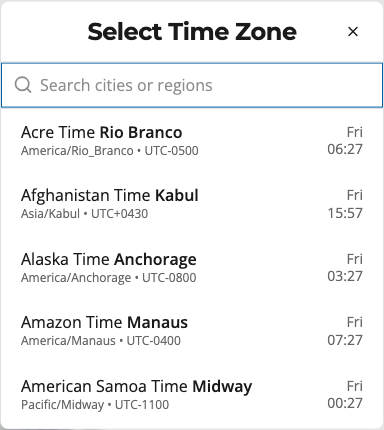
The picker closes and System Time should update to match instantly.
Related
- System Time — the player's live clock
- Time Format — 24-hour or AM/PM