
Appearance
Force 1080p Resolution
Locks the picture to standard 1080p HD. Use it for smaller displays that need that size — leave it off if your TV supports 4K.
Quick use
Open Settings from the menu.
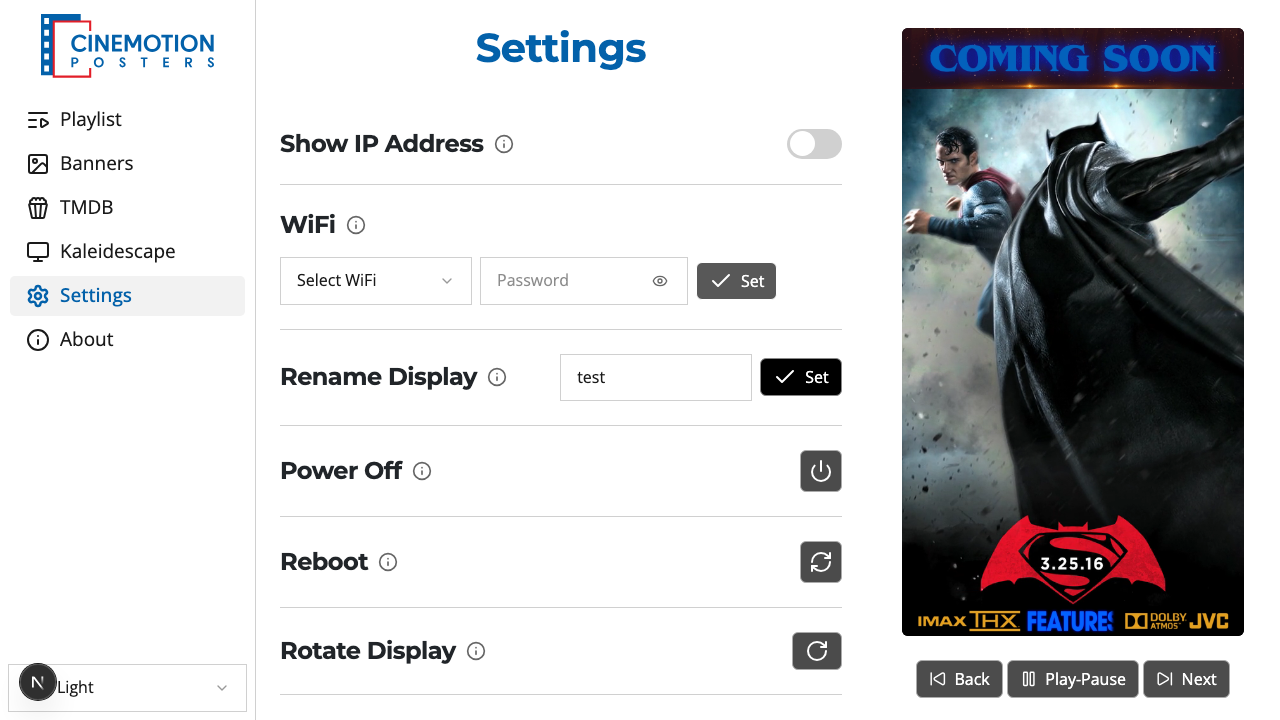
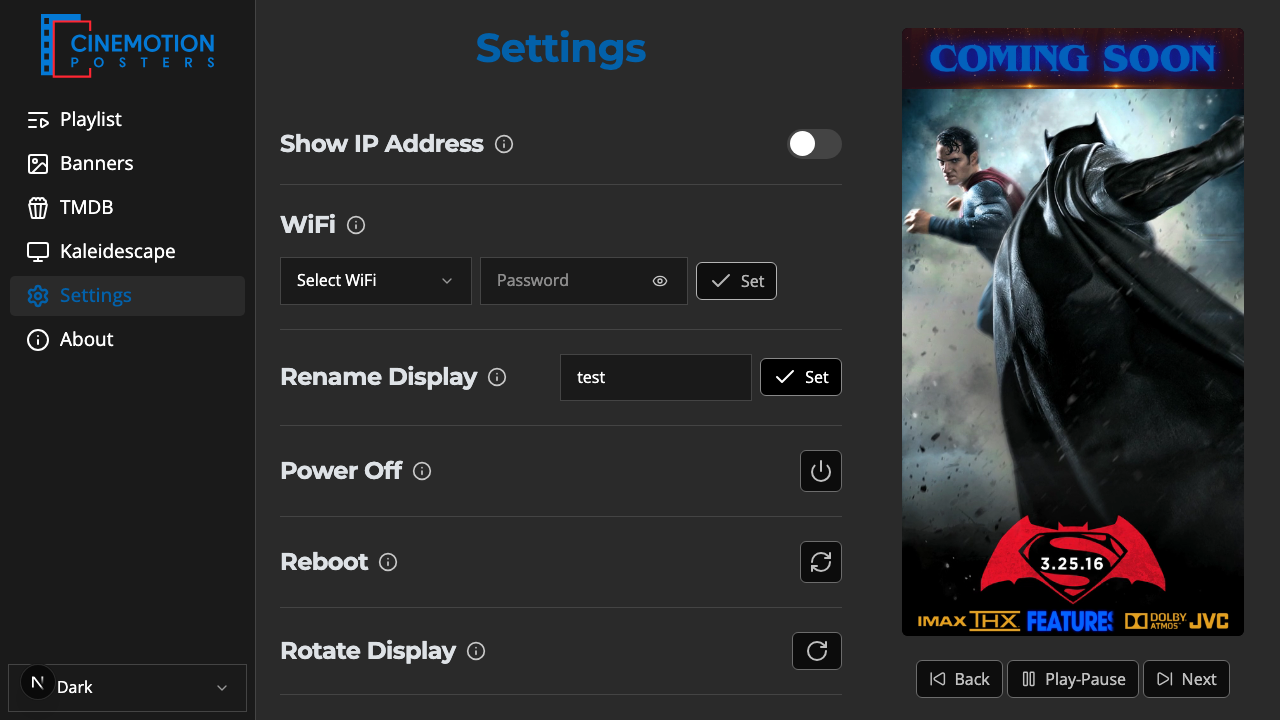
Find the Force 1080p Resolution row.


Flip the switch on.
A prompt warns that the player will reboot. Choose Continue to apply, or Cancel to leave it off.
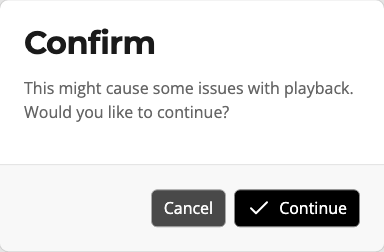
The player reboots within a few seconds to apply the change.
To turn it off, flip the switch again. The same reboot prompt appears — choose Continue to return to the display's normal resolution (including 4K, if the TV supports it), or Cancel to leave it on.
While it restarts, the app briefly loses contact. Wait a moment, then open the app again.
TIP
Nothing is lost. When the player comes back, playback resumes from where the playlist would be — if it was paused, it returns to the exact poster and position.
WARNING
Only turn this on if you need it. It can affect how posters play back.
Related
- Rotate Display — fix a picture that is upside-down or sideways