
Appearance
Now Playing
Stores your preference for following Kaleidescape playback — showing the current movie's poster and the Now Playing banners while a movie plays.
WARNING
Automatic poster and banner switching is not active in the current software version. The switch saves your preference, but the display does not yet follow what's playing.
Quick use
Open Kaleidescape from the menu.
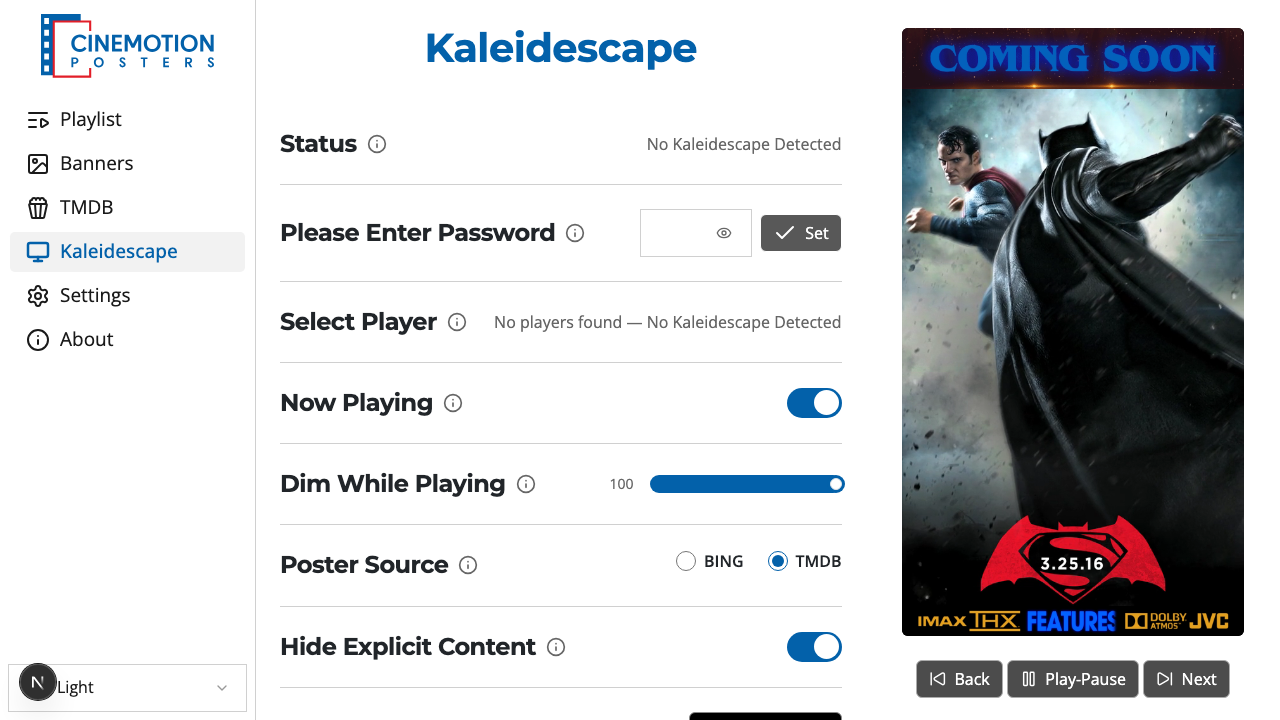
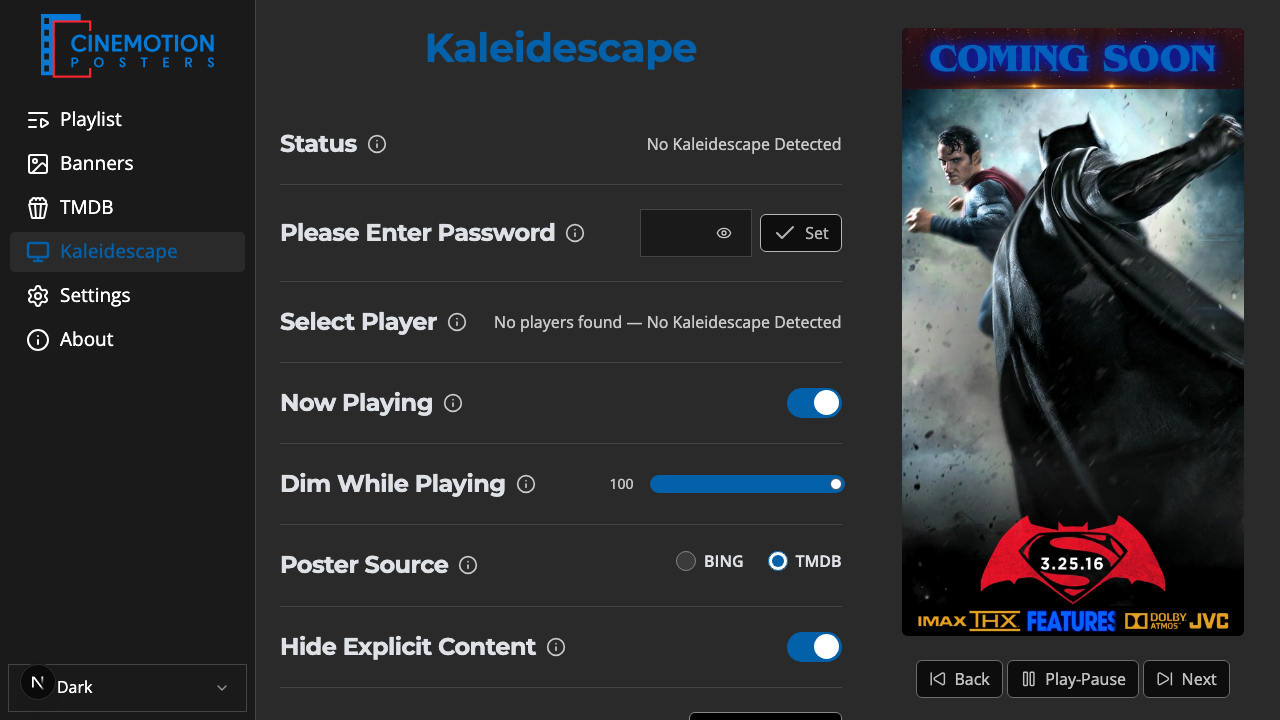
Find the Now Playing row.


Turn the switch on.
A confirmation message should appear instantly.
Turn the switch off to stop following what's playing.
Related
- Dim While Playing — darken the poster while a movie plays
- Top Banner — banner above the poster during Now Playing
- Bottom Banner — banner below the poster during Now Playing