
Appearance
Get Posters
Scans your Kaleidescape library and collects poster art for each title. Use it after you connect a player, or whenever you want a fresh scan.
Quick use
Open Kaleidescape from the menu.
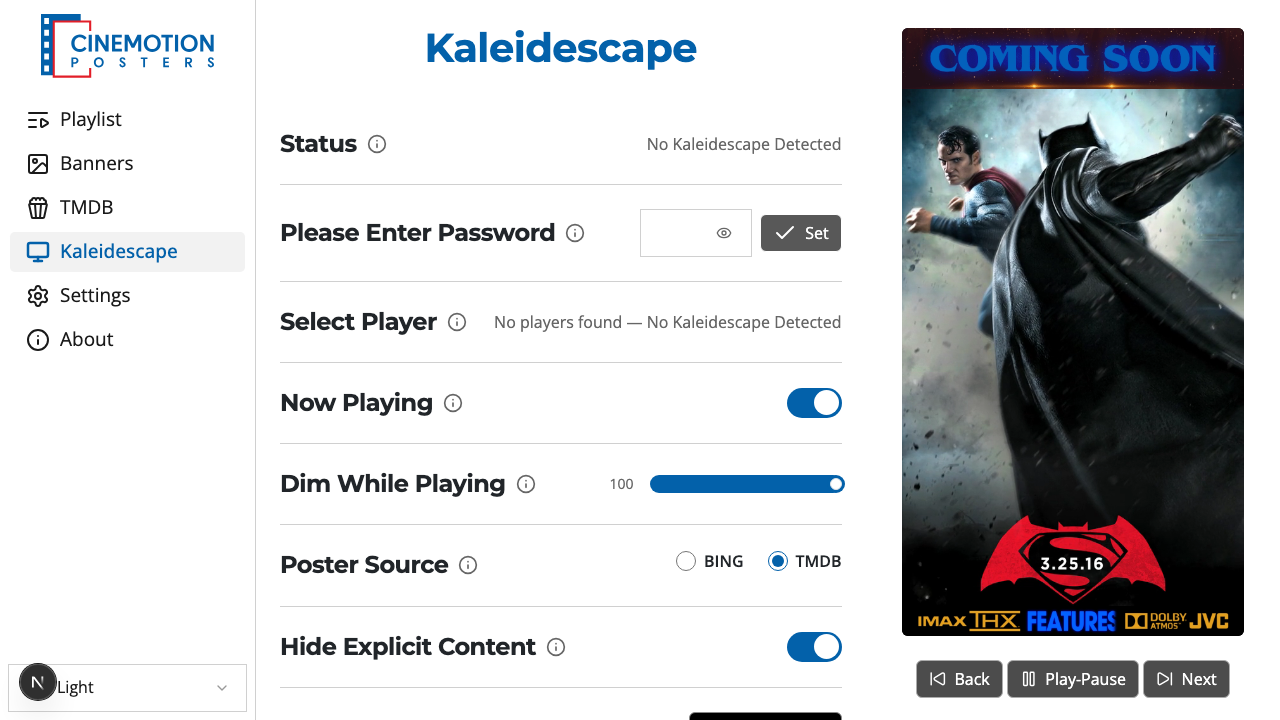
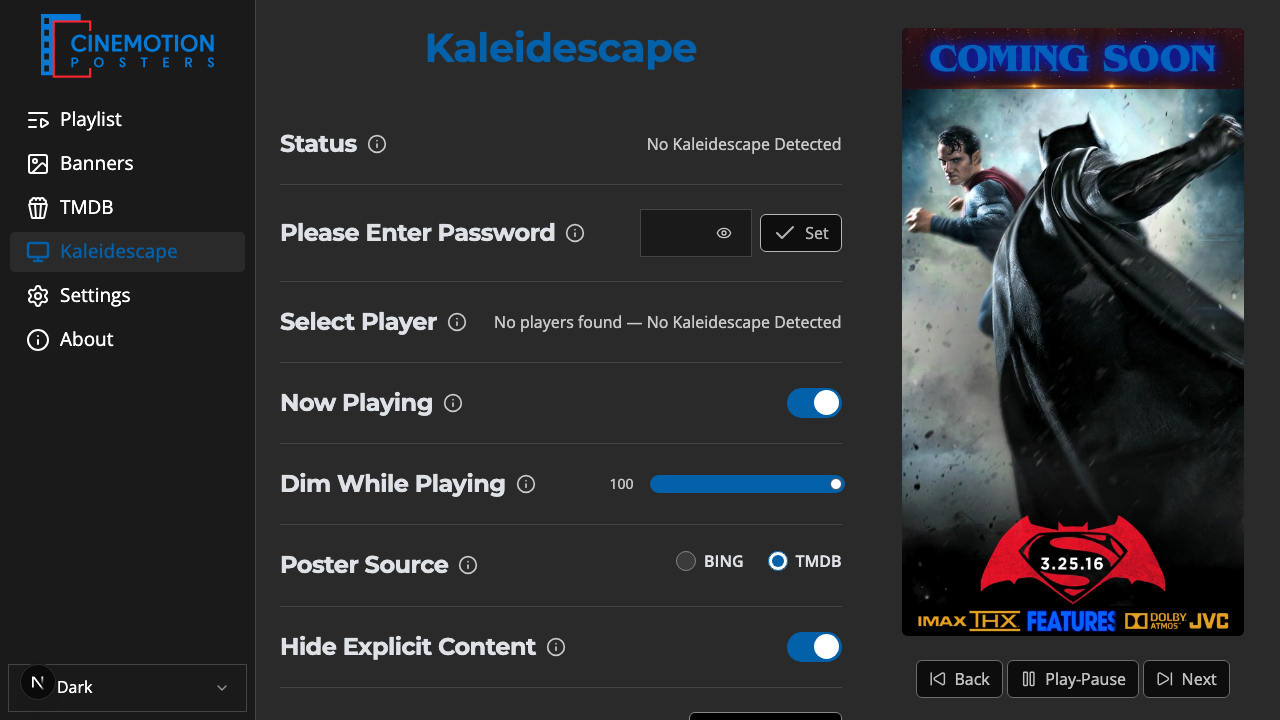
Find the Scan Posters row.


Optionally set Hide Explicit Content — when on, Bing and TMDB scans leave out explicit poster results.
Click on the

 button.
The scan runs. For a large library it can take a few minutes — wait until it finishes.
TIP
Press Scan Posters again after adding new movies to your Kaleidescape library — the player does not re-scan on its own.
After a scan, open the Poster Editor to review what was collected.
Related
- Hide Explicit Content — Bing and TMDB adult-result filter
- Poster Source — choose Bing or TMDB for lookups
- Poster Editor — review, replace, or delete posters
- Reset — clear Kaleidescape connection settings