
Appearance
Select Playlist
Picks which single playlist the player shows. Use it when Multiple Playlists is off.
Quick use
Open Playlist from the menu.
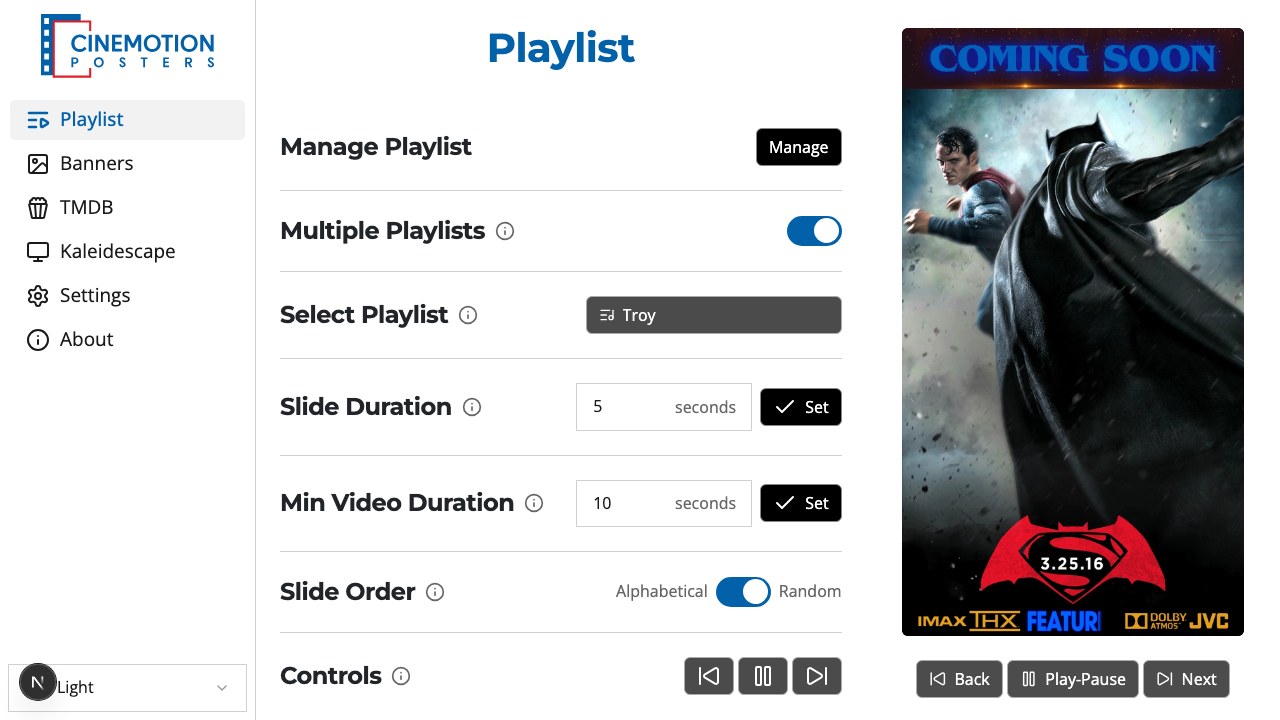
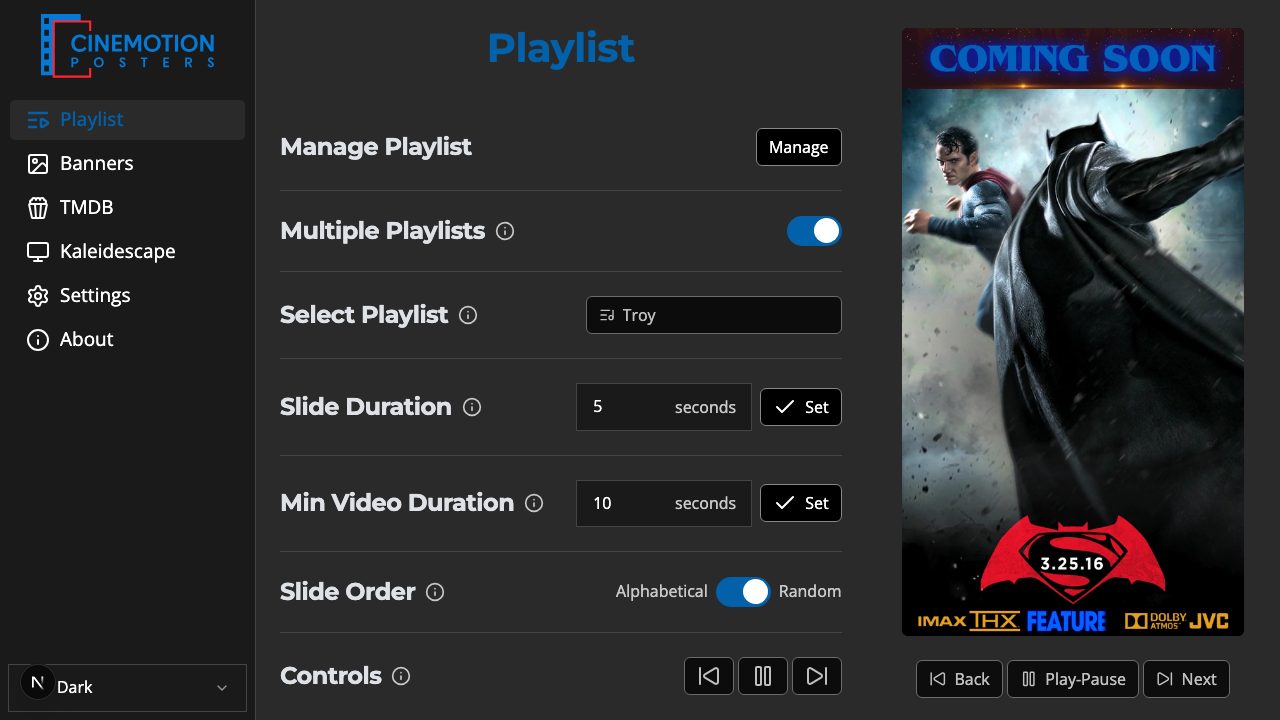
Find the Select Playlist row.


Open the list and choose a playlist.
The player should switch to it instantly.
TIP
If Multiple Playlists is on, turn it off first — this list is for one playlist at a time.
Related
- Multiple Playlists — play several playlists together
- Slide Order — alphabetical or random