
Appearance
Reset to Defaults
Clears your TMDB token so you can enter a new one. Playlists and posters stay as they are.
Quick use
Open TMDB from the menu.
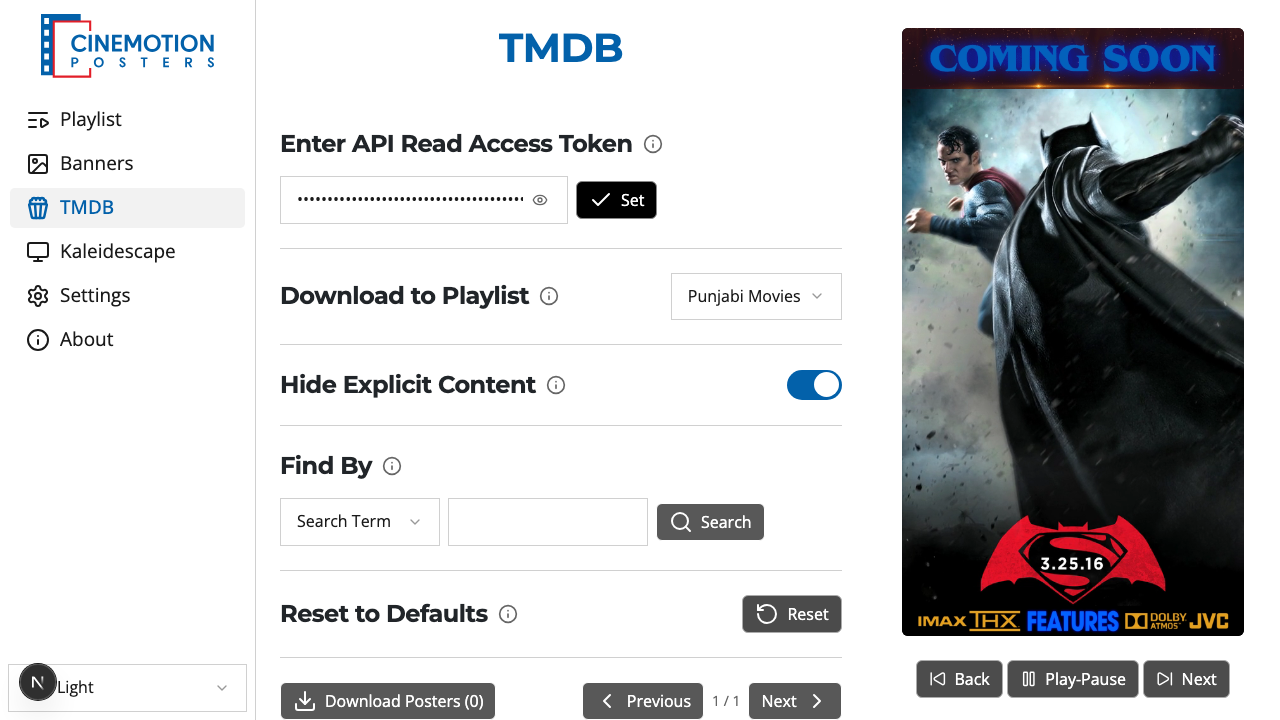
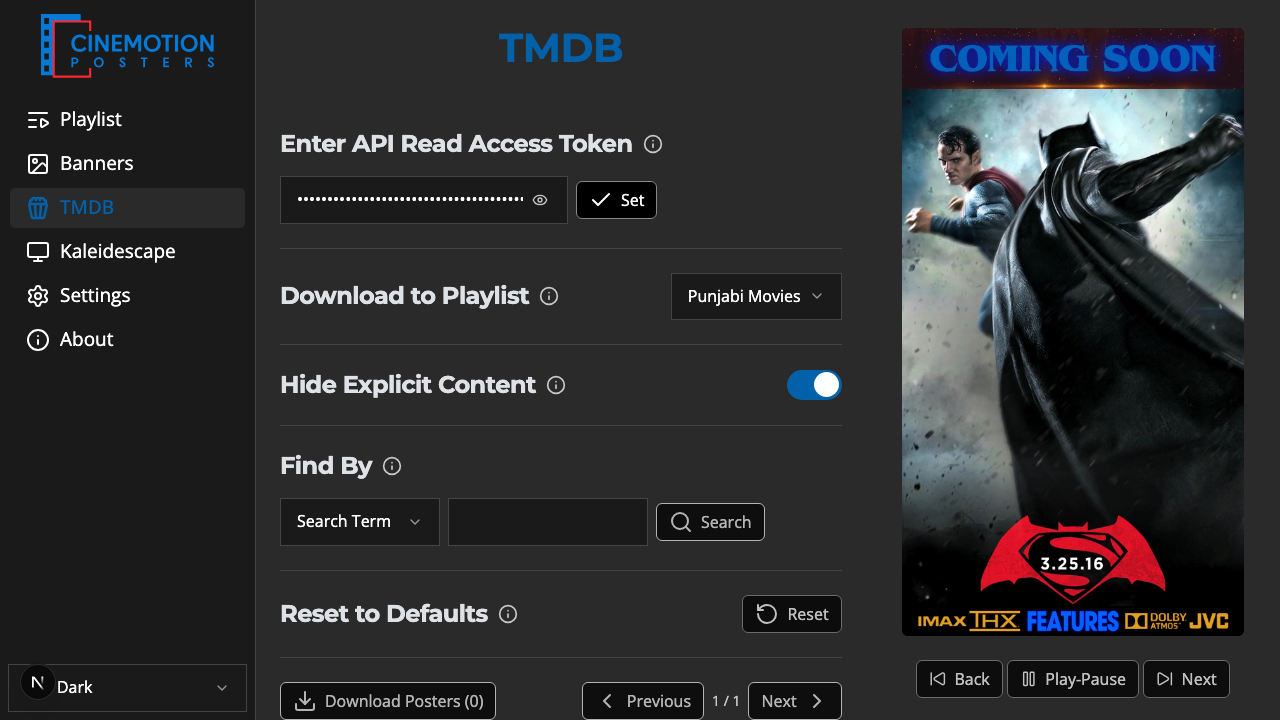
Find the Reset to Defaults row.


Click on the

 button.
A prompt asks you to confirm. Choose Continue to clear the token, or Cancel to keep it.
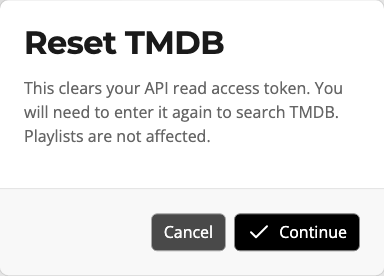
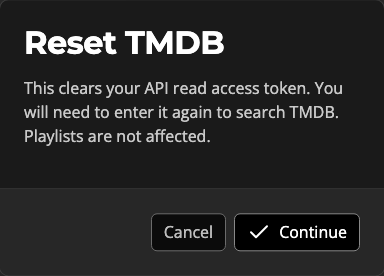
The token should be cleared instantly.
TIP
Only the token is removed. Your playlists and posters are not touched — you will just need to paste a token again before you can search.
Related
- API Read Access Token — enter a token again
- Search & Curate Posters — find posters after the token is set