
Appearance
Reset
Clears all Kaleidescape settings — the selected player, PIN, Now Playing, Poster Source, and the Now Playing top and bottom banner selections — so you can start the link fresh. Use it when you are switching players, fixing a bad connection, or handing the unit to someone else.
Quick use
Open Kaleidescape from the menu.
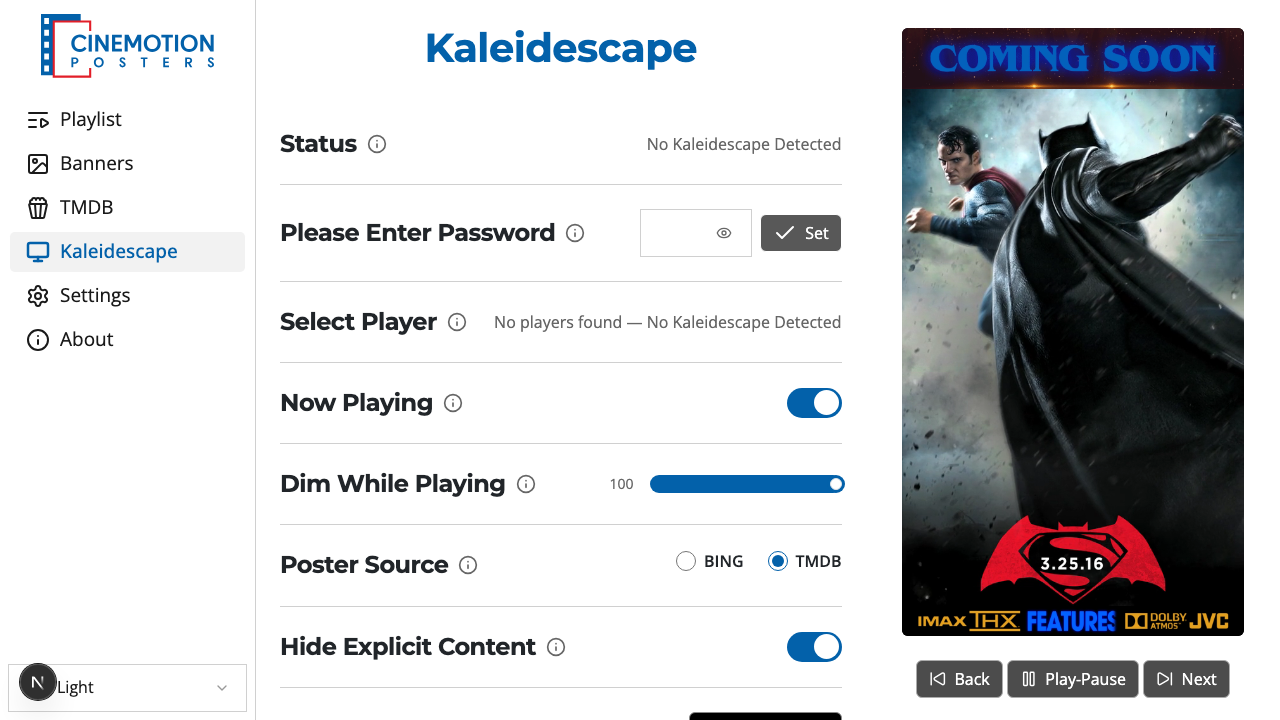
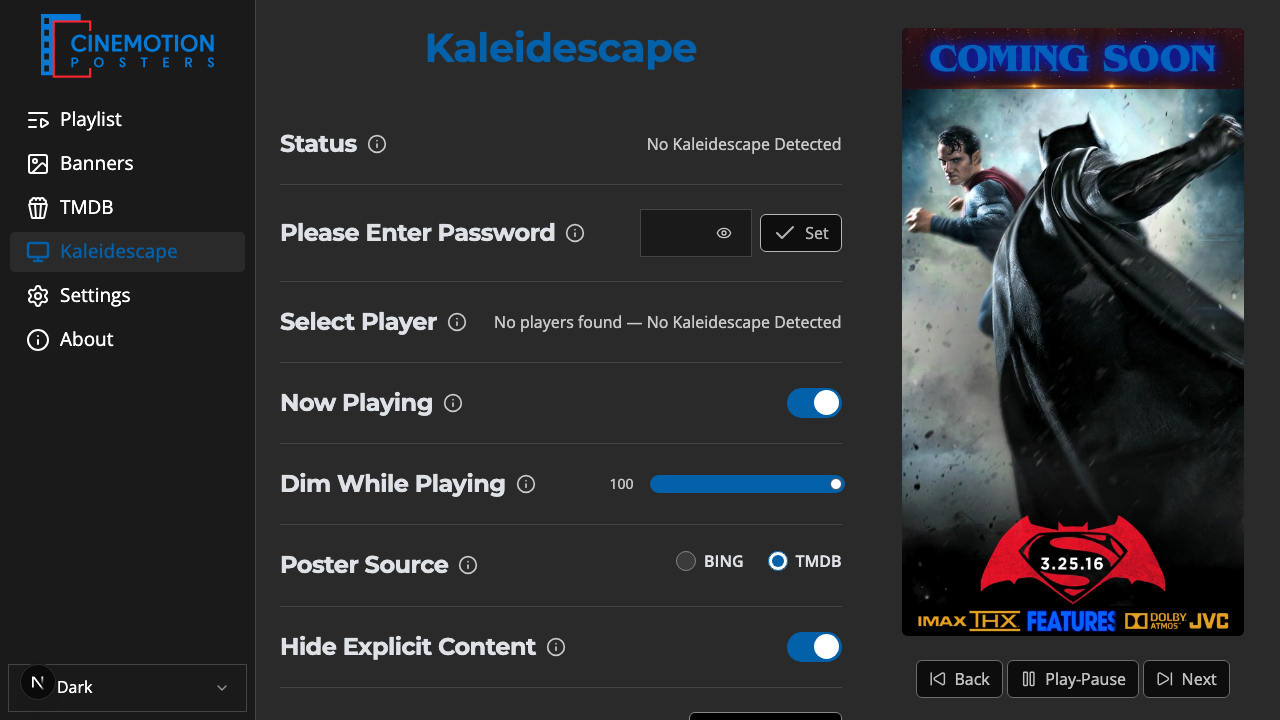
Find the Reset to Defaults row.


Click on the

 button.
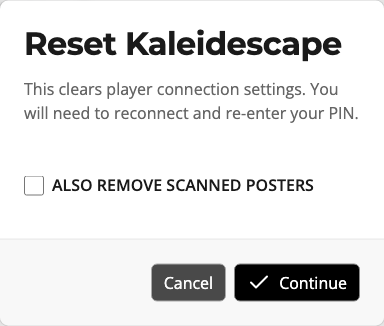
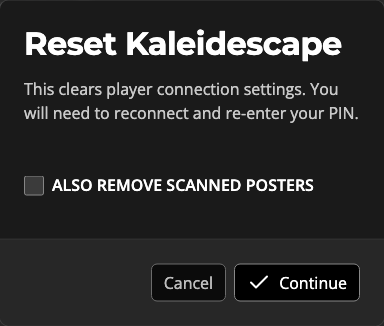
A prompt explains that connection settings will be cleared. Optionally check Also remove scanned posters. Choose Continue to reset, or Cancel to leave things as they are.
The reset should finish instantly. You will need to reconnect and enter your PIN again.
TIP
Scanned posters stay unless you check Also remove scanned posters. To delete posters without resetting the connection, use Delete All in the Poster Editor.
Related
- Poster Editor — delete posters without resetting the connection
- Get Posters — scan again after reconnecting
- Now Playing & Banners — what shows while a movie plays