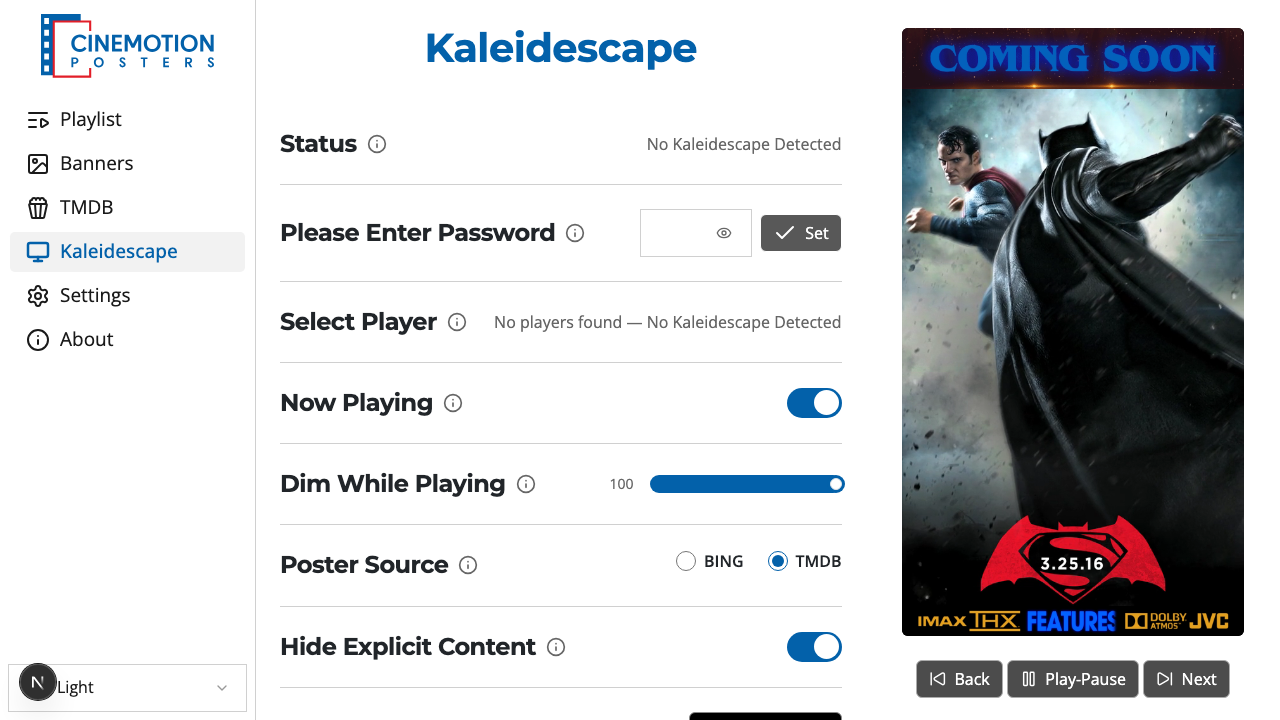
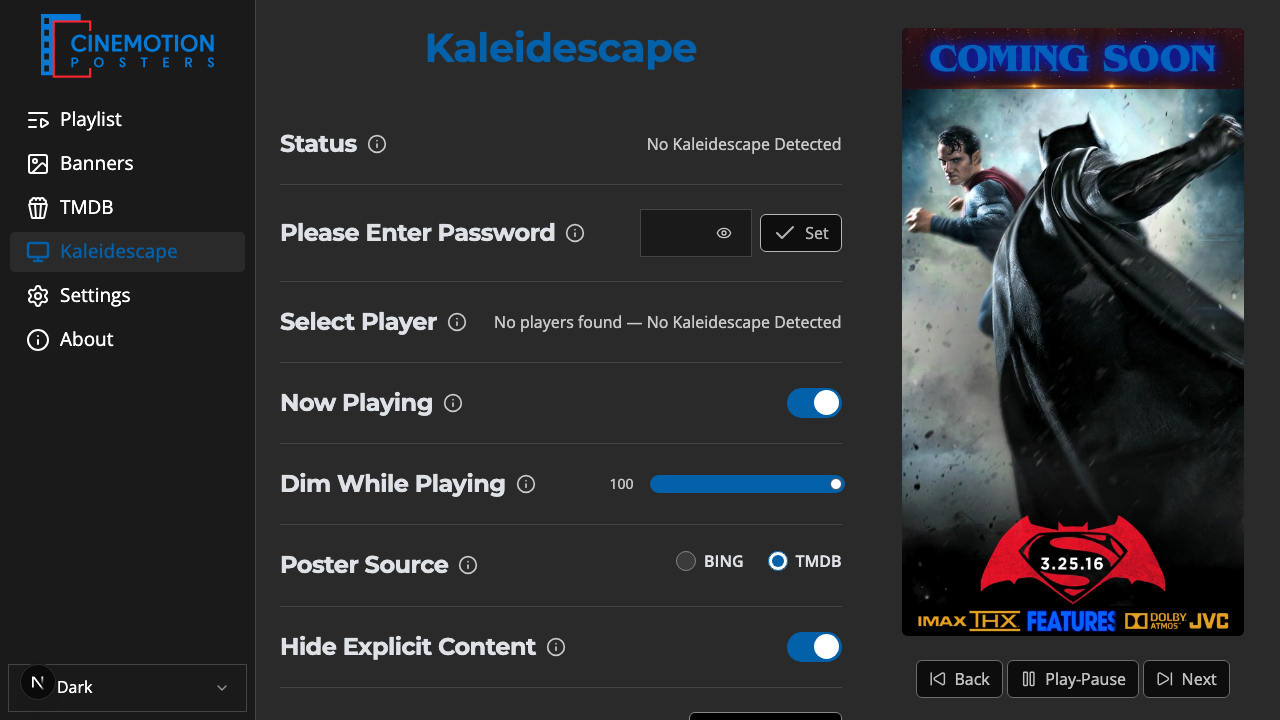
Appearance
Kaleidescape
Kaleidescape integration lets CineMotion connect to a Strato-series player, collect poster art for the movies in its library, and store your Now Playing preferences.
Open Kaleidescape in the appOverview
Connect a player, enter its PIN, and scan its library to collect movie posters you can add to playlists. The Now Playing, Dim, and banner settings on this page store your preferences for playback-linked display.
WARNING
Automatic poster and banner switching while a Kaleidescape movie plays is not active in the current software version — the Now Playing settings are saved but the display does not yet follow playback.