
Appearance
Factory Reset
Restores the player to a clean factory state. Use it when you are selling the unit, returning a dealer loaner, or handing the player to someone else — everything personal comes off.
Quick use
Open Settings from the menu.
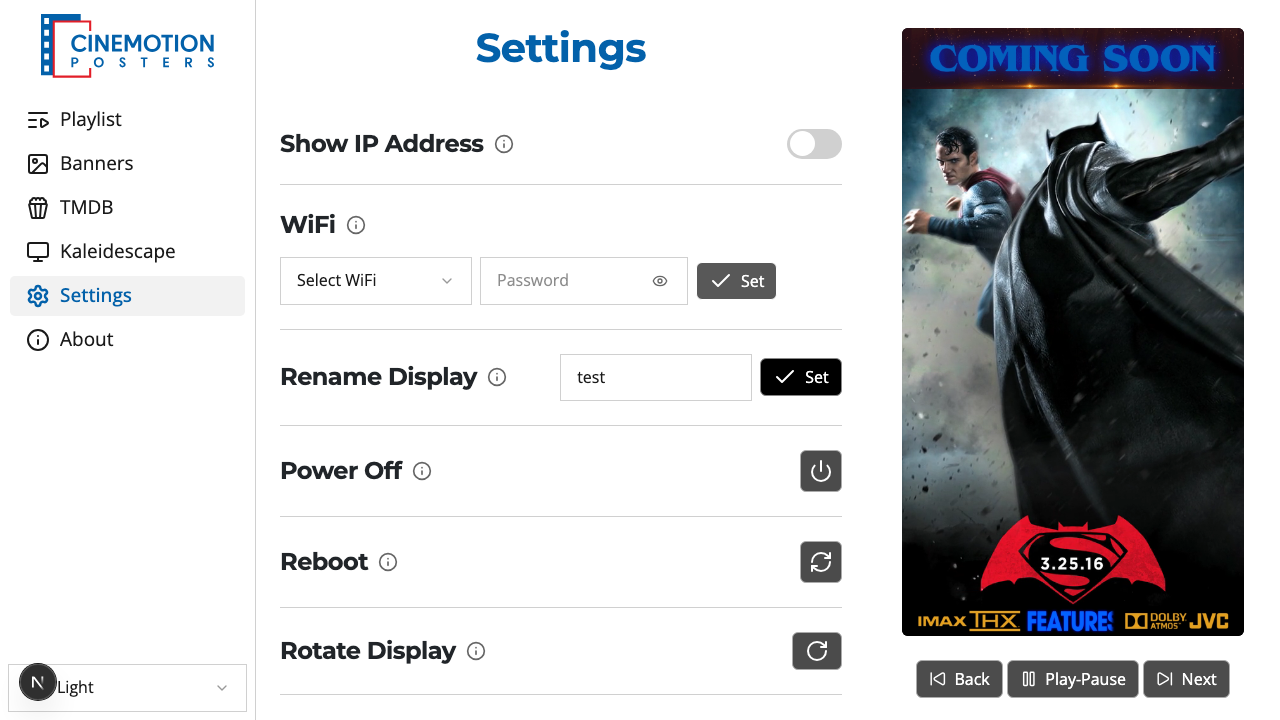
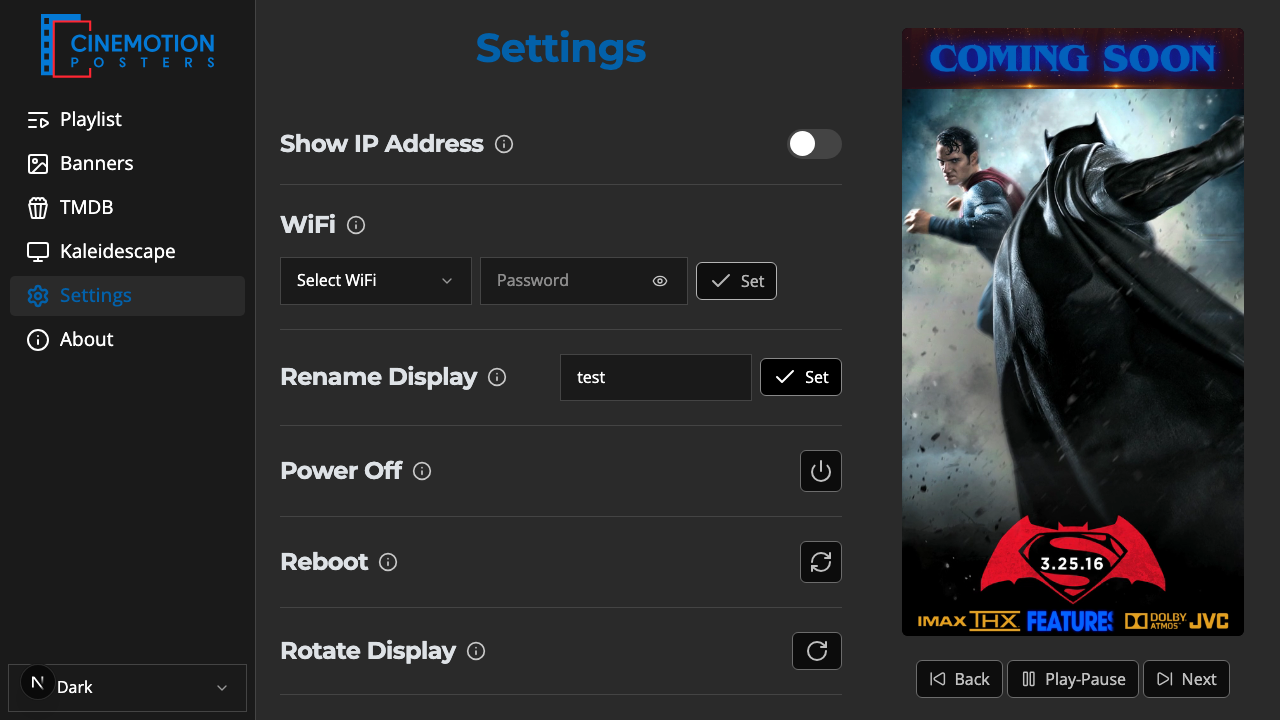
Find the Factory Reset row.


Click on the

 button.
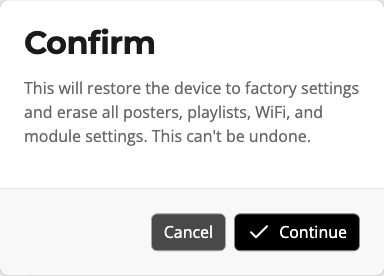
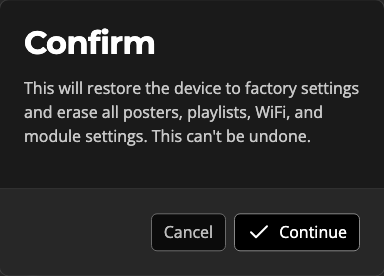
A prompt warns that this cannot be undone. Choose Continue to wipe, or Cancel to keep everything.
Within a few seconds the reset finishes and the app asks you to accept the user agreement again.
WARNING
This cannot be undone. It erases all posters and playlists, banners (files and selections), Kaleidescape connection settings and scanned posters, your TMDB API key, saved Wi-Fi, dim level, slide order, and the user agreement. Playlist timing options return to their defaults.
TIP
Display name, Show IP Address, rotate, Force 1080p, timezone, and time format are left alone.
Only need module settings cleared, and want to keep your posters? Use Settings Reset. Only need Kaleidescape posters removed? Use Delete All in the Poster Editor.
Related
- Settings Reset — clear selected modules, keep posters
- Poster Editor — delete Kaleidescape posters only